

Your MCP browser automation demo works perfectly until it meets a real site. The agent opens the page, finds the button, fills the form, and completes the workflow on your laptop. Then the same flow runs from a different environment, and the site sees mismatched TLS behavior, canvas output, WebGL details, and user agent values. A session that looked reliable in a clean demo becomes intermittent, challenged, or blocked.
That failure usually isn't caused by the model's ability to click. It comes from the browser identity underneath the tool call. Production automation needs a stable runtime, persistent sessions, and coherent signals across the browser, network stack, and operating environment.
Table of Contents
- Why MCP Browser Automation Matters Now
- The Architecture Behind Protocol-Driven Browser Control
- Engine-Level Fingerprinting Versus Injection Methods
- Integrating MCP Browsers with Claude Desktop and Cursor
- Operational Patterns for Production Workloads
- Where the Ecosystem Is Heading
Why MCP Browser Automation Matters Now
Traditional automation keeps browser control close to application code. Playwright or Puppeteer launches a browser, your script selects elements, and the workflow runs inside a project-specific integration. That model remains useful for deterministic tests, but AI agents need a shared way to discover and call browser capabilities.
Model Context Protocol, or MCP, provides that interface. MCP went public in late 2024, and within about a year its ecosystem had reached more than 97 million monthly SDK downloads and over 10,000 active servers, as documented by the MCP ecosystem milestone report. Major clients, including ChatGPT, Claude, Cursor, Gemini, Microsoft Copilot, and Visual Studio Code, support the protocol. Developers can therefore connect an agent to browser tools without building a separate adapter for every client.
The practical benefit appears when a workflow crosses tool boundaries. A developer can investigate a page in Cursor, continue an authenticated task through Claude Desktop, or let a coding assistant inspect a live browser without rewriting the control layer. MCP turns navigation, clicking, typing, screenshots, and page inspection into discoverable tool calls rather than isolated functions buried in one automation repository.
Production rule: Standardize the control interface, but keep browser identity and session state under explicit operational control.
The browser still has to behave like a coherent browser. A protocol can expose click and fill, but it can't repair a runtime whose TLS fingerprint suggests one Chrome version while its user agent claims another, or whose iframe and worker values disagree with the main page. Many demonstrations stop short of production reality at this point. The agent may select the correct element, yet the surrounding session can still fail trust checks.
A key milestone came on September 23, 2024, when Chrome DevTools MCP launched in public preview, followed by Microsoft's Playwright-MCP announcement on March 27, 2025, according to the MCP browser automation timeline. That sequence moved browser control from custom scripts toward protocol-driven agent workflows. The opportunity is significant, but the implementation still depends on the engine that executes each action.
The Architecture Behind Protocol-Driven Browser Control
MCP browser automation has three layers. Treating them as one interchangeable component makes debugging difficult, especially when a login disappears after a restart or a remote session behaves differently from a local one.
The transport layer
The transport connects an MCP client to an MCP server. Common choices include Streamable HTTP for remote access and local STDIO for desktop execution, as described in Browserbase's MCP transport documentation. The choice affects reachability and deployment, not the meaning of the browser action itself.
Local STDIO suits a developer running Claude Desktop or Cursor beside a browser process. Streamable HTTP is better when the client and browser tool server live in separate environments. Some implementations also support attaching to an existing Chrome instance through Chrome DevTools Protocol, or CDP, which allows a workflow to reuse a logged-in session instead of creating a fresh profile for every tool call.
The tool server
The server translates model requests into structured browser actions. It exposes operations such as navigation, page reading, clicking, filling fields, taking screenshots, and retrieving state. The client doesn't need to know whether the server uses Playwright, Puppeteer, CDP, or another implementation.
That separation is useful for teams that maintain several automation surfaces. A marketing operations team evaluating MCP for advertising tools can reason about the agent interface independently from the browser runtime that handles identity, cookies, and network access.
The browser runtime
The runtime is where reliability is decided. It owns the Chromium build, profile directory, cookies, storage, device signals, network behavior, and GPU path. If the runtime is recreated casually, the agent may receive the same high-level tools but operate as a different device each time.
Define the boundary clearly in your design. The Clearcote architecture documentation provides a useful reference for separating the MCP server, CDP endpoint, browser process, and persistent profile. This lets you replace a local runtime with Docker or a hosted browser without forcing the agent layer to change.
A reliable deployment answers four questions before the first workflow runs:
- Where does session state live? Decide whether cookies and storage belong to a named profile, a persistent volume, or a managed browser identity.
- How does the client attach? Use STDIO for local processes, HTTP for remote services, or CDP when an existing browser must remain alive.
- Which component owns identity? Keep fingerprint, locale, timezone, and proxy decisions in the runtime rather than scattering them across prompts and scripts.
- How will failures be observed? Record tool calls, browser state, navigation, and authentication transitions so a model mistake isn't confused with a runtime failure.
Engine-Level Fingerprinting Versus Injection Methods
JavaScript injection is attractive because it's easy to add to an existing automation script. A patch can override a browser property, alter a canvas response, or replace a reported user agent without rebuilding the runtime. The problem is that these patches often modify one observation surface while leaving related surfaces untouched.
A fingerprinting system doesn't inspect only one value. It can compare Canvas, WebGL, AudioContext, user agent, client hints, workers, iframes, TLS, and HTTP/2 behavior. If the main page reports one identity but a worker exposes another, or the browser claims a Chrome version whose network behavior doesn't match, the session contains a coherence gap.
Why injection becomes brittle
Injection usually runs after the browser engine has already established its behavior. It can change what page JavaScript reads, but it may not change the underlying network stack, rendering pipeline, worker context, or every isolated execution realm. That leaves teams maintaining a growing collection of patches and exceptions.
It also creates testing ambiguity. A script may pass a superficial property check while failing on a deeper cross-context comparison. When an authentication flow breaks, engineers then have to determine whether the problem comes from the agent's action sequence, the page's accessibility tree, the proxy, or a partially spoofed identity.
Practical rule: If a signal originates in the engine or network stack, changing its JavaScript representation alone isn't a complete identity strategy.
What engine-level control changes
Clearcote implements identity controls in C++ paths inside a Chromium fork, rather than relying on injected page scripts. The same patched engine can return coherent values from the main thread, workers, and iframes. Its network stack produces TLS and HTTP/2 fingerprints aligned with the claimed Chrome version, while seeded identities make a device repeatable across runs and distinguishable from other seeds.
The rendering path matters too. A real-GPU canvas bridge aligns read-back pixels with the persona's claimed GPU. Proxy geo-matching adjusts timezone, languages, and WebRTC to the exit location, reducing contradictions between the network and browser environment. Teams evaluating the approach can review the technical discussion in research on identifying the engine behind a user agent.
| Approach | Strength | Operational weakness |
|---|---|---|
| JavaScript injection | Quick to add to an existing script | Often leaves cross-realm and protocol inconsistencies |
| Browser launch flags | Useful for controlled test environments | Doesn't automatically create a complete, stable persona |
| Engine-level controls | Keeps browser and network signals aligned | Requires a managed browser build and disciplined identity lifecycle |
| Seeded profiles | Makes repeated sessions easier to reproduce | Requires careful seed and storage ownership |
No fingerprinting strategy guarantees access to every website. A coherent runtime reduces contradictions, but teams still need permission-aware workflows, rate controls, authentication handling, and observability. The engineering goal is not to make a browser invisible. It's to ensure that the identity you intentionally run doesn't contradict itself.
Integrating MCP Browsers with Claude Desktop and Cursor
Start with the runtime, not the model prompt. Choose whether the browser runs locally, inside Docker, or as a hosted service, then create a persistent identity and expose an attachment method. The MCP server should point to that stable browser rather than launching an anonymous instance for each request.
A practical integration sequence
- Create the browser identity. Assign a profile or seed, define the intended locale and network location, and store the profile where restarts won't erase it.
- Expose the browser. Use local STDIO when the MCP server and client share a machine. Use Streamable HTTP for a remote server. Use a standing CDP endpoint when several tools must attach to the same live session.
- Register the MCP server. In Claude Desktop, Cursor, or Cline, configure the MCP server command or endpoint and provide the browser attachment details through the supported configuration.
- Verify state before action. Ask the agent to read the page and report the current URL, title, and visible authentication state before it clicks or submits anything.
- Keep actions semantic. Playwright MCP uses structured accessibility snapshots, exposing roles, labels, and focusable elements rather than depending only on pixels, as explained in the Playwright MCP introduction. This is generally less brittle than coordinate clicking, provided the target page exposes useful accessibility metadata.
- Save evidence. Capture screenshots, tool results, and browser logs around important transitions. A failed assertion and a lost session require different fixes.
The same pattern works across clients because the client is mainly selecting tools and passing context. Claude Desktop is convenient for interactive workflows, Cursor fits repository-aware development, and Cline can operate within a coding workspace. None of them should own the only copy of cookies or profile state.
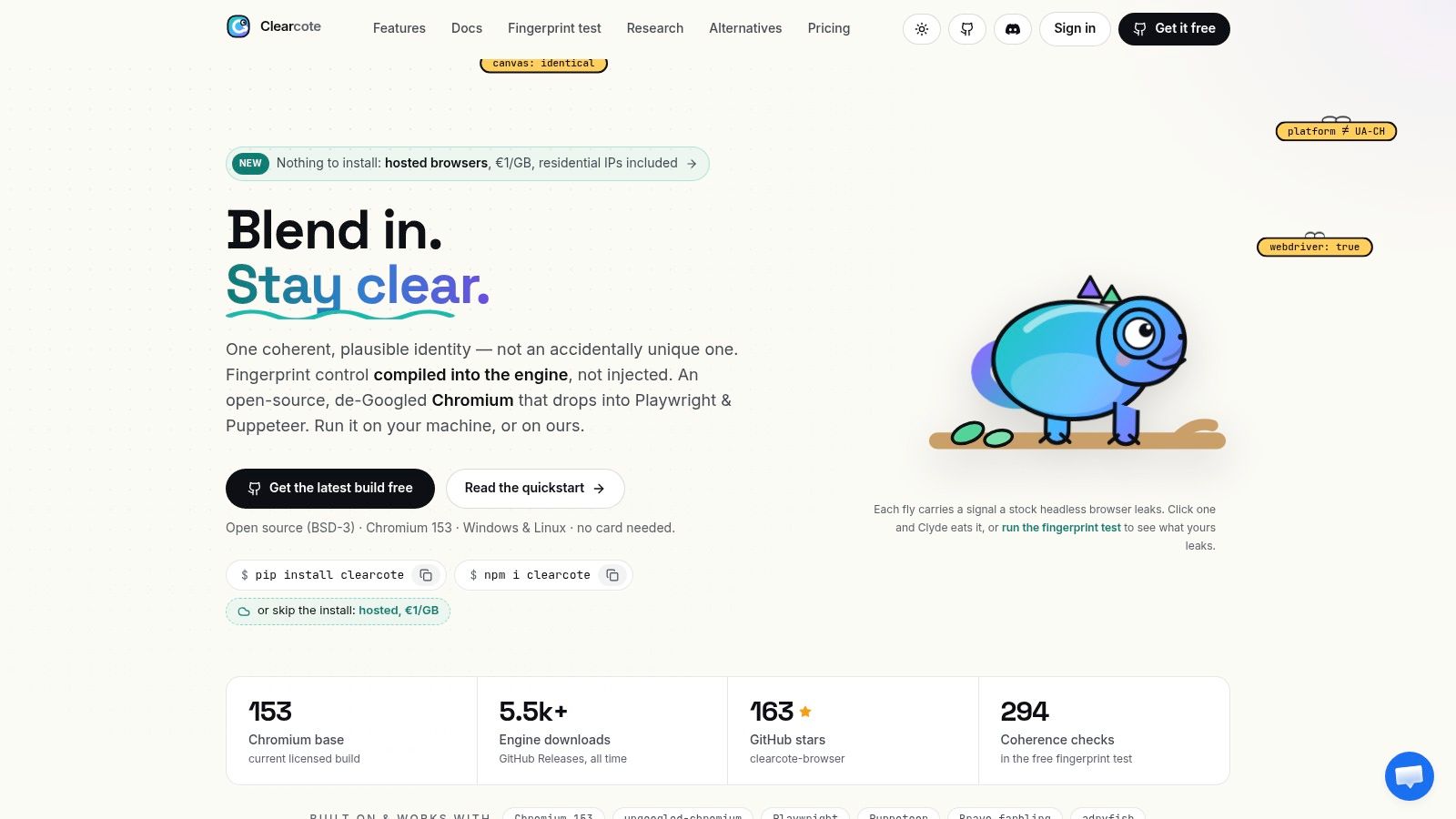
Clearcote Labs exposes an MCP server for fixed-identity browser control. It can work with its Playwright and Puppeteer SDKs, Docker deployment, or CDP attachment, allowing teams to change the agent client without changing the browser identity model.
For a visual walkthrough of the connection flow, use the embedded demonstration below.
Watch the video on YouTubeA common mistake is to let the agent create, authenticate, and destroy profiles opportunistically. That makes failures hard to reproduce. Give the workflow a named identity, make attachment explicit, and let the agent control pages within that boundary.
Operational Patterns for Production Workloads
Production reliability comes from treating browser sessions as stateful infrastructure. A workflow that logs in, performs an action, and returns a result depends on more than a sequence of clicks. It depends on the same cookies, device identity, network geography, browser version, and storage being available when the next action starts.
The persistent session pattern
Use a named profile for each durable identity. Attach through CDP when a live browser must survive multiple tool invocations, or mount persistent storage when the runtime can restart. Seeded identities are particularly useful for QA because the same seed can reproduce a device persona while separate seeds can represent distinct environments.
The profile should have an owner and lifecycle. Decide when it can be reused, when credentials must be rotated, and what evidence gets retained. Don't let a model switch profiles without notice after an authentication failure. That hides the root cause and can create an account access problem.
The hosted and reproducible runtime pattern
Hosted browsers with residential IPs can remove proxy fleet maintenance, while Docker images make local or controlled deployments easier to reproduce. Reproducible builds, checksums, and GPG signatures help teams verify what browser binary ran. Licensed builds may add recorded human motion and release timing, but those features don't replace correct session architecture.
The runtime should also match the workflow. Extension-heavy applications may need Manifest V2 or V3 support. Streaming tasks may require opt-in Widevine handling. A minimal headless image can be efficient for page extraction but unsuitable for an application that depends on extensions or protected media.
The reliability review pattern
Browser automation directories list 1,275 servers, according to MCP Market's browser automation category. That breadth makes discovery easier, but it doesn't tell you which server handles persistent logins, parallel sessions, or anti-bot pressure well.
Evaluate a candidate with a failure-focused checklist:
- Identity persistence: Restart the client and confirm the expected cookies, storage, and browser persona remain available.
- Concurrency isolation: Run parallel sessions and verify that profiles, pages, credentials, and network routes don't cross.
- Coherence testing: Inspect values across workers, iframes, rendering, and network behavior, not just one JavaScript property.
- Recovery behavior: Interrupt navigation, expire a session, and force a browser restart. Confirm the workflow reports a recoverable state instead of improvising.
- Observability: Preserve enough context to identify whether the model selected the wrong element or the runtime changed underneath it.
A demo proves that an agent can operate a page. A production test proves that it can fail safely and resume with the correct identity.
Where the Ecosystem Is Heading
The ecosystem is moving from local experiments toward managed browser runtimes. Microsoft's June 2026 preview exposed MCP-native browser automation in hosted toolboxes, as described in the Azure AI Foundry browser automation announcement. That direction matters because teams increasingly want the convenience of remote execution without giving up session continuity, enterprise credentials, or control over where browser state is stored.
Managed execution doesn't remove the hard questions. It relocates them. An organization still needs to know whether cookies are encrypted, how profile state is retained, which operators can inspect a session, and whether an agent in Claude Desktop, Cursor, or VS Code can reconnect to the same identity without creating a new browser.
The production gap remains architectural
Many MCP pages optimize for a quick start. That makes sense for adoption, but a copied configuration rarely answers the questions production teams face:
- Can several sessions run without identity crossover?
- Does a restart preserve the intended login?
- Can the browser attach through CDP after the client reconnects?
- Do browser, GPU, locale, WebRTC, TLS, and HTTP/2 signals describe one plausible device?
- Can engineers reproduce a failed run using the same build and identity seed?
The category's rapid growth doesn't provide comparative proof of those properties. The earlier MCP browser automation coverage highlights the difference between a large server directory and demonstrated production readiness. Teams should test operational behavior directly instead of treating protocol compatibility as a reliability guarantee.
What a durable design looks like
The most dependable pattern separates concerns without separating identity. MCP handles the agent-facing tool contract. The transport handles connectivity. The tool server handles action translation. The browser runtime owns the profile, rendering behavior, network stack, and session lifecycle.
That division also clarifies vendor evaluation. Look for engine-level coherence where fingerprint consistency matters, reproducible builds where change control matters, and persistent profile mechanisms where workflows span multiple invocations. A browser that exposes many tools but loses its identity after every restart is still a poor production dependency.
Agentic and scripted automation will increasingly share the same browser control surfaces. The distinction won't disappear entirely, because deterministic tests still need explicit locators and assertions, while agents are useful for exploration and adaptive tasks. But both workloads will depend on the same operational fundamentals: stable runtimes, controlled identities, clear attachment paths, and evidence when something fails.
The next useful step isn't adding more tools to the prompt. Run a failure-oriented pilot. Create a persistent identity, connect it through your intended MCP client, restart every component that may restart in production, and verify that the browser remains the same coherent device throughout the workflow.
Clearcote Labs provides an open-source Chromium fork with engine-level fingerprint and identity controls, Playwright and Puppeteer SDKs, Docker and CDP deployment options, hosted browsers, and an MCP server for clients such as Claude Desktop, Cursor, and Cline. Visit Clearcote Labs to evaluate a fixed-identity browser runtime against your MCP workflow and test session persistence before moving beyond the demo stage.