Real captures, off the rack
Instead of a synthetic seed-derived persona, report the values captured from a real Chrome machine — its GPU strings, screen, fonts and hardware counts — via --fingerprint-profile. The clearcote-profiles library converts the open chrome-fingerprints dataset (~10k real Windows-Chrome captures) into thousands of coherent, ready-to-use profiles.
72
curated, validated samples — GPU-diverse, ready to use
~8.5k
profiles in the full generated library
~10k
real Chrome captures in the source dataset
Curated, not just converted. Captures taken under software rendering (SwiftShader / llvmpipe) or inside a VM (Parallels / VMware / VirtualBox) are filtered out — a VM adapter is its own tell. The rejected records are kept in the repo's excluded/ folder for transparency, alongside the index.json manifest that tags every profile with its GPU vendor, family, screen and concurrency (Intel 29 · NVIDIA 34 · AMD 9 in the sample set).
What a profile carries — and what it deliberately doesn't
The values it reports
- GPU — the WebGL unmasked vendor/renderer strings, the getParameter table, and the supported-extension list
- Screen — resolution, available area, color depth, device-pixel-ratio, color gamut
- Hardware — hardwareConcurrency and deviceMemory
- Fonts, speech-synthesis voices, audio sample-rate & latency
The browser version (kept current)
Profiles do not carry the User-Agent, Chrome version or UA-CH brands. The source dataset is Chrome 117; Clearcote ships a much newer engine. Importing the old version would make the browser claim 117 while behaving like its real version — a mismatch that is itself detectable. Clearcote keeps its own current version; only the captured values are borrowed.
{
  "meta": { "id": "vinyzu-04201", "gpu_vendor": "Intel", "gpu_family": "Arc" },
  "hardware_concurrency": 12,
  "device_memory": 8,
  "screen": { "width": 1920, "height": 1080, "color_depth": 24, "device_pixel_ratio": 1 },
  "webgl": {
    "UNMASKED_VENDOR_WEBGL": "Google Inc. (Intel)",
    "UNMASKED_RENDERER_WEBGL": "ANGLE (Intel, Intel(R) Arc(TM) A770 Graphics Direct3D11 vs_5_0 ps_5_0, D3D11)"
  },
  "fonts": { "detected": ["Arial", "Calibri", "Cambria", "Consolas", "Segoe UI", "… 390 more"] },
  "audio": { "BaseAudioContextSampleRate": 48000, "AudioContextBaseLatency": 0.01 }
}
What you actually download: each profile is one JSON file. This one is an Intel Arc A770 desktop — one real machine's reported values, captured whole: an Arc A770 driver table, 12 threads, 8 GB, a 1080p screen and 395 installed fonts. 71 more ship in samples/, ~8.5k more via generate.py.
What a profile is not: hardware. A profile changes what the browser reports. It does not change what draws your pixels — canvas, WebGL readback and audio still come from the machine you are actually running on, and no browser can change that. So two accounts using two different profiles on one machine still render an identical canvas. If you need each account to look like a different machine at the pixel level, that comes from a per-account fingerprint seed, not from the profile.
How to configure it
Measured against pixelscan and BrowserScan across ~30 configurations. The two rules below are the ones that actually moved the result.
1Report the real GPU
Your host draws the pixels either way. Claiming a different GPU means the name and the render disagree, and scanners that hash the rendered output charge for it. Turning disable_gpu_fingerprint=True on makes the reported GPU match the one doing the work — it moves WebGL and WebGPU together, so the two never contradict each other. The profile still supplies screen, fonts and hardware counts.
2One seed per account — and don't pair it with a profile
A profile alone gives every account the same canvas, because it substitutes reported values and never touches the render. The per-account canvas comes from the fingerprint seed. Setting a seed and a captured profile together is the one combination scanners flag as tampering — pick one. For multiple accounts, pick the seed.
Multi-account setup: a unique seed per account + real GPU + its own proxy. Leave canvas noise on — switching it off removes the per-account canvas you just paid for.
import clearcote

# ONE ACCOUNT, ONE IDENTITY — the multi-account setup
browser = clearcote.launch(
    fingerprint="acct-1",              # unique per account: this is what varies the canvas
    disable_gpu_fingerprint=True,      # report the real GPU, so name and render agree
    geoip=True,                        # timezone + language follow the proxy
    proxy={"server": "..."},           # one per account
)                                      # note: no fingerprint_profile — a seed replaces it

# A CAPTURED MACHINE INSTEAD — for a single identity, not a fleet
# (the repo's samples/ set works out of the box)
browser = clearcote.launch(
    fingerprint_profile="samples/vinyzu-04201.json",   # an Intel Arc A770 desktop
    disable_gpu_fingerprint=True,
)                                      # note: no fingerprint seed alongside it
Generate the full library
The canonical converter lives in the browser repo and is pinned as a dependency — curation is layered on top:
pip install -r requirements.txt   # dataset + canonical converter
python generate.py                # -> profiles/*.json (~8.5k profiles)
python generate.py --samples 80 --out samples   # regenerate the sample set
Rather point and click?
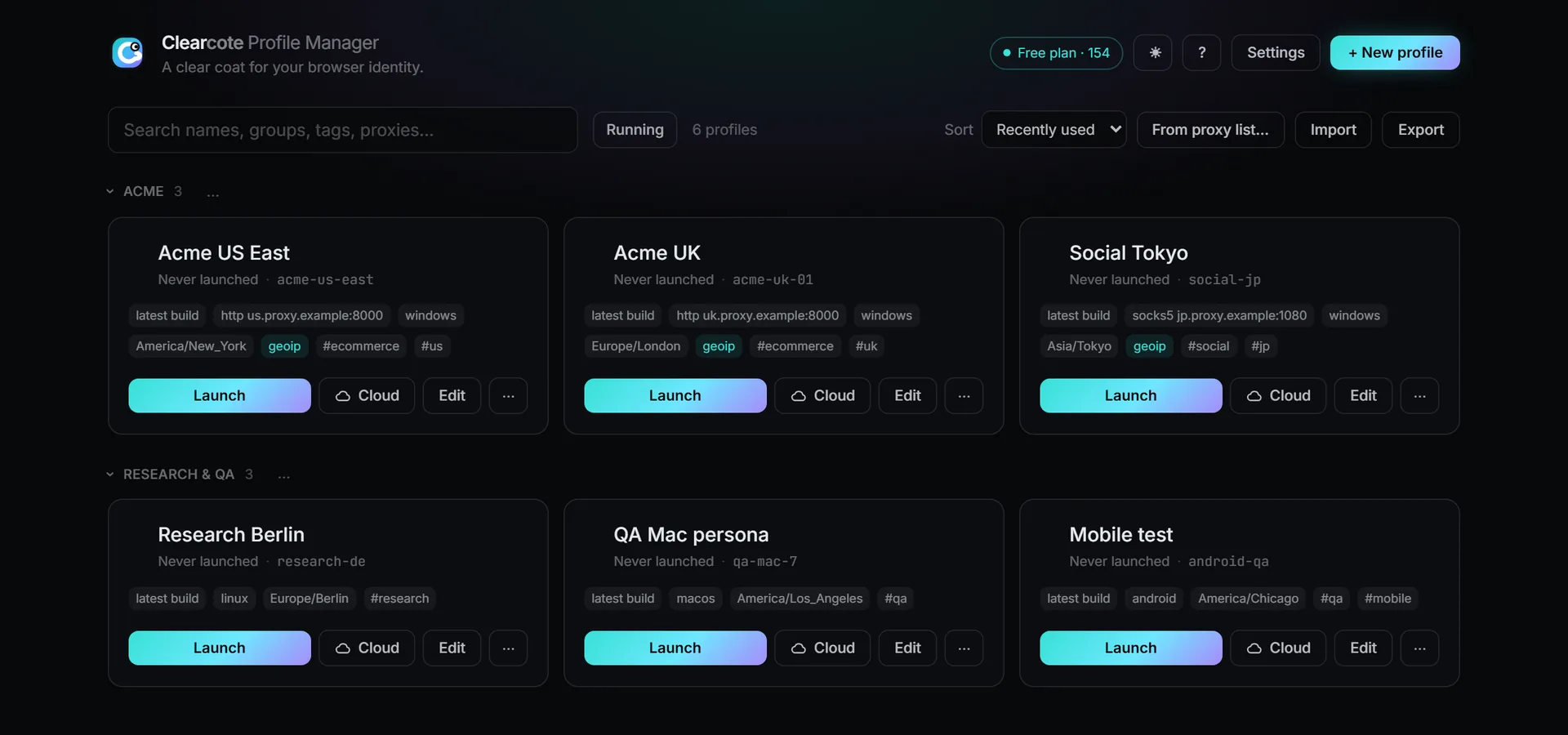
The Profile Manager browses this library for you — filtered by your host's GPU vendor — and launches the pick as an interactive window. No code at all.
License & attribution. The profiles are derived from chrome-fingerprints © Vinyzu, so the library is GPL-3.0 — note this differs from the Clearcote browser itself, which is BSD-3-Clause. Keep the attribution and license if you redistribute.