
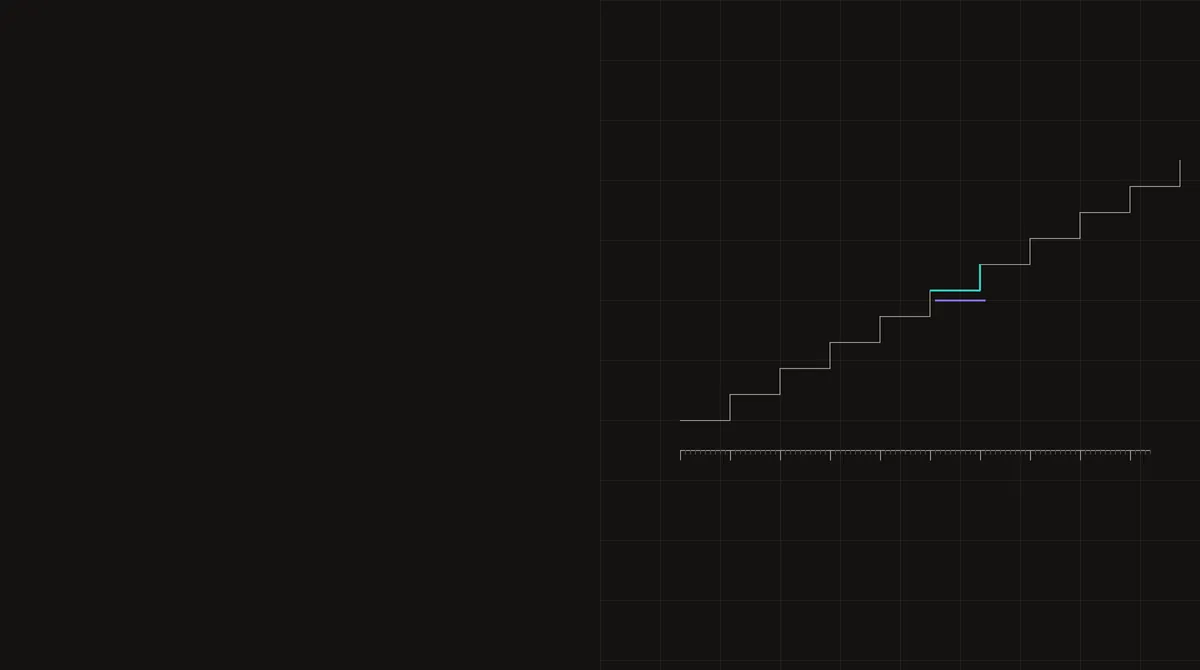
A clock with a step
performance.now() returns milliseconds since the page's time origin, read from a monotonic clock. Since the Spectre attacks of 2018, browsers no longer return the full precision of that clock. The High Resolution Time specification tells them to coarsen it to at least 100 microseconds, or 5 microseconds when the page is cross-origin isolated, and allows jitter on top. Engines may be coarser than that, and they are, in different ways.
So two consecutive readings never differ by less than a fixed step, and the step is a property of the engine and the context. Any page can measure it by reading the clock in a tight loop and keeping the smallest positive difference.
Measured in Chrome 156
We measured Chrome 156 on Linux with the same method a deployed challenge widget uses: 5,000 back-to-back reading pairs in a dedicated worker, keeping the smallest positive difference, plus a 200 ms busy loop for comparison.
- Normal page and its worker: smallest step 0.09999847412109375 ms, the 100 µs clamp.
- Cross-origin-isolated page (served with COOP and COEP) and its worker: 0.0049991607666015625 ms, the 5 µs clamp.
Date.now()stepped by 1 ms in all four contexts.
A dedicated worker gets the same clamp as its page. Chromium's clamper rounds each reading to the start or end of its interval depending on a pseudorandom threshold per interval, so occasionally an interval is skipped and two readings differ by 0.2 ms; the smallest step is still 0.1.
Other engines differ. Firefox reduces timer precision to 1 ms by default, and to 16.67 ms with its resist-fingerprinting mode. WebKit reduced precision to 1 ms in 2018; captures of iOS Safari 26 show whole milliseconds inside a cross-origin widget iframe and 20 µs steps on another page. A widget that reports a 0.1 ms step for a session claiming Safari has measured a Chromium clock.
The float artefacts
Chrome's readings are not clean decimals. A run of readings looks like 57, 57.10000038146973, 57.20000076293945, 57.29999923706055. The reason is arithmetic: on Linux Chrome reads the absolute monotonic clock, converts both the reading and the time origin to milliseconds as doubles, and subtracts them. The absolute value is large, so its doubles are spaced coarsely, and that spacing survives the subtraction.
On our test machine, with 134 days of uptime, every reading sat exactly on a 2-19 ms grid, which is the spacing of doubles between 233 and 234 ms, or 99 to 199 days. On a machine that booted recently the error is much smaller; one published example is 23.300000000745058. So the exact value of the measured step, 0.09999847412109375 rather than 0.1, carries a coarse hint of how long the machine has been running. That last point is our inference from one machine and the arithmetic, not a tested claim across many machines.
The practical consequence is simple: an emulated clock that returns clean multiples of 0.1, or any reading pattern that does not match the engine's arithmetic, is distinguishable from the real one.
Why timing probes measure the clock first
The same widget reports several durations: a four-kernel WebAssembly benchmark, a SHA-256 proof of work that runs for a fixed time budget, the round-trip times of a WebSocket echo, and the time it takes to flush a file in the origin's private file system. Every one of them is measured with performance.now().
A duration is only meaningful relative to the clock's step. Knowing the step, the server can check three things: that the step fits the claimed browser and context, that every reported duration is quantised the way that clock quantises (multiples of 100 µs with the right artefacts, or whole milliseconds), and that the speeds are plausible for the claimed device. A session that reports a Safari User-Agent with Chromium-quantised durations fails the second check even if every speed looks right.
The through-line
The clock is a small example of a general point: the engine leaves its signature on every number it produces, not only on the values that look like fingerprints. The native-function timing checks, the proof of work and the WebSocket echo all inherit this clock, and all of them have to agree with the engine the session claims.