Open source browser automation is not one category, it's a control stack. Playwright, Selenium, Puppeteer, crawler SDKs, and browser forks solve different problems, and the wrong choice usually means extra infrastructure, extra maintenance, or both. If your team needs cross-browser testing, Chromium-only control, readable QA specs, Go automation, or crawler operations, compare the tool to the problem first, not to the label “open source.”
The most useful way to read this list is by control layer: browser coverage, protocol access, language fit, deployment model, licensing, community momentum, and how much fleet work your team has to own. Some tools are good at writing scripts fast, some are good at standards and portability, and some are really browser infrastructure with a developer API on top. That distinction matters more than feature checklists, especially once automation moves from one browser on a laptop to hundreds of sessions in production.
Practical rule: if the tool can't tell you what layer it controls, you'll end up paying for that ambiguity later in debugging, proxies, or session management.
Table of Contents
- 1. Clearcote Labs
- 2. Playwright
- 3. Puppeteer
- 4. Selenium
- 5. WebdriverIO
- 6. Taiko
- 7. Nightwatch.js
- 8. Robot Framework + Browser Library
- 9. Rod
- 10. Apify SDK
- Top 10 Open-Source Browser Automation Tools, Feature Comparison
- Choose the Smallest Stack That Fits
1. Clearcote Labs
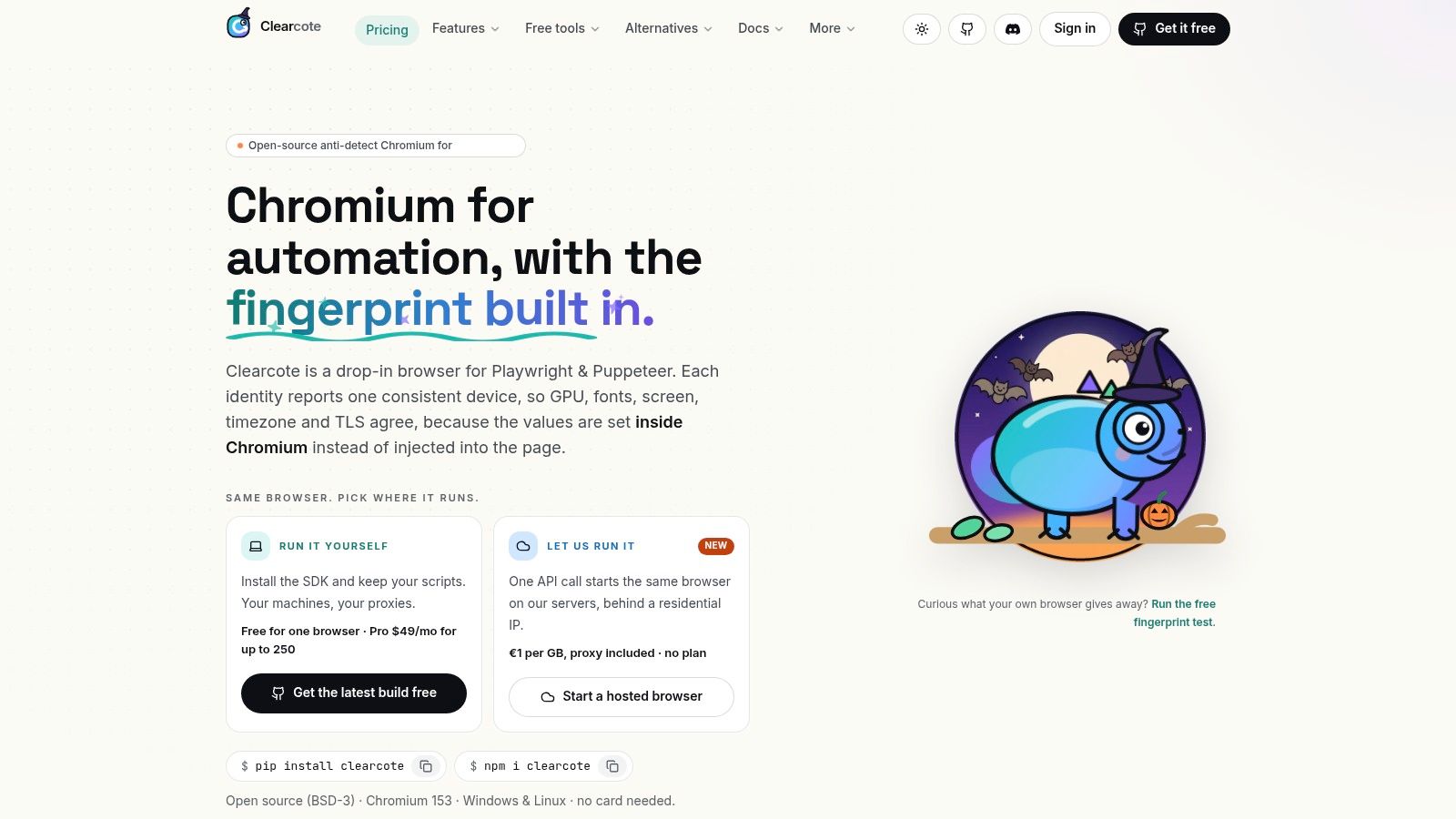
Clearcote Labs stands apart because it treats browser identity as an engine problem, not a page-script problem. The core idea is simple: a de-Googled Chromium fork with fingerprint and identity controls built into the browser engine itself, so the signals come from the same place the browser computes them. That's a different posture from plugins or injected JavaScript, and it matters when you need coherence across the main thread, workers, iframes, and network-level signals.
Why it fits identity-sensitive automation
For Playwright and Puppeteer users, the migration path is intentionally low friction. The SDKs are drop-in, so you keep your scripts and switch the browser binary, which is the right trade-off when you already have working automation and don't want to rewrite it around a new API. Clearcote also exposes local runtimes through Docker or CDP, plus a Profile Manager on Windows for persistent personas, which makes it useful for QA, scraping, and AI agent work where the browser state has to survive across sessions.
The strongest practical differentiator is coherence. Clearcote's engine-level approach is designed to align Canvas, WebGL, WebGPU, AudioContext, fonts, locale, and TLS or HTTP2 fingerprints with the same persona, instead of letting those layers drift apart. It also publishes seeded identities, so one seed maps to one device and different seeds stay unlinkable by design, which is especially useful when teams need repeatability in testing or controlled variation in scraping.
Deployment, openness, and the cost of scale
Clearcote gives teams a few operating modes. The open build is BSD-3 and reproducible from source, while the latest licensed build is free for one concurrent browser if you sign in with a qualifying GitHub account, with Pro and hosted options for more scale. The hosted browsers include residential IPs and remove fleet upkeep, which is often the primary cost center when browser automation grows beyond a handful of sessions.
The trade-off is that the strongest identity features sit inside a browser you have to trust and operate. That's fine for teams who want auditable builds, checksummed and GPG-signed releases, and a consistent browser persona. It's less ideal if you only need a generic test runner.
Best fit: teams that care about repeatable browser identities, cross-realm coherence, and production automation that has to survive modern detection systems.
Website: Clearcote Labs
2. Playwright
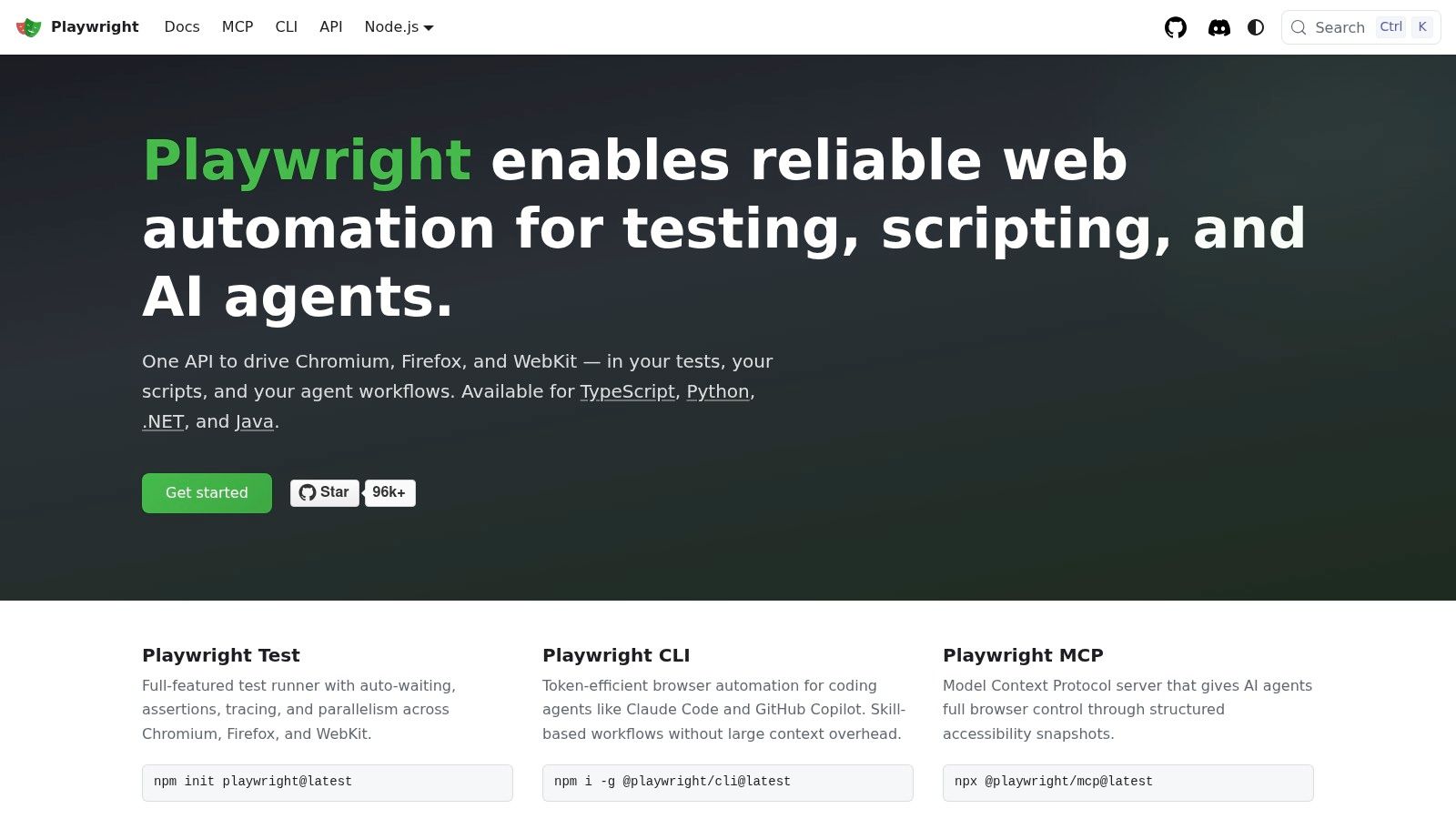
Playwright is the default answer for modern cross-browser automation because it solves the testing problem at the right layer. It handles Chromium, Firefox, and WebKit from one API, which makes it the most practical choice when browser coverage matters more than protocol purity. In the open-source browser automation world, that breadth is why it shows up in so many QA and CI stacks.
Where it earns its keep
Playwright's day-to-day advantage is not just browser support, it's the ergonomics around flaky UI work. Auto-waiting, resilient locators, code generation, and tracing reduce the amount of defensive glue a team has to write. If you've maintained browser tests long enough, you know the hidden cost is rarely launching the browser. It's waiting for the right state, understanding a failure, and keeping selectors stable through UI changes.
That's why Playwright is a strong default for CI, regression testing, and scraping workflows that need a cleaner failure model. Its ecosystem is also broad enough that teams can fit it into JavaScript, TypeScript, Python, Java, or .NET workflows without forcing everyone into the same stack. The browser automation open source ecosystem has clearly consolidated around it, with a large and active usage footprint in independent coverage of the tooling scene.
Migration and maintenance trade-offs
The main cost is that Playwright can pull teams toward a test-runner-centric way of thinking. That's a strength when you want a full testing workflow, but it can feel heavier than a small protocol client if your goal is just to control Chromium. It also has a bigger dependency footprint than WebDriver-only stacks, so some teams inherit more tooling than they want.
The good news is that the documentation and CI fit are strong enough that the operational trade-off usually makes sense. For the majority of teams building new cross-browser suites, Playwright is the lowest-friction path to reliable browser automation. If you already have a mature Selenium estate, the decision gets more complicated, but for net-new work it's hard to beat the balance.
Internal guide for Clearcote and Playwright users: Playwright integration notes
Website: Playwright
3. Puppeteer
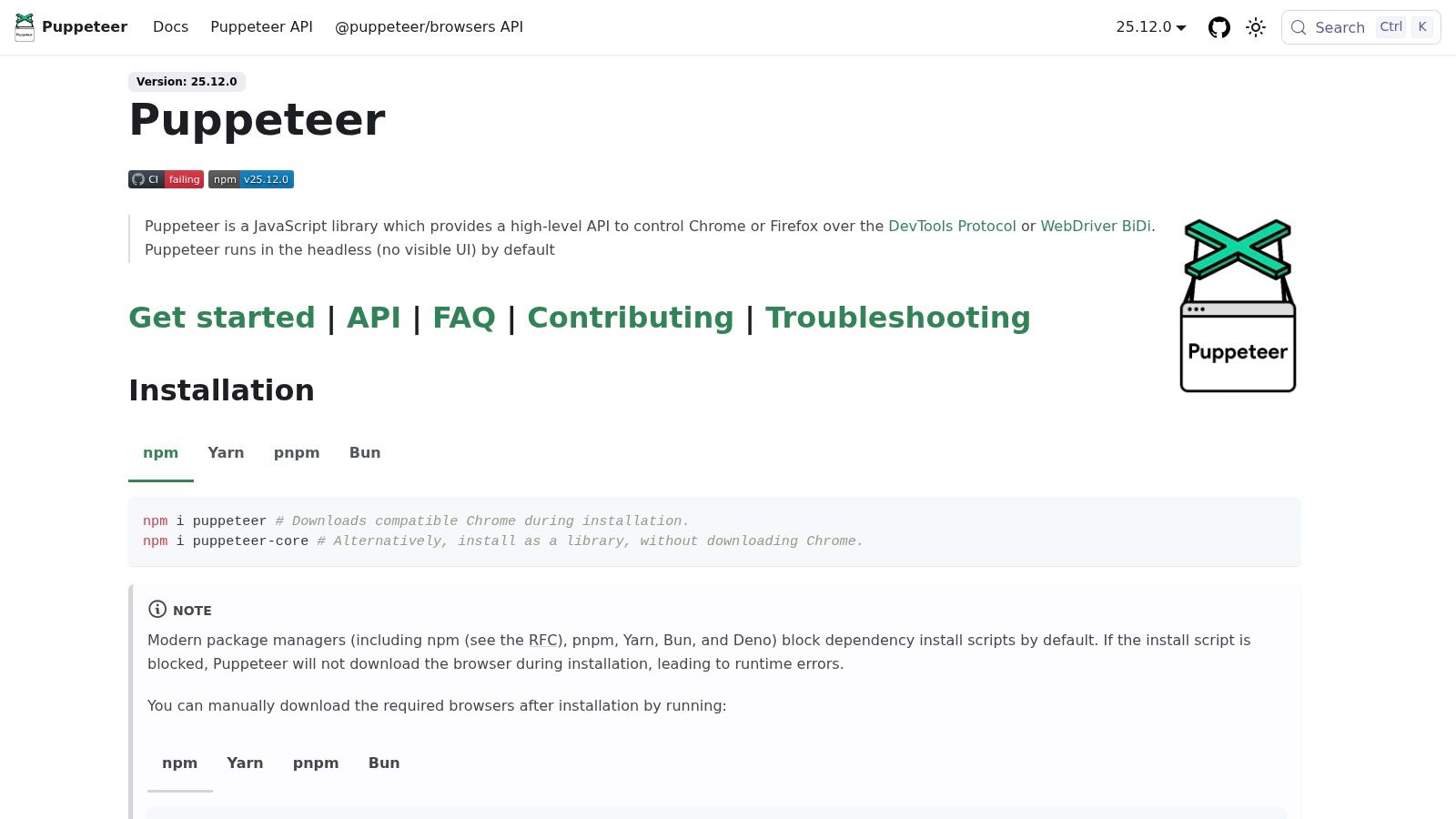
Puppeteer is the canonical Chromium control library, and it still feels like the cleanest way to work close to CDP without building everything yourself. It's Chrome-first by design, which is exactly why many scraping and rendering jobs still start here. If the job lives in Chromium and the team wants a direct, readable Node API, Puppeteer is hard to beat.
Where Puppeteer stays strong
Puppeteer's biggest strength is how little it asks from the developer. The API surface is small, the mental model is direct, and CDP access is close enough that fine-grained browser work stays practical. That makes it a natural fit for screenshots, PDFs, content extraction, and Node services that need to launch a browser, do the thing, and exit.
The library also remains important because it helped normalize browser automation open source in the first place. The move from a Chrome-only automation niche to a broader ecosystem happened as tools like Puppeteer and, later, Playwright became mainstream infrastructure. For teams with a lot of JavaScript and TypeScript code, that history still matters because the ecosystem around Puppeteer is mature and familiar.
What it does not solve for you
Puppeteer's simplicity comes with limits. It is still most comfortable in Chromium, and while Firefox support exists through WebDriver BiDi, true cross-engine parity is still a moving target. That means it's a better fit for browser control than for strict cross-browser QA. If your team really needs the same test to run across multiple engines, Playwright or Selenium is usually a safer anchor.
It also leaves more of the surrounding framework up to you. Assertions, fixtures, and reporting don't arrive as a full package in the way some test runners do. That's not a flaw, it's a trade-off, but it means the hidden maintenance cost sits in your own scaffolding.
Backlink for crawl workflows: AgentStack's crawl page setup
Internal alternative guide: Puppeteer stealth alternatives
Website: Puppeteer
4. Selenium
Selenium stays relevant because standards matter when teams, languages, and browser vendors all need to cooperate. It's the original browser automation workhorse, and Selenium 4's support for both WebDriver Classic and WebDriver BiDi gives it a more modern path without abandoning interoperability. That combination keeps it useful for enterprise estates that care more about portability than about the newest developer ergonomics.
The case for standards
Selenium is the right answer when the browser contract has to be boring and durable. The WebDriver model is language-agnostic, vendor-neutral, and widely supported, which makes it a good fit for long-lived test infrastructure. If a team spans Java, Python, C#, JavaScript, or Ruby, Selenium still offers a common automation language without forcing a protocol-specific rewrite.
That portability comes with a real operational advantage. If your organization already has drivers, Grid infrastructure, and test habits built around Selenium, the cost of staying put may be lower than chasing a newer library. In browser automation open source, “best” often means “least disruptive,” and Selenium remains strong on that axis.
Where the overhead shows up
Selenium asks more from the team on setup and driver management than DevTools-first tools do. That means more moving parts, more attention to remote browsers, and more care around environment drift. WebDriver BiDi improves the story, but its feature surface is still expanding across browsers, so teams should expect unevenness when they lean on the newest capabilities.
For greenfield work, that overhead can feel unnecessary unless standards compliance is a hard requirement. For enterprise portability, though, it's still a serious option. Selenium is less about elegance and more about staying power.
Internal alternative guide: Selenium stealth alternatives
Website: Selenium
5. WebdriverIO
WebdriverIO is what many Node.js teams choose when they want a framework, not just a browser client. It runs across WebDriver, WebDriver BiDi, and DevTools targets, so it gives JavaScript and TypeScript users one place to build tests, scripts, and browser workflows. The plugin and service ecosystem is part of the appeal, because it reduces the amount of glue code a team has to write around the browser.
Good for teams that want one runner
WebdriverIO works well when browser automation and test orchestration need to live together. It can support end-to-end tests, component checks, and even some performance-oriented workflows through add-ons, which makes it attractive for teams that don't want separate toolchains for every browser task. Standalone mode also matters because it lets you script outside a full test runner when you need lighter automation.
The main benefit is ecosystem fit. If your team already writes in Node, the plugin model lets you bring in reporting, Cucumber, Mocha, Lighthouse, and other services without rebuilding the wheel. That's a practical advantage when the browser layer is only one part of a larger engineering workflow.
The price of flexibility
WebdriverIO's configuration surface can get large. That's normal for a framework with a broad extension ecosystem, but it means new users can spend too much time choosing services before they write the first meaningful test. The upside is flexibility, the downside is decision fatigue.
It's also intentionally Node-only, which keeps the model coherent but narrows the language audience. Teams that want multi-language portability should look elsewhere. Teams that live in JS or TS and want room to grow often find that WebdriverIO is a good balance between raw control and framework support.
Website: WebdriverIO
6. Taiko
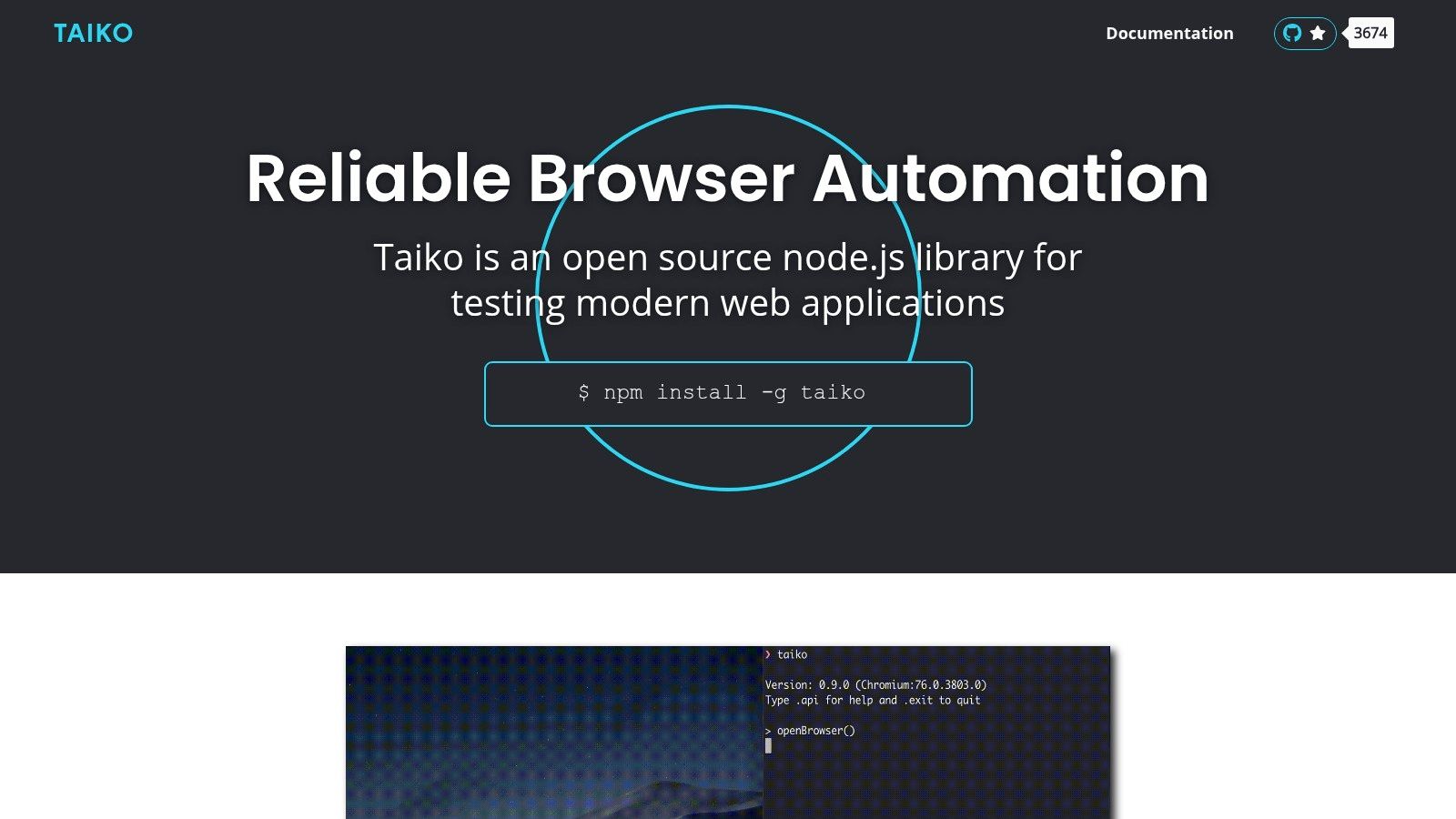
Taiko is built for readable specs, and that emphasis changes how teams write browser automation. Instead of asking people to think like DOM hunters, it pushes human-oriented selectors and proximity-based helpers. That makes it attractive when the main problem is test readability, not protocol breadth.
Where readability pays off
Taiko's strongest use case is a team that wants browser specs to stay understandable after the original author leaves. Smart selectors and implicit waits mean fewer brittle timing hacks and less selector noise in the test code. If a UI refactor changes structure but not intent, Taiko's style can be easier to maintain than a pile of CSS selectors and manual wait loops.
That matters in mixed-skill QA environments. Specs written in a clearer style are easier for non-specialists to review, which often matters more than raw framework power in the long run. For teams trying to keep the browser automation open source stack approachable, that readability is a real operational benefit.
What to watch for
Taiko's ecosystem is smaller than the mainstream options. That doesn't make it weak, but it does mean fewer community packages, fewer battle-tested extensions, and less collective debugging knowledge to lean on. It is also still more Chromium-family oriented, so teams that need wide browser parity should be careful.
The practical question is whether readability outweighs ecosystem depth for your use case. For smaller teams with stable browser targets, it often does. For larger organizations with broad platform support requirements, it usually won't.
Website: Taiko
7. Nightwatch.js
Nightwatch.js sits in a useful middle ground, because it gives you an opinionated test framework without forcing you to stitch together your own runner, assertion layer, and browser utilities. It supports both WebDriver and DevTools, which makes it flexible enough for modern browser automation while still feeling cohesive. For many JS teams, that batching of concerns is exactly the point.
Batteries included without too much ceremony
Nightwatch works when a team wants to get to useful tests quickly. The built-in runner, assertions, and CLI reduce the number of decisions up front, which can be valuable when the alternative is a pile of custom wiring around a low-level browser client. Its support for running with Selenium Grid or directly with Chrome gives teams room to adapt the deployment model as their needs change.
That makes it a reasonable choice for groups that want a stable JS test stack with enough guardrails to keep the project moving. It's not the lightest tool on the list, but there are cases where a little opinionation is cheaper than maintaining your own harness.
Where it lands in the stack
Nightwatch is not the tool for teams that only want a small scripting library. If the goal is a minimal CDP client or a one-off browser task, it may be more framework than you need. But if your team wants browser automation and test orchestration in one place, the trade-off is sensible.
It also remains primarily focused on JavaScript and TypeScript users. That is fine for a lot of teams, but it means broader language strategies should look at Selenium instead. In practice, Nightwatch is strongest when the team values an integrated test experience over absolute minimalism.
Website: Nightwatch.js
8. Robot Framework + Browser Library
Robot Framework with the Browser library is one of the best options when test readability matters as much as browser control. The keyword-driven style lowers the barrier for non-programmers, while the Browser library brings Playwright's speed and stability underneath it. That combination makes it a strong fit for QA teams that need structure without making everyone write low-level code.
Why teams choose it
The obvious advantage is communicability. Keyword-driven tests are easier to review, easier to hand off, and easier to document than raw automation scripts. If your QA group includes analysts, manual testers, or operations staff, that matters more than library elegance.
The Browser library also keeps the underlying execution modern. Because it is powered by Playwright, it inherits much of the stability and browser coverage that make Playwright a strong base for browser automation open source work. That gives teams a readable abstraction without falling back to an outdated engine under the hood.
The trade-offs in practice
The setup can feel mixed because the broader Robot Framework ecosystem has a Python bias, while the Browser library depends on Node. That's manageable, but it is still one more thing to explain and support. The abstraction level is also higher, so very intricate flows can feel less direct than raw Playwright.
For teams that prioritize maintainability and shared understanding, those costs are often worth it. For teams doing deep browser engineering or custom protocol work, they may not be. Robot Framework is strongest when the test case needs to be clear to more than one audience.
Website: Robot Framework Browser library
9. Rod
Rod is the Go-native choice for teams that want direct Chrome DevTools Protocol control without leaving the Go ecosystem. It sits close to the browser, gives you high-level helpers and low-level CDP access, and fits naturally into backends, workers, and CLIs written in Go. If the rest of your system is already in Go, that matters a lot.
Why Go teams like it
Rod is useful because it doesn't force Go developers to jump into another language or wrap a separate service. You can intercept requests, handle downloads, wait for stability, and work close to CDP while keeping native Go ergonomics. That makes it especially attractive for scraping tasks, operational tools, and backend automation jobs.
The lifecycle of the browser is also handled in a way that suits production work. Auto-download and browser location handling reduce boilerplate, and the thread-safe design is a real advantage in services that have to coordinate concurrent browser tasks. For a Go team, that can be cleaner than embedding a JavaScript-based stack just to automate Chromium.
What the fit looks like
Rod is Chromium-centric, so it's not the right answer if cross-engine coverage is your first concern. It also has a smaller community and fewer all-in-one conveniences than the major JS frameworks. That means a little more self-reliance when bugs or edge cases show up.
The optional stealth companion is worth mentioning because it reflects a broader truth about open source browser automation, identity and detection aren't solved by selectors alone. But if your use case doesn't require that layer, the core value of Rod is still direct, Go-friendly browser control.
Website: Rod on GitHub
10. Apify SDK
Apify SDK is best understood as crawler operations software with browser automation inside it. It provides queues, storages, proxies, retries, scheduling, and monitoring primitives, which is exactly what many scraping projects end up rebuilding badly on their own. If your real problem is running a crawler fleet, not just launching a browser, Apify SDK is a serious option.
Why it reduces boilerplate
Apify SDK is strong because it bundles the operational pieces around crawling. Playwright and Puppeteer integrations are first-class, so you can build browser jobs without hand-rolling request management or storage plumbing. That makes it valuable for teams building repeatable data pipelines, web monitors, and extraction workflows.
The local-to-cloud path is also practical. You can develop locally and promote the same work toward Apify Cloud if the job grows, which is a useful transition for teams that start with one crawler and end up with many. It's not just a browser library, it's an execution model around browser work.
Where the boundaries are
The SDK is most attractive when you accept its operational model. If you only need a few browser actions in a service, it can be too much infrastructure. It is also centered on Node.js and Python, so other language stacks won't get the same first-class fit.
That said, the choice is clear when the crawler itself is the product. Browser sessions, retries, proxies, and monitoring are not optional in that world, they're the job. Apify SDK earns its place by making those parts explicit instead of leaving them to every project team to invent on its own.
Website: Apify SDK reference
Top 10 Open-Source Browser Automation Tools, Feature Comparison
| Product | Core features | Unique selling points ✨ | UX / Quality ★ | Target audience 👥 | Price / Value 💰 |
|---|---|---|---|---|---|
| 🏆 Clearcote Labs | Engine-level fingerprinting (C++); Playwright/Puppeteer SDKs; Docker/CDP/Hosted; Profile Manager | ✨ Engine-level coherence across threads/iframes; reproducible GPG-signed builds; real-GPU canvas bridge; hosted with residential IPs | ★★★★☆, highly consistent, reproducible identities | 👥 Devs, QA, scraping teams, AI agent builders | 💰 BSD-3 open build; Free 1 concurrent (GitHub); Pro $49/mo; Hosted ≈€1/GB |
| Playwright | Multi-engine (Chromium/Firefox/WebKit); auto-wait, tracing, codegen | ✨ Robust cross-browser tooling; resilient locators | ★★★★☆, stable for E2E & CI | 👥 Test engineers, CI teams, automation devs | 💰 Free (OSS) |
| Puppeteer | Chrome/Chromium CDP; puppeteer-core; rich Page API | ✨ Simple Node API with deep CDP control | ★★★★☆, fast iteration, strong CDP access | 👥 Scrapers, JS devs, automation engineers | 💰 Free (OSS) |
| Selenium (WebDriver + BiDi) | W3C WebDriver & BiDi; multi-language bindings; Grid support | ✨ Vendor-neutral, widest browser/language support | ★★★☆☆, battle-tested but more setup | 👥 Enterprise QA, cross-language teams | 💰 Free (OSS) |
| WebdriverIO | Unified runner (WebDriver/BiDi/DevTools); plugins; TS support | ✨ Large plugin/service ecosystem; flexible runner | ★★★★☆, powerful & configurable | 👥 JS/TS teams, E2E & perf testing | 💰 Free (OSS) |
| Taiko | Smart human-oriented selectors; implicit waits; recorder | ✨ Readable, resilient specs that reduce flakiness | ★★★★☆, low flake, developer-friendly | 👥 Teams valuing readable tests, ThoughtWorks users | 💰 Free (OSS) |
| Nightwatch.js | Integrated runner, assertions, CLI; WebDriver & DevTools | ✨ Batteries‑included, opinionated test framework | ★★★☆☆, convenient but opinionated | 👥 JS teams wanting an all-in-one setup | 💰 Free (OSS) |
| Robot Framework + Browser | Keyword-driven tests; Playwright-powered Browser lib | ✨ Low barrier for non-programmers; strong reporting | ★★★★☆, readable, data-driven testing | 👥 QA teams, non-programmers, test managers | 💰 Free (OSS) |
| Rod (Go) | Go CDP driver; auto-wait, request interception, downloads | ✨ Native Go ergonomics with stealth companion | ★★★★☆, great for Go backends & CLIs | 👥 Go developers, backend scrapers | 💰 Free (OSS) |
| Apify SDK (JS & Python) | Crawling primitives, queues, storages; Playwright/Puppeteer integration | ✨ Built-in proxies, scheduling, easy scale to cloud | ★★★★☆, reduces crawler boilerplate | 👥 Large-scale scrapers, Node/Python teams | 💰 Free SDK; Paid Apify Cloud options |
Choose the Smallest Stack That Fits
The right choice in browser automation open source starts with the control layer you need. Choose Playwright for modern cross-browser testing, Puppeteer or Rod for Chromium and CDP-focused work, Selenium when standards, language breadth, or Grid matter, WebdriverIO or Nightwatch for Node.js test ecosystems, Taiko or Robot Framework for readability, and Apify SDK for crawler operations. Keep Clearcote Labs separate from that list when repeatable browser identities, engine-level controls, or hosted deployment are central to the job.
The implementation mistake many teams make is buying too much stack too early. A browser tool that is easy to start can still become expensive if it forces you to maintain your own fleet, proxy layer, logging pipeline, and recovery logic. That's why the comparison should include deployment burden, licensing review, and community activity, not just selectors or browser support.
A practical selection path is straightforward. First, confirm your browser targets, then confirm your language stack, then check protocol needs, because CDP, WebDriver, and WebDriver BiDi are not interchangeable. After that, look at CI or fleet requirements, review the license, check community momentum, and run a small proof of concept on a real workflow before you commit.
If you need a repeatable browser persona, start by testing whether the browser itself should carry identity controls rather than patching around detection with scripts. If you need a general test or scraping framework, keep the stack as small as possible and let the browser library do the browser work. For a useful verification checklist on the tools you pick, see how to verify open source developer tools.
Clearcote Labs maintains an open-source Chromium fork built for browser automation, with engine-level fingerprint controls, drop-in SDKs for Playwright and Puppeteer, and options to run locally, in Docker, or as a hosted browser. If browser identity, reproducible personas, or fleet overhead are part of your automation problem, it's worth reviewing what Clearcote Labs offers and deciding whether the browser itself should carry more of the work.