
Most scraping-browser roundups tell you to rotate residential proxies and hide navigator.webdriver. That treats the browser as a costume. A scraping browser has to make the TLS stack, HTTP/2 behavior, canvas and WebGL values, and the exit IP tell one story. A Linux TLS fingerprint under a Windows user agent, or a canvas hash that differs between the page and a worker, is enough for a site to drop the session.
Those sessions already sit in mostly automated traffic. Imperva's 2025 Bad Bot Report found that automated traffic represented 51% of all web traffic in 2024, and malicious bots alone accounted for 37%. Sites sort humans, crawlers, frameworks, and abuse with behavioral and browser signals, not a single header.
I judge the seven tools below on four operator questions. Does fingerprint control live in the engine or in a page script? Does the proxy location match timezone and language? Can you keep Playwright or Puppeteer with a small connection change? Can you reproduce the same identity on the next run?
Table of Contents
- 1. Clearcote Labs
- 2. Bright Data, Browser API
- 3. Oxylabs, Agent Browser
- 4. Browserless
- 5. Browserbase
- 6. ZenRows, Browser Sessions
- 7. Scrapeless, Agent Browser
- Scraping browser tools compared
- Choosing and Integrating Your Scraping Browser
1. Clearcote Labs
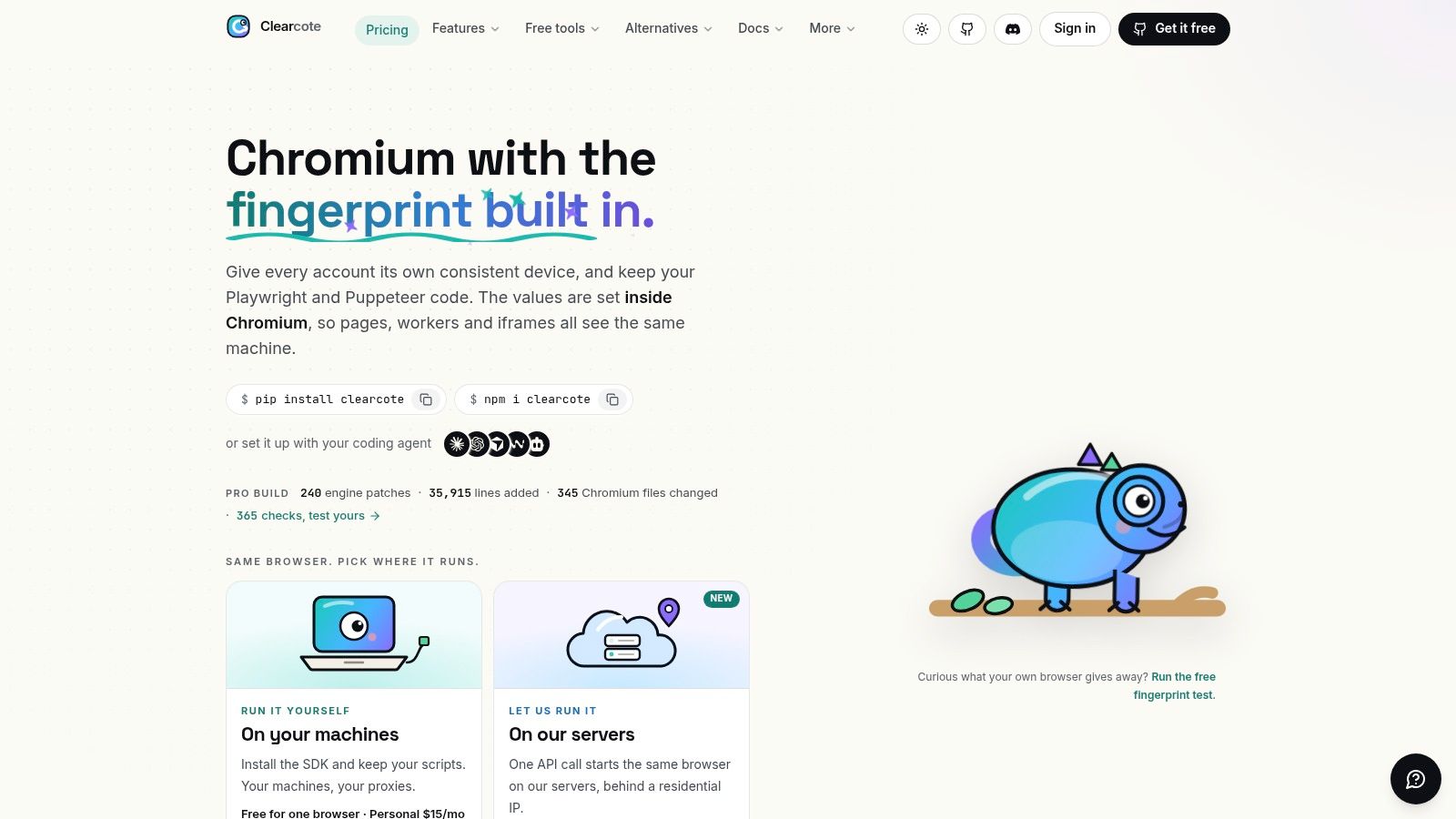
A browser identity can look plausible in the main page and still contradict itself in a worker or iframe. A 2018 ACM Web Conference study collected 2,067,942 browser fingerprints and found only 33.6% were unique. It also found that changing one feature in a non-unique fingerprint could make the resulting fingerprint very likely to become unique. The operational issue is coherence, not just uniqueness.
Clearcote is an open-source, de-Googled Chromium browser that sets fingerprint values in the engine's C++ paths. Canvas, WebGL, audio, fonts, locale, and hardware signals come from the browser itself, so page scripts, workers, and iframes do not have to reconcile separate overrides. Its network stack produces TLS and HTTP/2 fingerprints aligned with the claimed Chrome version. Seeded identities support repeatable runs, while proxy geo-matching adjusts timezone, languages, and WebRTC to the exit IP.
What you keep from the existing stack
Playwright and Puppeteer SDKs for Python, Node.js, and .NET download and verify the browser. Install with pip install clearcote, npm i clearcote, or dotnet add package Clearcote. Existing automation can use the SDKs, attach over CDP, or run through Docker. Clearcote also offers an MCP server that gives Claude, Cursor, or Cline a real browser, plus a hosted option that starts a cloud browser with one call.
The Profile Manager launches persistent identities without code, and Clearcote's captured device profiles are tagged by GPU vendor. Its free fingerprint test checks for signals that contradict one another and explains each coherence check in plain English.
- Self-host or hosted: For self-hosting, install the SDK and run the browser on your own machine or in Clearcote's Docker image. You bring your own proxies. Hosted browsers run in the cloud and are billed per GB.
- Concurrent browsers: Free with GitHub provides one browser at a time and the latest build. Personal and Pro add concurrent browsers and version pinning. Pro allows 100 more browsers for $25 per month when more than 250 are needed.
- Build options: Reproducible, checksummed, GPG-signed open builds are available alongside a licensed build. The licensed build adds recorded human motion and release timing, not additional spoofing surfaces.
Practical rule: Reproduce a failed run with the same seed, proxy country, and Chrome major version. Changing the identity on every retry makes it harder to tell whether a site blocked the session or the new fingerprint introduced a contradiction.
Native builds support Windows and Linux x64; Docker is another deployment option. No browser tool is undetectable, so validate configurations against your target sites with tools such as CreepJS, BrowserScan, and Pixelscan, and follow applicable laws and site terms.
2. Bright Data, Browser API
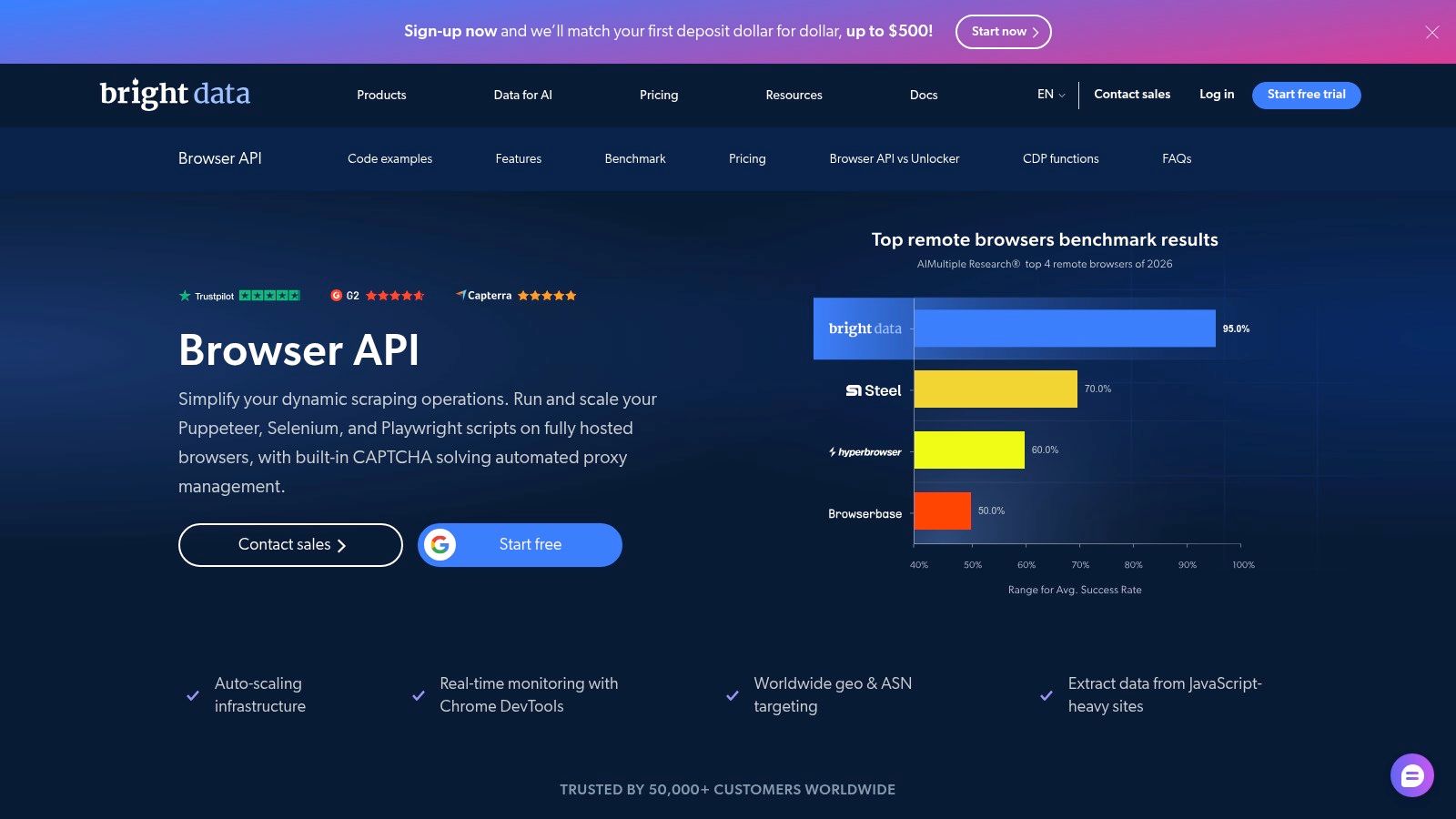
Bright Data's Browser API runs Chrome remotely, so your team connects through Playwright, Puppeteer, or Selenium while Bright Data supplies the browser and proxy network. That reduces browser operations on your own hosts, but it also means your session depends on a vendor-managed environment. Compare tools by whether the browser's signals stay coherent across page, worker, and iframe contexts, how TLS and HTTP/2 align with the browser identity, and whether you can reproduce a session without rewriting your automation.
F5 Labs' 2025 Advanced Persistent Bot Report reports that automated traffic accounted for 17.61% of web traffic on its platforms in 2024, compared with 1.07% of mobile API traffic. The figures describe traffic on those platforms; they do not establish which browser deployment is easier to detect.
Bright Data lists a free tier, while paid usage is priced by traffic. Traffic billing is straightforward to compare, but harder to forecast when pages load video, fonts, and third-party assets. You still write the navigation and manage the application flow: a remote browser cannot repair a weak selector or restore a cookie you did not persist.
If proxy choice is the main deployment question, compare the residential proxy options and trade-offs before committing to one provider's pool. The practical trade-off is between managed browser and proxy infrastructure on one side, and the ability to replay the same setup locally on the other.
3. Oxylabs, Agent Browser
Oxylabs Agent Browser provides managed sessions for dynamic pages and multi-step interactions, with Playwright, Puppeteer, and CDP clients, JavaScript rendering, geotargeting, and CAPTCHA handling. Oxylabs sells its headless browser plans on volume-based pricing, which readers should confirm on the vendor's site. The trial goes through sales rather than a self-serve key.
A scripted path can miss browser surfaces that a real session reaches. A 2025 academic study tracked 30 participants for 10 weeks and found automated crawls missed about 45% of the fingerprinting sites observed in real sessions. If an agent only replays a happy-path click sequence, it may skip consent iframes, workers, and third-party probes. That leaves gaps in your measurements and can hide inconsistencies between browser realms.
CAPTCHA handling does not show whether canvas in a worker matches canvas in the page. Check both signals when diagnosing fingerprint inconsistencies.
Traffic billing can add up on asset-heavy pages. Disable images when the information you need is already in the DOM. For agent-shaped workflows, see this guide to building an AI browser agent. Oxylabs may suit teams looking for a contracted proxy-and-browser vendor, provided its volume-based pricing fits their workload.
4. Browserless
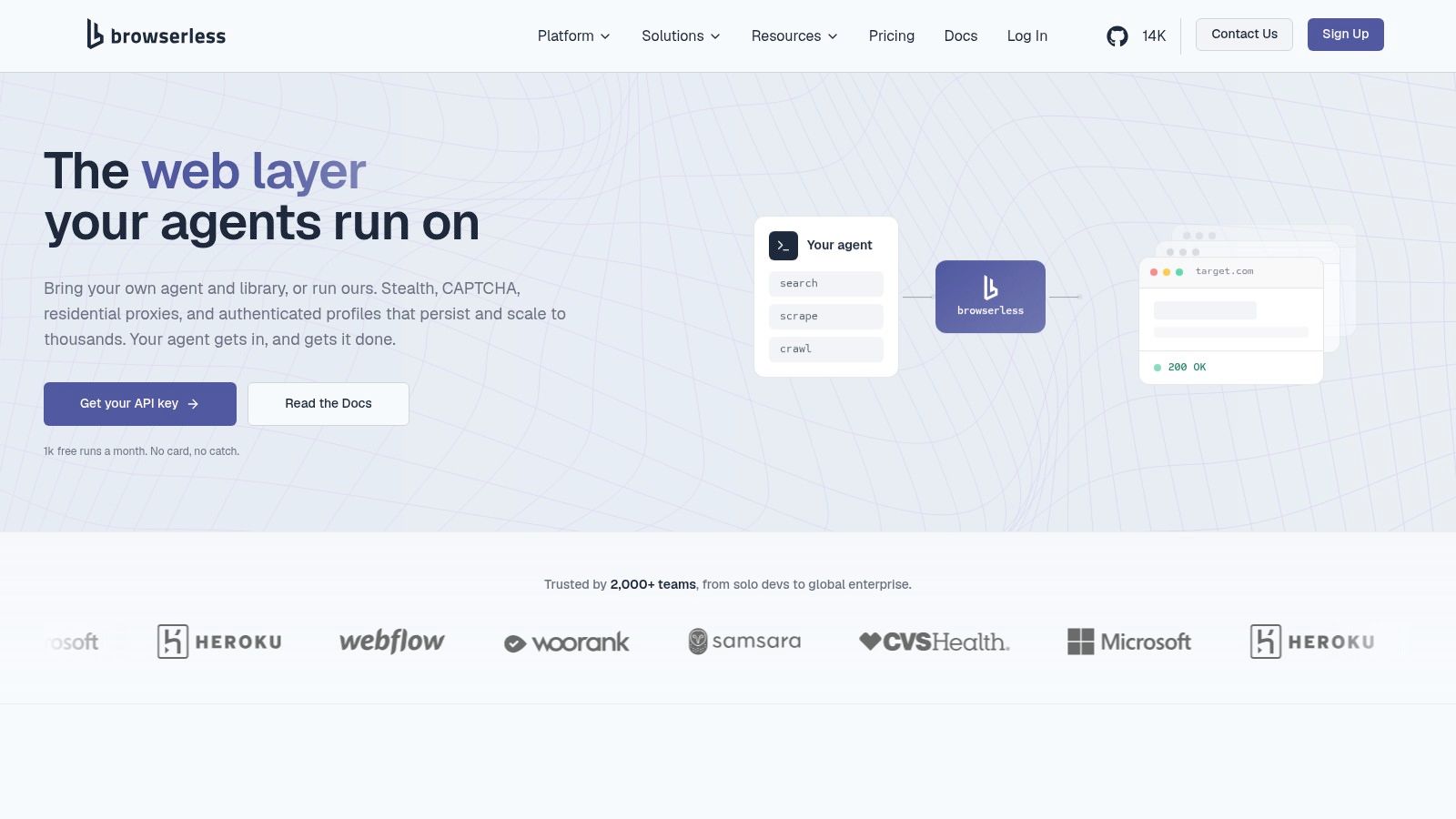
Browserless lets you keep Puppeteer or Playwright while choosing between a managed cloud browser and deployment you run yourself. BrowserQL and REST-style endpoints cover simpler jobs; sessions can reconnect and persist on plans that include storage. Self-hosting or private deployment suits workloads that cannot leave your network. Browserless offers a free cloud tier and paid plans; confirm current pricing on the vendor's site.
Memory is the real concurrency limit
A benchmark-style comparison measured full headful Chromium or Firefox sessions at roughly 1,000–1,400 MB, compared with about 120 MB for a lightweight anti-detect profile. These figures depend on workload, so do not treat them as fixed resource requirements. Leave memory for renderer spikes and crash recovery rather than estimating concurrency by dividing host RAM by a benchmark figure. Unit billing also means you need to know which actions consume units, while lower tiers cap concurrency.
Browserless fits browser-as-a-service deployments where you want to keep your scraping code but choose who operates Chrome. You remain responsible for selectors, waits, and identity strategy. Hosting the browser process does not, by itself, align TLS, UA-CH, and canvas signals.
5. Browserbase
Browserbase runs cloud Chrome that you control with Playwright, Puppeteer, Selenium, or Stagehand. Session recordings help diagnose selector failures by showing the actions the script took. Stagehand can turn plain-language instructions into clicks, which suits unfamiliar layouts but adds variability when extracting from a known template. Search and Fetch APIs handle jobs that do not require an interactive browser.
Browserbase lists free and paid plans. Browser hours, concurrency, and proxy use are subject to plan limits or overages. There is no standard on-premises install, so data-residency requirements may rule it out before cost becomes a factor.
Cloudflare's Browser Run notes describe browser automation for workflows such as screenshots, forms, and scraping, as well as AI tasks. Browserbase targets similar interactive work. Human-like timing jitter may bypass simple timing checks, but it also makes failures harder to reproduce when delays, locale, or network conditions vary. For predictable extraction, use the Playwright or Puppeteer code you already maintain. For an agent that must interact with unfamiliar sites, session recordings can help diagnose what happened.
6. ZenRows, Browser Sessions
ZenRows Browser Sessions, formerly Scraping Browser, is designed for logins, forms, pagination, and scrolling. Puppeteer, Playwright, and other CDP clients can attach while ZenRows manages the browser and network routing. The service bills browser time and residential bandwidth separately; check ZenRows' pricing page for current credit rates before estimating costs. A fixed session timeout can interrupt workflows that must remain open for an extended task.
Compliance affects how you use persistent sessions. A 2025 ACM study tracked 130 self-declared bots and anonymous traffic for 40 days. It found that bots were less likely to follow robots.txt as directives became stricter, while some AI-search crawlers rarely fetched the file at all. Persistent sessions preserve state, but that does not grant permission to reuse the content they reach.
- Track both meters: Runtime and bandwidth affect the bill, so block media your parser does not use.
- Stop on disallowed paths: Public HTML is not permission to store or resell it.
- Keep an audit log: Record the purpose, rate, and directive you followed.
Choose ZenRows when a workflow is authenticated and multi-step, and you want the vendor to manage routing. For reproducible QA personas, use a browser binary on your own machine instead.
7. Scrapeless, Agent Browser
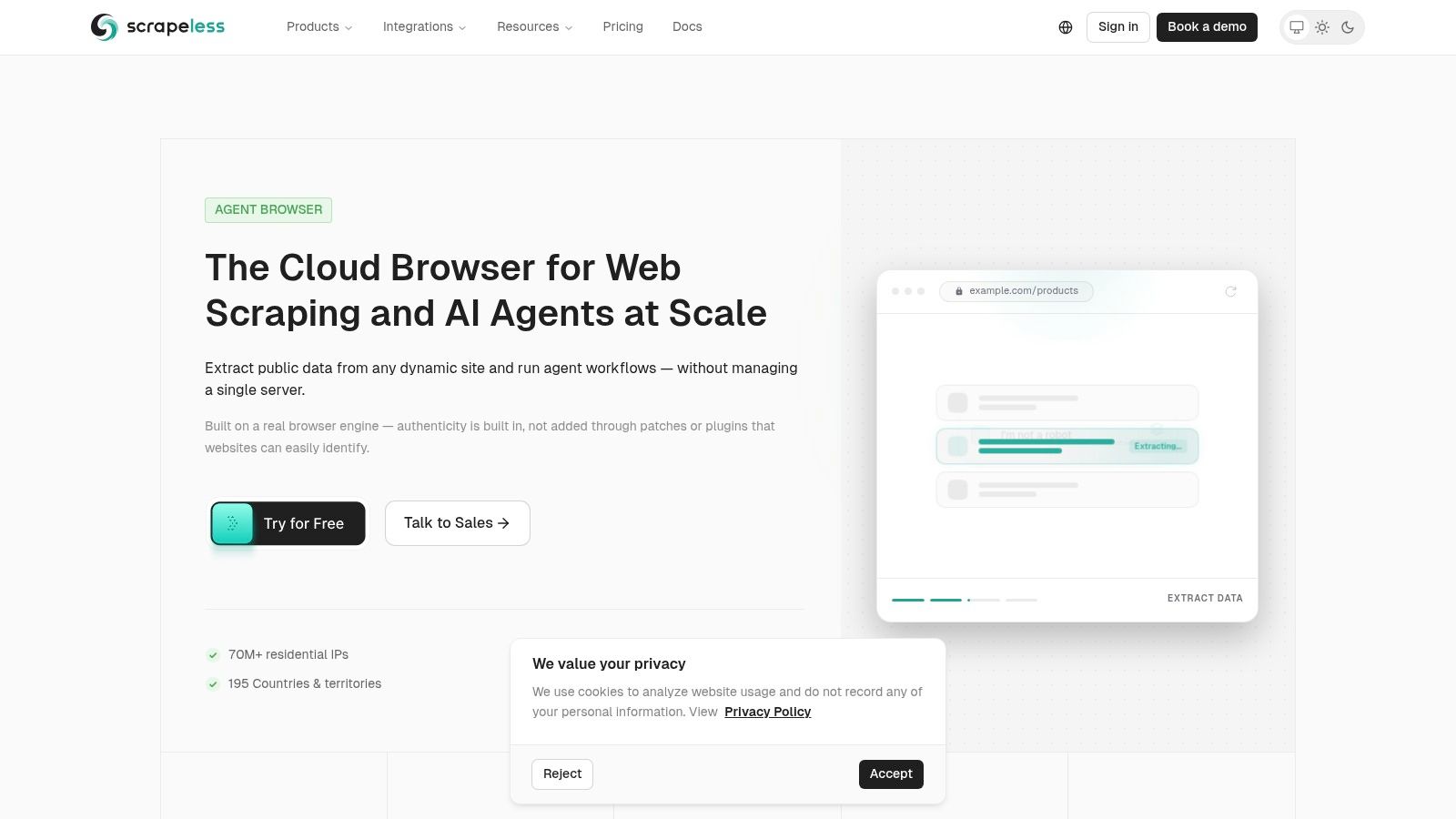
Scrapeless Agent Browser exposes a CDP endpoint for Puppeteer, Playwright, Stagehand, and other CDP clients, with persistent profiles, session isolation, residential proxy access, CAPTCHA features, and an MCP server for agents. The free tier is one concurrent session and one browser hour per month. Paid use starts at $0.09 per browser hour plus $1.80 per GB of residential traffic. That entry price is low enough to test a connection string. It is not a production throughput sample.
Akamai reported that in 2025 AI scraping accounted for 0.1% of daily traffic on a network seeing more than 1 billion requests per day. The share is small, and the sessions are still inspected like any other automated browser. Vendor claims about scale should be checked on your targets, not taken from the product page. Cost is the sum of hours and proxy gigabytes, so a chatty agent that reloads assets will outrun the headline hourly rate.
I'd trial Scrapeless when you want MCP plus a cheap CDP hour and you already accept a hosted proxy. I wouldn't treat the free hour as evidence the fingerprint stays coherent across iframes.
Scraping browser tools compared
Price alone hides the differences that matter in production: whether identity signals agree across page realms, whether TLS and HTTP/2 match the claimed browser, and whether existing automation code needs changes. The table compares deployment and integration options alongside the fingerprint details stated for each tool.
| Tool | Deployment Model | Framework Support | Identity & Fingerprint Controls | Entry Pricing |
|---|---|---|---|---|
| Clearcote Labs | Self-hosted or hosted browsers; Docker/CDP and MCP options | Playwright, Puppeteer; Python, Node.js, .NET | Engine-level fingerprint controls, seeded identities, proxy-based timezone and language matching | Free for one browser at a time; paid Personal and Pro plans; hosted browsers billed per GB |
| Bright Data, Browser API | Hosted remote browser | Playwright, Puppeteer, Selenium | Proxy ecosystem; fingerprint controls not specified | Free tier with 5,000 credits/month; paid by traffic |
| Oxylabs, Agent Browser | Managed hosted browser | Playwright, Puppeteer, CDP-compatible tools | Proxy access, geotargeting, and CAPTCHA management; fingerprint controls not specified | $300/month for 50 GB |
| Browserless | Hosted, self-hosted, or private deployment | Puppeteer, Playwright, BrowserQL, REST APIs | Session persistence; fingerprint controls not specified | Free tier; paid plans from $25/month |
| Browserbase | Cloud-hosted browser | Playwright, Puppeteer, Selenium, Stagehand | Session inspection and recordings; fingerprint controls not specified | Free tier; Developer plan $20/month |
| ZenRows, Browser Sessions | Managed remote browser | Playwright, Puppeteer, CDP clients | Managed network routing; fingerprint controls not specified | Free plan; usage-based credits |
| Scrapeless, Agent Browser | Hosted browser with CDP and MCP access | Puppeteer, Playwright, Stagehand, CDP clients | Persistent profiles, session isolation, residential proxies, and CAPTCHA solving | Free tier; from $0.09/browser hour plus $1.80/GB |
Choosing and Integrating Your Scraping Browser
Pick an engine-level browser you can run yourself when the failure mode is a mismatched signal and you must replay the same persona tomorrow. That is the Clearcote case: seeded identities, TLS and HTTP/2 from Chromium, and a drop-in for the Playwright or Puppeteer code you already have. Pick a managed host, Bright Data, Oxylabs, Browserless, Browserbase, ZenRows, or Scrapeless, when you would rather buy proxies, CAPTCHA handling, and fleet upkeep and accept their billing unit.
Integration is short when the SDK is a binary swap. Install from pip, npm, or NuGet, or attach over CDP or Docker. Then open a coherence check before you scale. Our fingerprint test, plus CreepJS, BrowserScan, and Pixelscan, will show contradictions a HTTP 200 will hide. No tool is undetectable. A configuration that passes a lab page can still fail on the site that correlates timing, IP reputation, and a worker canvas you never logged.
Read the Stella Proxies guide to data collection for how exit IPs should line up with the browser story, not replace it. Measure challenge rate, completion, identity drift across retries, and cost per accepted record. Scale only the setup that survives your real targets.
Clearcote Labs builds a scraping browser as a de-Googled Chromium fork, with fingerprint and identity controls in the engine so pages, workers, and iframes stay coherent for Playwright and Puppeteer. You can run it locally, in Docker, or as a hosted browser, including a free seat for one browser at a time. Visit Clearcote Labs to install the SDK or open the fingerprint test before you commit a fleet.