
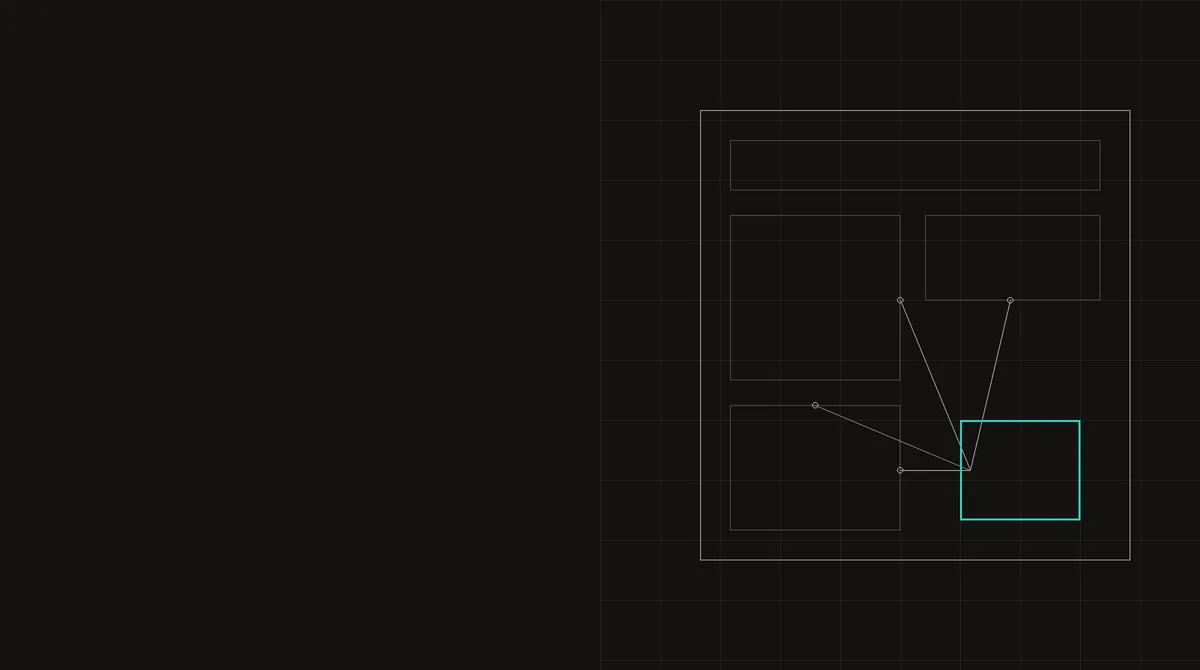
The handshake between iframe and loader
A challenge widget is two pieces of code. The loader script runs in the host page; it finds the widget's placeholder, creates the cross-origin iframe and waits. The iframe, which runs the probes, cannot read the host page. So it asks: it posts a request to the parent, and the loader answers with a message of its own.
Public reverse-engineering work on a widely deployed widget shows what that answer contains. The iframe copies its fields into its own state, together with the message's origin and the time it arrived, and they travel to the server with the first payload.
Configuration, timing and the loader's own health
- Configuration: the site's action and custom data, appearance, execution mode, expiry and retry settings, language, a widget id and the full page URL.
- Loader identity: the loader URL as the page requested it, before any redirect, and a build hash the iframe compares with its own; a mismatch makes the loader reload. Counters of reloads and upgrades travel along.
- Resource timing of the loader script: start time, duration, protocol, transfer and body sizes and every phase timestamp, or only start, fetch start, duration and response end when the server sends no
Timing-Allow-Origin. This shows when the loader was fetched relative to the page's navigation and whether it came from the cache. - Six elapsed times on the loader's clock: from loader start to the reply, the render itself, the time until the iframe announced itself, the parameter exchange, and the time spent building the page summary. In one recorded iPhone profile the whole sequence took 226 ms, the render 1 ms.
- A render stack sample: a method code, elapsed milliseconds and
new Error().stacktaken during the render call, which shows whether the widget was declared in markup or rendered by a page script, and in the second case that script's URL, line and column. See stack traces show what called the widget.
The page summary
The loader also builds a summary of the host page. Decoded from the field names the code uses, it contains:
- Shape: the total element count, counts of
script, stylesheet andmetaelements, the first 50 custom-element tag names, the attribute names on<html>, and a DOM-shape string built from tag names cut to three characters and attribute names cut to two, to a depth of three and at most 500 characters. - The widget's place: an XPath from below
<body>to the widget and the top and right edges of its wrapper. - Identity: the URL, the referrer, whether the page itself is framed, and the title as its UTF-16 length plus a hash.
- Viewport: inner width, viewport height and width and
document.visibilityState. A real browser recordedhiddenin one capture, which is exactly the state of a background tab. - The form: the enclosing form's method, the origin of its action (empty, same-origin or cross-origin), counts of controls, hidden fields, submit buttons and links, the types of the first 20 controls, and a keyword-based guess at its purpose: login, signup, checkout, reset, upload, comment, contact, newsletter, unknown or none. Without a form, the loader looks up to five ancestors for the nearest container with controls.
The summary contains no page text beyond the title hash, and no history.length.
What it tells the widget
Together these values describe the context the challenge was shown in. A widget on a real login page sits inside a form with a password field, on a page with dozens of elements, several scripts, a title and a referrer, rendered from markup shortly after the page loaded, in a visible tab. A test harness that loads only the widget has a handful of elements, no title, no form and no referrer, and often renders by calling the widget's API from an injected script, which the render stack records. A solver that never loads the host page has to fabricate the whole summary, consistently with the URL it claims.
The elapsed times add a timeline: how long after navigation the loader was fetched, how quickly the iframe announced itself and how long the page took to summarise. Those depend on the device and the network, like every other timing value; see performance.now() precision.
The through-line
The iframe isolates the challenge from the page, but the challenge still knows a lot about the page through its loader. For automation the lesson is to solve challenges on the real page, in the state a user would be in, rather than in a harness. For the probes that run inside the frame, see inside a challenge widget, and for the click itself what a checkbox click records.