You open a site you use every week, cookies already cleared, and it still behaves as if it knows the machine in front of you. A checkout you tested yesterday in Playwright passes on your laptop and fails on the next run with the same script. Nothing in the page source names you. What the service is reading is a devices profile for web services: a bundle of browser and device signals that has to tell one coherent story, on this visit and the next.
A devices profile is the consistent set of browser and device signals a web service reads to recognise a client. Think of a shopkeeper who knows a regular not by one trait but by the mix of face, voice, and handwriting. Drop any one of those and the person can still be a stranger. Change only the handwriting and the rest of the picture starts to look wrong.
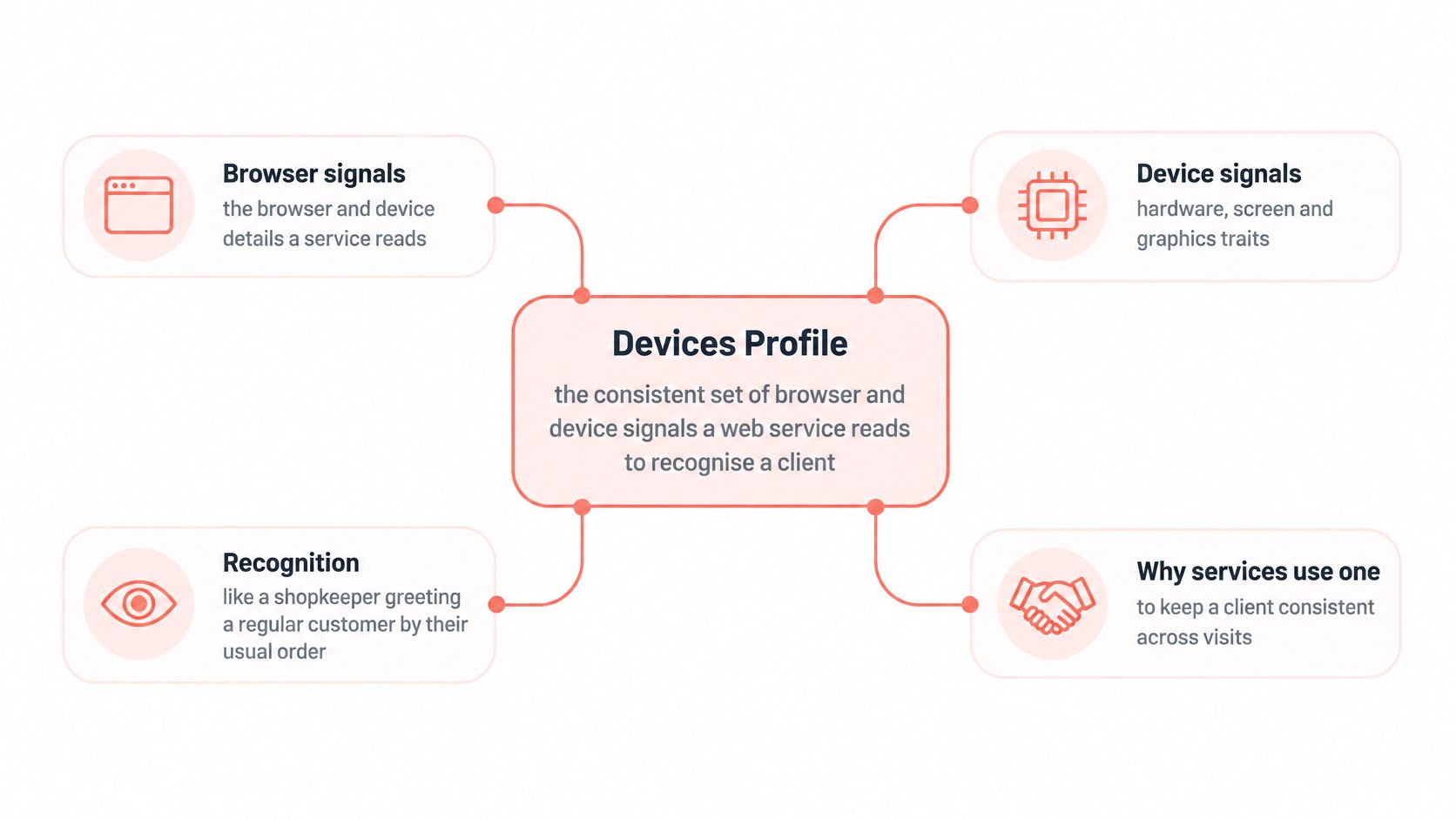
Table of Contents
- What a Devices Profile Is and Why Web Services Use One
- The Signals Every Device Profile Holds
- Which Browsers and Platforms a Profile Should Cover
- Keeping Signals Consistent Across Browser Layers
- Repeatable Profiles Versus Long-Term Tracking
- Build, Verify and Record a Repeatable Profile
What a Devices Profile Is and Why Web Services Use One
Say you walk into that shop twice in one week. The first time you pay cash and leave no loyalty card. The second time you wear a different jacket. The shopkeeper still places you, because the walk, the order, and the way you ask for a receipt line up. A web service does a version of that with the browser. An IP address is one clue. A cookie is another. The profile is the rest of the picture: how the browser introduces itself, how text and graphics are drawn, what the screen reports, and which language and clock the machine claims.
Three jobs the profile is doing
Services don't keep that picture for curiosity. They use it for three practical jobs.
- Spot returning visitors: A person can delete cookies and still present the same browser, fonts, and graphics stack. The service treats that repeat shape as the same client.
- Apply trust rules to a session: Login continuity, step-up checks, and fraud rules often ask whether this session looks like the last one from this client, not only whether the password was right.
- Check for a real machine: Automation that invents one field and leaves the others untouched often fails this job. The session doesn't have to look exotic. It has to look like one machine.
The 2010 Panopticlick experiment from the Electronic Frontier Foundation collected about 470,161 browser fingerprints over two weeks from HTTP headers, JavaScript, browser configuration, and plugins such as Flash and Java. About 83.6% of those fingerprints were unique. The same work estimated at least 18.1 bits of fingerprint entropy, so a randomly selected browser could, at best, be expected to share its observed fingerprint with only about 1 in 286,777 other browsers.
A profile is not an IP address with a user-agent string taped on. It is a bundle, and the bundle is what carries the identity.
That result is old, and Flash and Java are gone, but the lesson stuck. Combined configuration identifies a client far more sharply than a network address or a stored cookie. A later check in that work also showed fingerprints could stay linkable after software changes: a heuristic correctly identified likely upgraded versions of returning browsers in 99.1% of cases, with a false-positive rate of 0.86%.
Two ideas follow from that, and the rest of this piece stays with them. First, a profile only works when its parts hang together. Second, every value inside it can either help a session look credible or expose it as a mismatch. Adding detail doesn't automatically make a browser blend in. Unusual detail, or detail that disagrees with itself, shrinks the crowd you could be mistaken for.
The next step is to open the bundle and name the signals, before any tool or test harness enters the picture.
The Signals Every Device Profile Holds
A profile can fail before the page finishes loading. The request arrives with a TLS handshake, headers, a timezone, a screen size and a rendering path, and each one is already answering the same question: what kind of machine is this? The bundle survives only when those answers describe one plausible device, on one plausible network, in one plausible place.
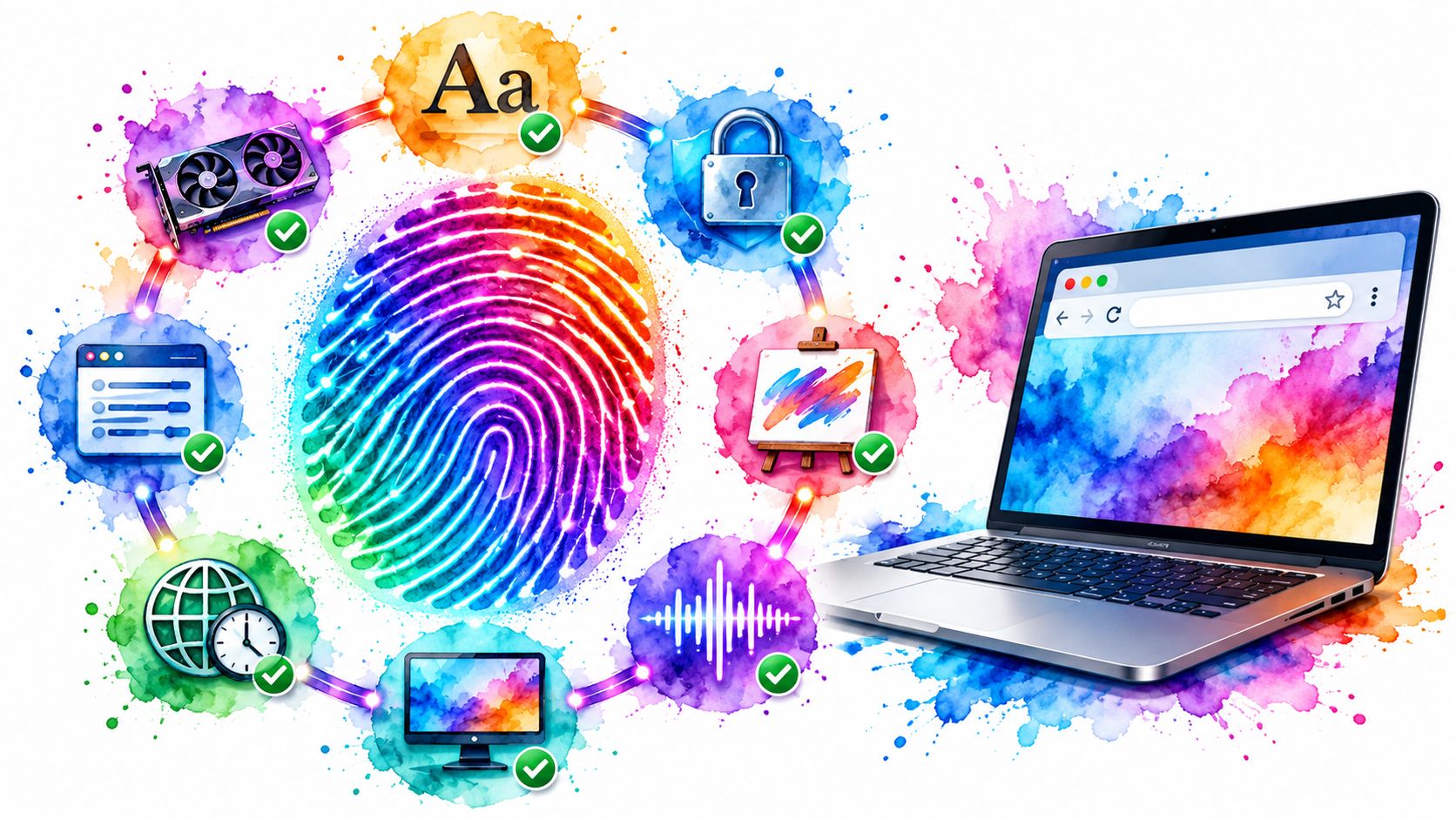
| Signal group | What it reveals | Must match |
|---|---|---|
| Network | TLS and HTTP/2 handshake behaviour | Claimed Chrome version |
| User-agent data | User-Agent header and Client Hints | OS version and Chrome version |
| Operating system and fonts | Installed fonts and text rendering | Claimed OS and font fallback chains |
| Graphics | Canvas output, WebGL parameters and GPU vendor | Claimed GPU, driver path and antialiasing |
| Screen | Viewport, screen size and device scale factor | Claimed device type and OS |
| Locale | Language, timezone and WebRTC-visible IP | Proxy exit geography |
Network, user agent, and fonts
Network behaviour is easy to miss because it is not a JavaScript property. TLS and HTTP/2 handshake behaviour come from the browser's own network stack. If the profile claims a particular Chrome version, that handshake has to be the handshake that version sends. A script that only rewrites navigator.userAgent never touches this layer.
User-agent data is the pair many teams edit first: the User-Agent header and User-Agent Client Hints. Those strings have to agree with each other, and both have to agree with the operating-system version and the Chrome version. A header that says Windows 10 while hints say Android is two stories told at once.
Operating system and fonts carry the machine's text identity. Research on canvas fingerprinting found that rendering a simple pangram in Arial can reveal the operating-system family and, in most cases, the browser family. Installed fonts and fallback chains have to belong to the claimed OS. A Mac font list on a claimed Windows desktop is handwriting that does not match the voice.
Graphics, screen, and locale
Graphics exposes shallow overrides. Canvas output, WebGL parameters and the reported GPU vendor vary with GPU hardware, graphics libraries, antialiasing, font rasterization and driver paths. The claimed GPU has to be a GPU that would produce those pixels and those parameters. Adding a rare card name can backfire: the more unusual the claim, the fewer real machines the profile can plausibly be.
Screen metrics are quieter and just as strict. Viewport, screen size and device scale factor have to fit the claimed device type and OS. A phone-sized viewport with a desktop GPU story, or a scale factor that no tablet in that family uses, is a mismatch even when every string looks plausible.
Locale closes the set. Language, timezone and any WebRTC-visible IP have to match the proxy's exit geography. A browser that claims Berlin in its clock and presents an exit that geolocates somewhere else is one of the fastest contradictions to spot.
Plugin lists used to be among the sharpest attributes, before modern browsers largely dropped that plugin surface. Treat that as history rather than a field to recreate. For a closer look at how these readings are examined in practice, see our notes on fingerprint analysis techniques.
A realistic profile is therefore a disciplined bundle, not a pile of convincing parts. More detail gives a checker more places to compare claims across layers and across repeat visits. One disagreeing group is enough for the contradiction to outweigh any single convincing value.
Which Browsers and Platforms a Profile Should Cover
A profile library that only models Chrome works like a shop that only recognises customers wearing one coat. Worldwide usage wears many coats, and each one comes with its own stitching.
| Browser | Share of global usage |
|---|---|
| Chrome | 68.79% |
| Safari | 16.59% |
| Edge | 5.36% |
| Firefox | 2.57% |
| Opera | 2.16% |
| Samsung Internet | 2.05% |
| All six combined | 97.52% |
StatCounter's worldwide October 2026 figures put Chrome at 68.79%, Safari at 16.59%, Edge at 5.36%, Firefox at 2.57%, Opera at 2.16%, and Samsung Internet at 2.05%, with those six together at about 97.52%. A library that only models Chrome therefore leaves a bit over 31% of global usage uncovered, including every Safari and Firefox session. The leftover few percent sit in smaller or regional browsers, which still matter if your own logs show them.
Browser family is not the operating system
StatCounter's operating-system market-share page splits the same worldwide period differently: Android 44.56%, Windows 29.08%, iOS 17.45%, OS X 3.74%, macOS 2.20%, and Linux 2.15%. Android and iOS together account for 62.01% of operating-system share, so phone and tablet sessions belong in the first draft of a coverage plan, alongside the desktop profiles.
That split is the part teams mix up. Browser family and operating system are related, and they are separate axes. Chrome on Windows, Chrome on Android, and a Chromium-based mobile browser share a logo, while their rendering paths, GPU stories, and font inventories diverge. Safari on macOS and Safari on iOS diverge in screen metrics, touch, and platform APIs even though the name on the window is familiar. If your coverage plan says "Safari" and stops there, you have named a family, and you still owe it a device.
This is also where the realism trade-off shows up. Every browser-and-OS pair you add is a full bundle of signals that must agree with each other, session after session. Mobile share is why touch input, device scale, and mobile font lists belong in the bundle from the start. Before you freeze those screen metrics, it helps to run mobile prototype tests instantly and watch how the layout behaves on a phone-sized viewport, because a profile that claims a handset should survive that kind of check and hold up under more than a desktop screenshot.
How to pick the pairs you will actually keep
Start from your own traffic, then let the global chart fill the gaps.
- List the pairs you really see: Write browser family and OS together, such as Chrome on Android or Safari on iOS, and rank them by session volume.
- Model the platform signals behind the name: For each pair, note rendering, graphics, fonts, locale defaults, and whether the device is touch-first.
- Keep the smaller desktop browsers in the test set: Opera at 2.16% is easy to drop, and it is still a real client when a bug only shows up there.
One caution sits underneath the whole list. A rare pair can work against you: a Chrome-on-Linux profile built around an uncommon GPU, an unusual screen, and an offbeat timezone is internally coherent and still easy to pick out of a crowd. Realism buys you believability only when the combination you pick is one that real users carry. If you are deciding which device pairs belong in a suite, our guide to cross-device testing walks through how those pairs fail differently once the same flow leaves a single laptop.
Keeping Signals Consistent Across Browser Layers
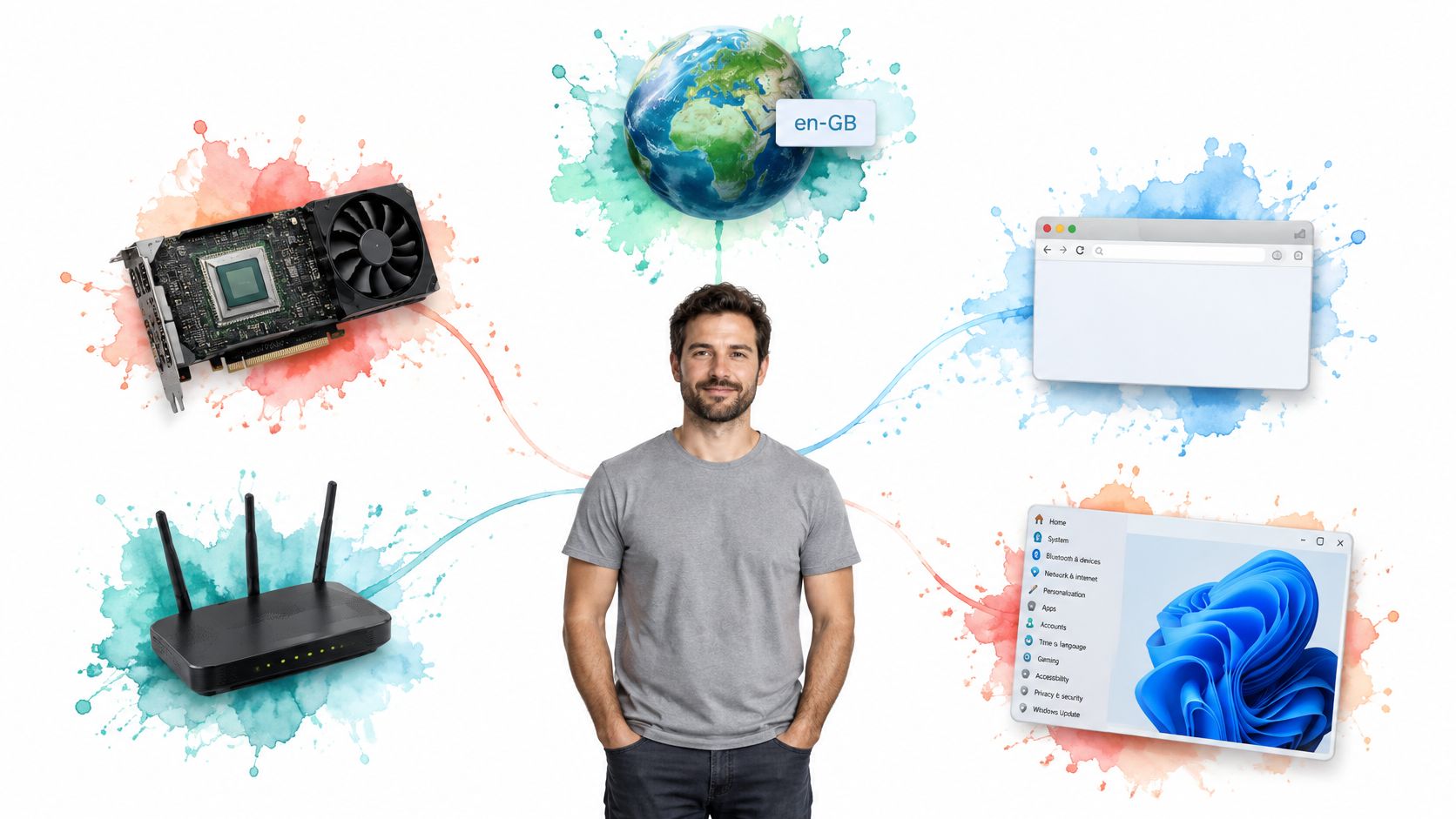
A believable profile works like a consistent character in a story: the accent, the job, and the hometown all have to fit together, and they have to fit together again the next time someone asks. In a browser, that character is a correlated set of network, browser, operating-system, graphics, and locale signals. A user-agent string with the other fields left to chance only decorates the request.
One coherence group
Treat these as one set that must agree: GPU vendor and renderer, Canvas output, WebGL parameters, font inventory, device scale factor, and browser version. Pin them together when you need a test to repeat. If you are reducing what a browser exposes, reduce or standardize them together too. Generation should keep the claimed Chrome version, User-Agent Client Hints, operating-system version, screen metrics, timezone, language, fonts, and graphics APIs in a stable relationship with one another.
User-Agent Client Hints were designed to cut passive entropy in the traditional User-Agent header, while still letting a server ask for selected browser, operating-system, and device details when it needs them. That design trips people up. Hints give a server a narrower channel, and that channel still has to describe the same browser the network stack does. Change only the visible user agent and leave hints, TLS behaviour, and graphics alone, and you have built a mismatch.
The W3C's fingerprinting guidance treats fingerprinting as identification or re-identification through observable browser or device characteristics, and it recommends limiting high-entropy features to what a service functionally needs. For someone assembling a profile, that is also a design rule. Extra realism is not free. A rare GPU, an unusual font list, and a one-off screen size can combine into a smaller crowd than a plain, common machine.
A contradiction is louder than one odd value
Say a profile rewrites Canvas so the read-back looks like a common integrated GPU, while WebGL still reports a discrete NVIDIA card, with that card's parameters, and the font list still matches a desktop OS the integrated story would never ship with. A reviewer doesn't need a rare hash. The rows disagree with each other. Selectively altering Canvas while WebGL, fonts, or screen metrics stay put creates a cross-signal contradiction that is more useful diagnostically than any single value.
The same persona also has to survive the places a page runs code.
- Main thread: Readings on the ordinary page are the baseline.
- Workers: A worker that reports a different GPU, different hardware counts, or a different locale is a second browser hiding inside the first.
- Iframes: Embedded frames should return the same coherence group, not a fresh random draw.
For QA, keep explicit profile fixtures and test that persona across ordinary pages, workers, and iframes. For privacy work, minimize high-entropy attributes instead of randomizing them. Random values can make a browser more unique and shrink the set of machines it could be confused with.
Does this value match the claimed operating system, the claimed browser version, and the proxy's location? If any answer is no, fix that field before you add another.
The third check catches a class of mismatch the first two miss. A timezone that disagrees with the proxy's location, or a language no user in that region would set, breaks coherence even when every hardware value is flawless. Passing once is also not enough. The same bundle must return the same answers on the next visit, or the profile only describes a browser that existed for a single session.
Repeatable Profiles Versus Long-Term Tracking
QA and privacy work pull the same bundle in opposite directions. A test engineer needs Tuesday's device to match Monday's so a bug, a login, or a fraud rule can be reproduced. A privacy-sensitive deployment needs identities that cannot be chained across sites or across months. The useful policy is a small set of modes, each with a lifecycle, and each mode applies to the whole bundle rather than to one field.
| Mode | How the identity behaves | Best use | Main trade-off |
|---|---|---|---|
| Stable identity | Same seeded device in every session | Reproducing bugs and checking login continuity | Easy to link across visits |
| Rotating identity | Bounded identity rotated on a fixed schedule | Operational isolation between accounts | Sessions must be re-established at each rotation |
| Cohort identity | Shares common characteristics with many other users | Privacy-preserving browsing | Less tailored to one specific device |
Teams on Playwright or Puppeteer usually want the first row for a failing test: one seeded device, same screen, same graphics, same storage, so today's run matches yesterday's. Stability works when the bundle stays internally coherent every visit. Rotation fits when accounts must not share a long-lived machine, as long as everyone accepts that cookies, local storage, and login state return at each turn of the schedule. A cohort identity deliberately resembles a crowd. It is the right shape when the goal is to avoid being singled out, and the wrong shape when a defect must stick to one GPU, one OS, and one browser build.
Why shuffling one value doesn't unlink you
Randomizing a visible value can still leave the same machine underneath it. A longitudinal study of 3,896 devices, reported in work indexed by the Association for Computing Machinery, found that a learning-based canvas method improved temporal top-1 identification by 2.8 times over a prior nondeterministic method, while traditional deterministic matching lost 63% of returning devices. Once a service aggregates observations, it can learn structure that belongs to the device rather than to the single string you edited.
That is the trap in changing only the canvas. The new canvas can be different and still sit in a family of observations a model has already grouped with that machine. Exact matching fails in the other direction too: a routine browser update can make an old exact match miss a client that is still the same. A profile survives tracking pressure when its signals agree over time, not when one noisy field keeps changing while graphics, fonts, locale, timezone, and screen metrics keep pointing back to the same person.
More realism can also make a browser easier to pick out. Adding a rare GPU to an otherwise ordinary persona creates a sharper description, and sharpening the description shrinks the crowd it could be confused with. A coherent common machine blends in. A coherent unusual machine is memorable. Choose coherence first, then decide whether the persona should look like one repeatable machine, a bounded rotation of machines, or a member of a larger cohort.
Pick the mode before you pick the fields. A stable identity that you meant to be private will be linkable. A cohort you meant to debug with will drift.
Before any profile is built, choose the mode for the workflow and write the rotation schedule for anything that isn't stable. If "seeded" is still fuzzy, what a seed means in practice is the short version: same seed, same device, and a different seed that isn't meant to be tied back. The proof is simple to state and annoying to skip. Show that the profile repeats when the test needs it, that a different mode cannot be chained forever when unlinkability is the requirement, and that real sites still accept the result.
Build, Verify and Record a Repeatable Profile
Build one identity at a time. Each step has a reason, and each step has a slip that looks harmless until a checker compares rows.
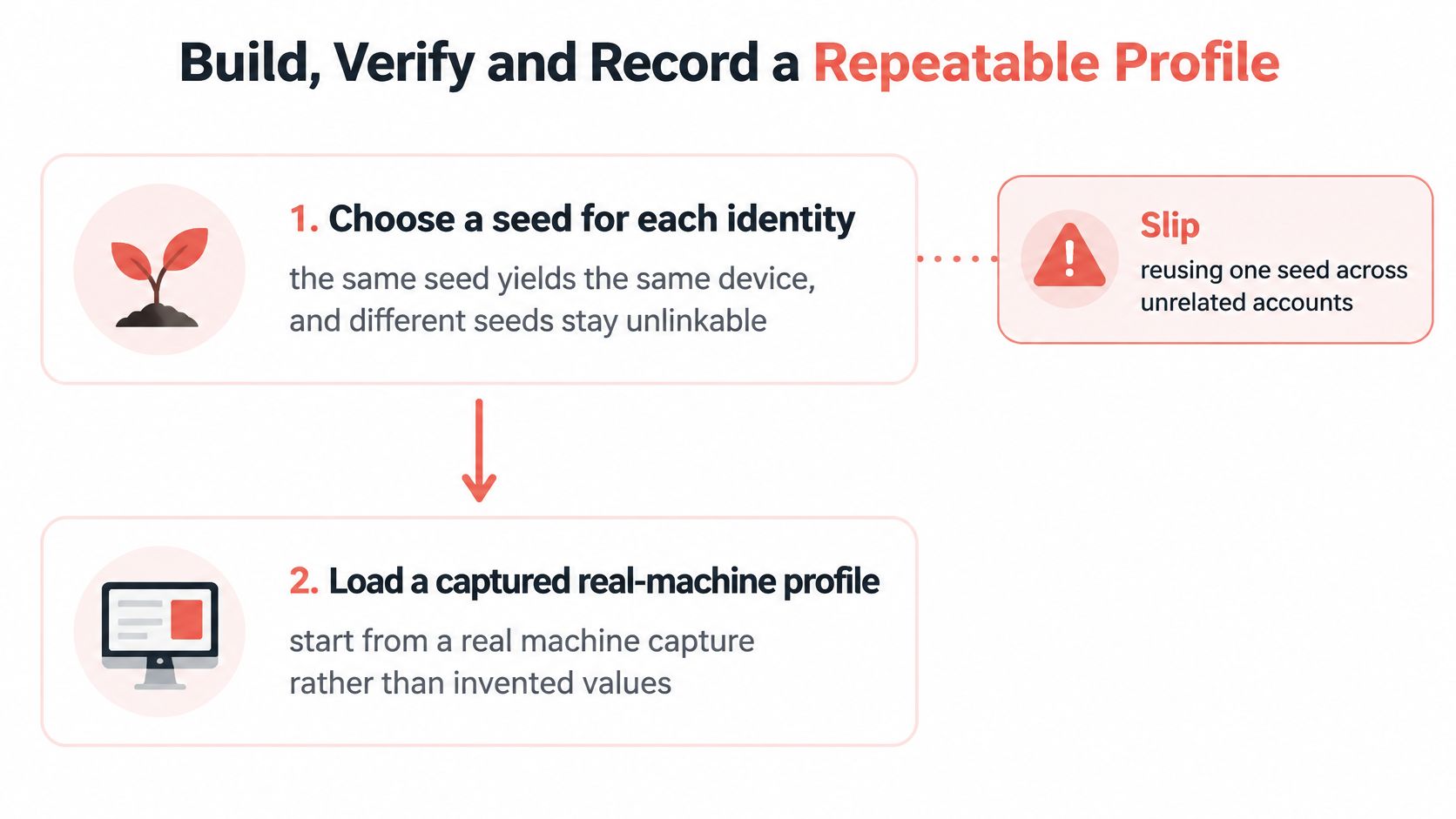
- Choose a seed for each identity. The same seed yields the same device, and different seeds stay unlinkable by design. Write the seed next to the account or the test case it belongs to. The slip is reusing one seed across unrelated accounts, which welds those accounts into one machine.
- Load a captured real-machine profile tagged with the GPU vendor you need. Our captured device profiles are thousands of real-machine profiles, GPU-vendor tagged, so you load a recorded machine instead of a synthetic persona. That gives graphics values a real driver path would produce. The slip is choosing a GPU that doesn't fit the claimed OS, such as a laptop chip on a phone story.
- Set timezone, language, and WebRTC behaviour to the proxy's exit geography. A locale that contradicts the exit IP is one of the most visible mismatches, because it doesn't require graphics at all. Fix the exit first, then the clock and the language list.
- Set the claimed Chrome version, then check hints and the handshake. User-Agent Client Hints and TLS behaviour both have to describe that version. Our
clearcote servecommand starts a browser per identity, and each connection chooses its seed, proxy, timezone, and language, so those choices are explicit instead of leftover defaults from the host machine. - Run coherence checks in the main frame, a worker, and an iframe. Confirm the readings agree. A pass on the top document with a different GPU inside a worker is a fail.
- Save cookies and storage under a named profile. The
save_profileandload_profiletools save cookies and storage to a named file in the sandbox and restore them later, so you log in once and reuse the session. Skipping the name means the next run looks like a new visitor even when the device signals match. - Re-run the checks after every browser update. A new Chromium major can shift values you pinned last month. Don't assume yesterday's fixture is still the same bytes.
A go or no-go check
Don't scale a profile that hasn't earned it. Before a fleet run, require the same readings across three separate runs, coherence checks passing in all three frame types, an identity mode that matches the workflow, and locale plus timezone matching the exit location. If a check fails, fix that signal first. Adding more spoofed values on top of a broken row makes the contradiction richer, not quieter.
Test one profile in a sandbox before you roll it out. Record the mode, the seed, and the coherence results for each profile so the next person can see why it was allowed to repeat. Confirm the target site's terms allow automated access before you run at scale. We provide the browser for privacy, testing, and lawful automation, and it isn't there to break a law or to get into systems you aren't allowed to use.
A stable, recorded profile is what makes a bug report believable. A rotating or cohort profile is what keeps a long-lived test from becoming a tracking ID you didn't mean to publish. The difference is the schedule you wrote down, not a longer list of fields.
Clearcote Labs builds an open-source Chromium fork with engine-level fingerprint and identity controls, so a devices profile stays coherent across the network stack, graphics, and every frame instead of being patched in page scripts. You can load GPU-tagged captured profiles, pin a seed, and attach the same browser from Playwright or Puppeteer for repeatable tests. Visit Clearcote Labs to read the docs, try the fingerprint checks, and pick a local, Docker, or hosted setup that matches the identity mode you need.