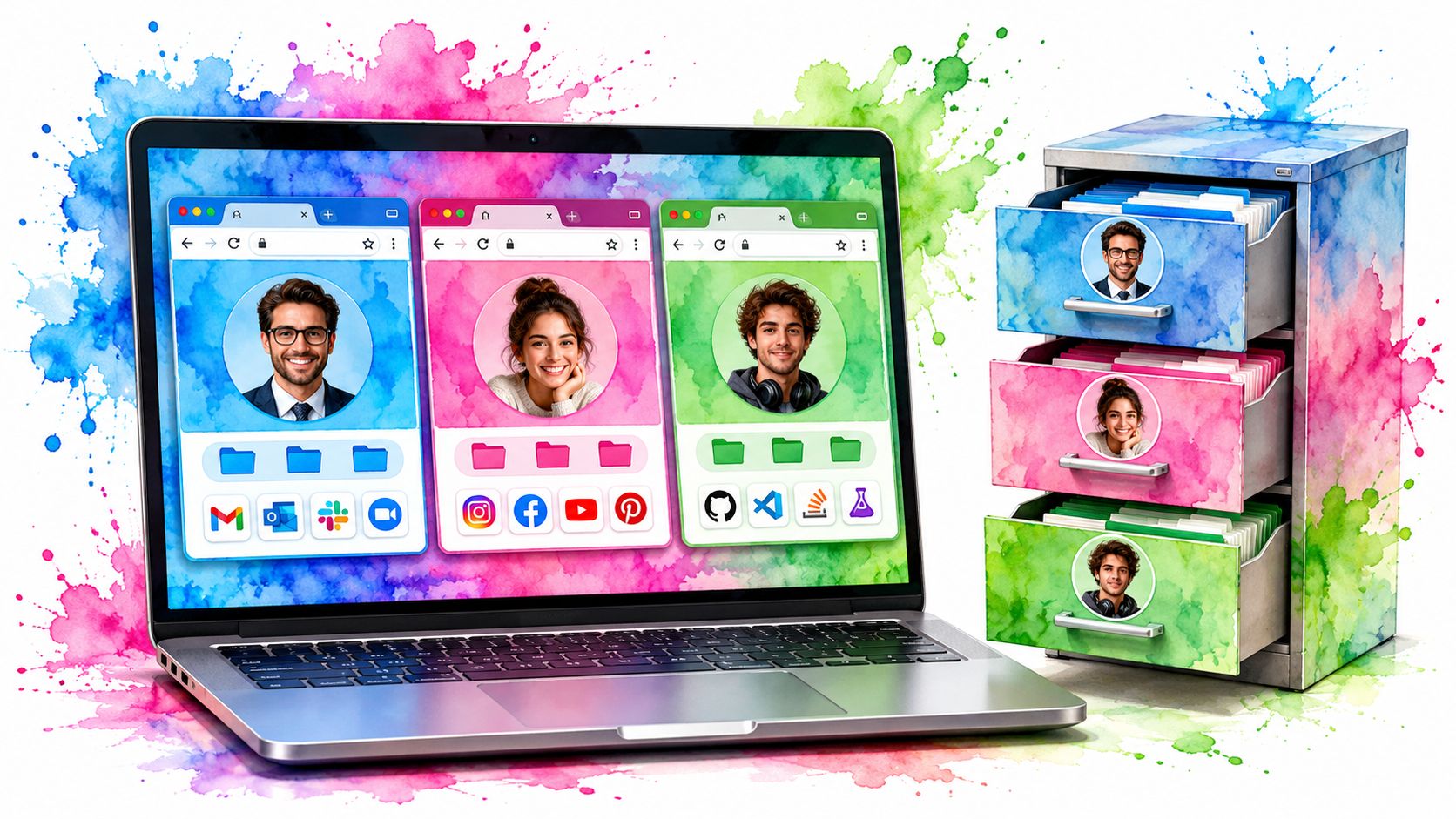
The most repeated advice about running multiple Twitter accounts is a number: you're allowed ten, so go ahead and run ten. The number is the least useful part of the discussion. Ten accounts that post the same link within the same minute, from one browser, behind one IP address, are a liability dressed up as scale. Three accounts with separate audiences, separate calendars and separate voices are not.
What decides whether a fleet survives a policy review is behavioral similarity. What keeps it intact day to day is identity isolation at the session and machine layers, not the login switcher everyone writes about. Get those two things right and the account count stops mattering much. Get them wrong and a modest two-account setup can look exactly like a coordinated amplification network to both automated systems and human reviewers.
Table of Contents
- Four Ways to Keep Accounts Apart
- Why Teams Run Several Accounts and Where Coordination Begins
- How to Build Isolated Browser Profiles Step by Step
- Automation Tokens and Rate Limits Per Account
- Access Control and Blast Radius for a Team Fleet
- Choose Your Setup and Run the Check
Four Ways to Keep Accounts Apart
Accounts are kept apart at three layers. The platform layer is the login itself: separate credentials, separate sessions on X's side. The browser session layer is the cookie jar, local storage, IndexedDB and extension state that live on your machine. The machine identity layer is what the site can infer about the device and network: IP address, timezone, language headers, installed fonts, canvas and WebGL output.
Isolating the first layer and calling it done is common. That's where the trouble starts.
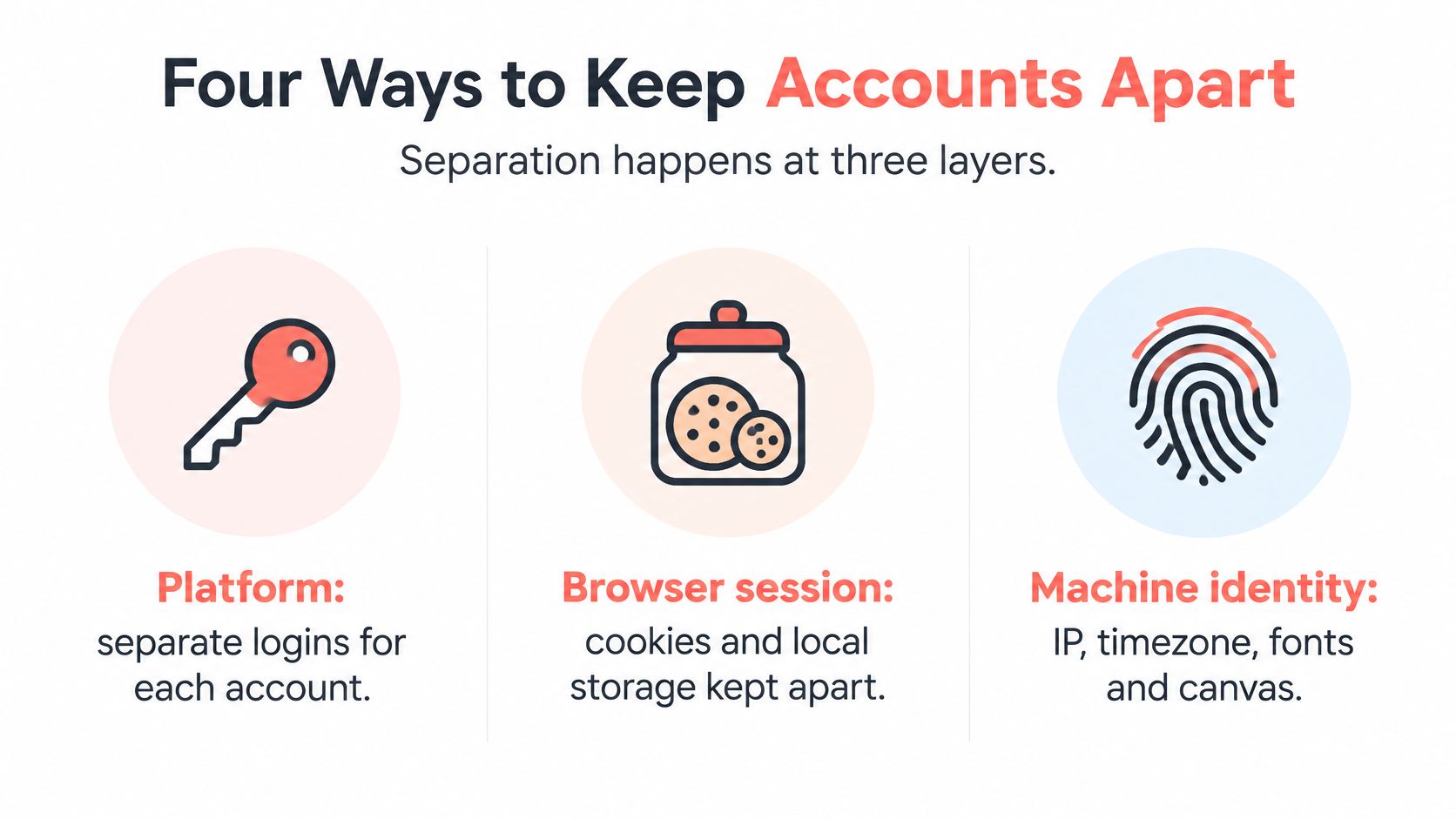
Four methods cover nearly every real setup, from a freelancer with a personal and a work handle to a QA team driving fifty logins through Playwright.
| Method | What it isolates | Comfortable account count | Where it leaks | Setup effort |
|---|---|---|---|---|
| Native account switcher in X | Login session only | 3-5 per device | Shared cookies, IP and browser fingerprint | Minutes |
| Separate browser profiles | Cookies, storage, extensions, per-profile settings | 5-20 per machine | Same IP and often same fingerprint unless spoofed | Under an hour |
| Containerized or portable browser builds | Full browser state, version, launch flags | 20-100 per host | Shared host IP; fingerprint drift if patches are inconsistent | Half a day |
| Separate virtual machines | Everything up to the network layer | 10+ per host, resource-bound | Exit IP if all VMs share one proxy | A day or more |
The failure mode people hit first is banal. Logging five accounts into one browser window gives you five platform sessions and exactly one cookie store, one set of fonts, one canvas hash and one exit IP. On X's side the accounts are separable. On your side they're joined at the hip, and any cross-account action now carries a shared device history behind it.
The native switcher is fine for a handful of personal and brand logins on one laptop that a human operates. The moment a script touches the account, profile-level isolation stops being optional, because automation amplifies whatever the session leaks. The same principle applies to running tests in parallel: each run needs its own state or the results contaminate each other.
If you're weighing tooling for this, the write-up on multi account management for developers covers the operational side well, particularly how proxy assignment and profile naming affect what you can audit later.
Rule of thumb: pick the lightest method that still gives each account its own storage, its own exit IP and a coherent device profile. Anything less isn't isolation, it's a shared alibi.
Why Teams Run Several Accounts and Where Coordination Begins
The number of accounts a team runs is the least interesting thing about the fleet. What decides whether the setup survives review is how similar those accounts behave, and that was true long before any tooling existed to manage them.
In a January 9, 2008 poll reported by TechCrunch, 53% of respondents said they had more than one Twitter account, and many of those reported keeping three or more. The poll was informal and self-selected, so treat it as a signal rather than an estimate of all users. Still, it lands two years after Twitter's 2006 launch, and the demand was already there. TechCrunch also noted that mainstream clients at the time couldn't switch accounts, so people ran separate web sessions. Identity separation came from users before it ever came from a feature roadmap.
The pattern holds up across markets. A 2019 survey of Twitter users in Nepal found that about 25% maintained multiple Twitter accounts. Among that group, roughly 46% also managed an account for an office, community or group, about 44% used all their accounts privately, and about 10% of that group kept an anonymous account. One country, one online sample, so the percentages don't travel. The decomposition does. Organizational communication, private identity separation and anonymity are different jobs, and people solve them with separate logins rather than one overloaded account.
Where the line actually sits
X's authenticity policy, updated in April 2025, allows up to ten accounts only when they serve different, non-duplicative purposes. It prohibits accounts that amplify one another, that interact with the same or substantially similar content to inflate prominence, or that coordinate engagement. The developer rules add their own flags: identical content across accounts, account farms, bulk posting, non-API automation and rate-limit abuse.
Read the policy as a behavioral test. Headcount alone decides nothing. A regional brand handle posting a localized version of a global announcement does distinct work. A support handle that answers tickets and never boosts the brand account does distinct work. A second account that exists to like and repost the first does nothing the first account doesn't already do, and that is the account type the policy names directly.
| Account type | Distinct-purpose evidence | Risk if behaviour overlaps |
|---|---|---|
| Regional brand handle | Localized content, local audience, separate calendar | Medium when localized posts overlap in topic but are independently authored |
| Customer support handle | Transactional replies, no promotional amplification | Low if it does not boost the brand handle's posts |
| Research or monitoring account | Read-heavy, documented purpose | High if it interacts with accounts it monitors |
| Personal vs professional identity | Different audience and posting voice | Low unless the two interact to inflate reach |
| Accessibility or alt-text account | Reposts with added description | Medium if content is near-identical to the source account |
| Second account used to amplify the first | None | Prohibited |
The table flips the usual instinct. A two-account fleet posting synchronized, near-identical text carries more risk than six accounts with clearly different audiences, calendars and interaction patterns. Reviewers and detection systems both key on similarity, and similarity is cheap to produce by accident. One person scheduling every account from one dashboard will converge posting times, reuse phrasing and cross-link accounts without ever intending to coordinate anything.
Practical rule: if you can't write a sentence describing an account's audience that doesn't also describe another account's audience, you don't have a second account. You have a duplicate.
Documentation is what turns intent into evidence. For each account, record four fields: purpose, audience, editorial calendar and owner. Then check that no two accounts share more than two of the four. Localized brand accounts will overlap on topic, which is fine as long as the copy is authored per market and the posting times drift apart naturally. Two accounts sharing an owner, a calendar and an audience are one account with extra steps, and no amount of browser isolation downstream will fix that. Isolation hides the device; it never disguises the behavior, and behavior is what the policy measures.
How to Build Isolated Browser Profiles Step by Step
A profile is only as good as the identity behind it. Work through these in order and each step removes a specific failure.
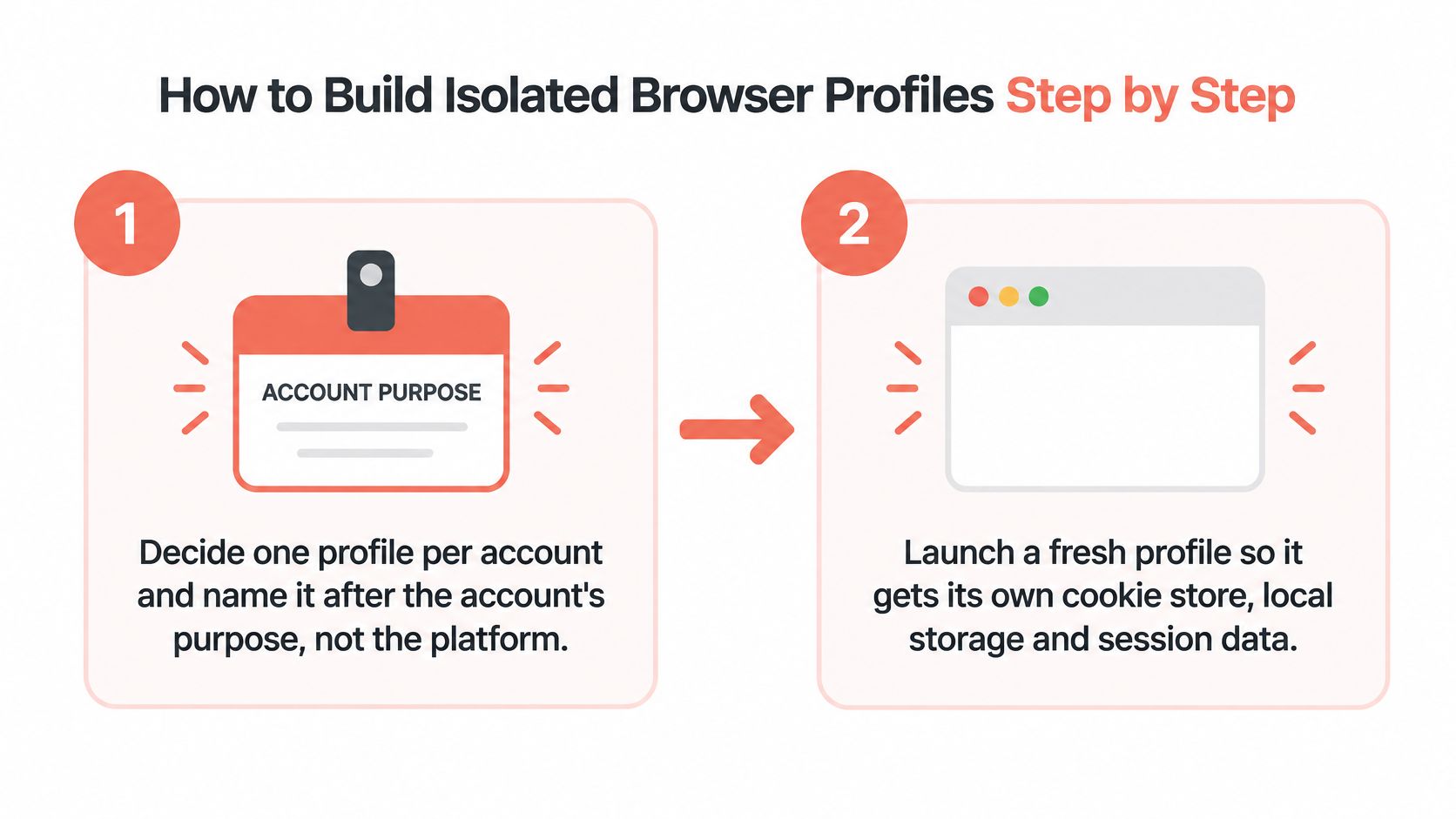
- Create one profile per account and name it after the purpose, not the platform. "Support EU" survives a handover; "twitter2" doesn't, and it prevents the swap-by-mistake that leaks one account's session into another's workflow.
- Launch a fresh profile so it starts with its own cookie store, local storage and extension set. Inheriting a cloned profile directory is how accounts end up sharing a session token you didn't know about.
- Pin the exit IP. Assign a proxy with a username and password to each profile and never let two accounts share one address. Shared egress is the single most common link between otherwise separate identities.
- Match the persona's clock and language to the proxy's geography. Timezone,
Accept-Languageand WebRTC candidates should agree with where the IP resolves, otherwise you've built a device that claims Frankfurt while behaving like Chicago. - Check the fingerprint before the first login. Run a coherence test and look for mismatches between canvas, WebGL, font list and the user-agent version. Fixing this after login means the account's first impression was the inconsistent one.
- Log in once and keep the session. Re-authenticating from a new environment is exactly what triggers security prompts and, eventually, a lock.
- Record the profile in a register: seed or profile ID, proxy, owner, recovery channel. Without it, nobody can tell which account sits behind which identity six months later.
For teams running this at scale, injection is the weak point. Browser forks that set identity signals in the engine rather than through injected JavaScript keep the main thread, workers and iframes returning consistent values, and seeded identities reproduce the same device every session, which is what makes a fleet reproducible rather than merely parallel. Clearcote builds work this way: the same seed gives the same device every session and a different seed gives an unrelated one, and one seed per account is the recommended pattern. SOCKS5 proxies with a username and password work directly on every build from 151, so there's no wrapper to maintain.
The edge case that bites is version drift. Fingerprint patches that differ across builds produce a device that changes shape after an update, so pin versions across the fleet and treat an upgrade as a change that needs a coherence check first.
Watch the video on YouTubeBefore you trust any tool with a fleet, validate what it reports with a proper fingerprint analysis kit rather than the vendor's own summary page.
Automation Tokens and Rate Limits Per Account
Credentials decide whether a fleet stays isolated or reads as one noisy actor. For multiple X accounts, run one application and give each account its own OAuth user-context credentials. A second app for the same job fights the platform's app rules and does not buy a cleaner identity boundary.
X's rate limit documentation states that OAuth 1.0a user-context limits are allocated per set of user access tokens, and that a given endpoint can allow up to 900 requests per 15-minute interval for each authorized user. Ten authorized users then imply an aggregate theoretical ceiling near 9,000 requests per interval, still subject to endpoint-specific limits and the commercial access terms in force.
That aggregate is a budget, not a promise. Design so one account cannot spend another's allowance.
Isolate the credential, then the queue
Store each account's access token and its refresh or reauthorization state in its own credential record. Attach the correct token to every job at dispatch time. Never pull it from a global variable. Throttle per account before a shared global queue, so a high-volume account hits its own ceiling and waits instead of draining a pool other identities depend on.
Two distinctions matter. App-level bearer-token limits are not user-context limits. An app-only token does not give equivalent per-account authorization, and it does not reach user-private operations. X also restricts how many apps one developer can register and generally prohibits multiple applications for one substantially overlapping use case, so the one-app-many-tokens model is the compliant one as well.
The audit benefit is underrated. Per-account tokens make every log line attributable to a specific identity, which is the difference between "something posted at 03:14" and "the Jakarta brand account posted at 03:14 from the profile owned by Rina."
Watch for repeated text across accounts, synchronized posting bursts, abnormal follow or DM ratios, token reuse, and failed authorization events. Account count stops mattering here. Similar behavior across isolated credentials is what authenticity rules treat as one coordinated actor, and catching that internally costs less than reading it in a policy notice.
Access Control and Blast Radius for a Team Fleet
Treat each social account like production infrastructure, because that's what it is. A compromised operator, a stolen browser session or a leaked token should expose one identity, not ten. That's the whole design goal, and every control below is just blast-radius reduction.
Brandwatch's roundup of X management tools makes the consolidation case: native analytics stay basic at impressions, engagement rates and link clicks, and platforms pull multiple accounts into one view. What those comparisons rarely address is what happens when one credential in that consolidated view is compromised, which is the question that should drive your architecture.
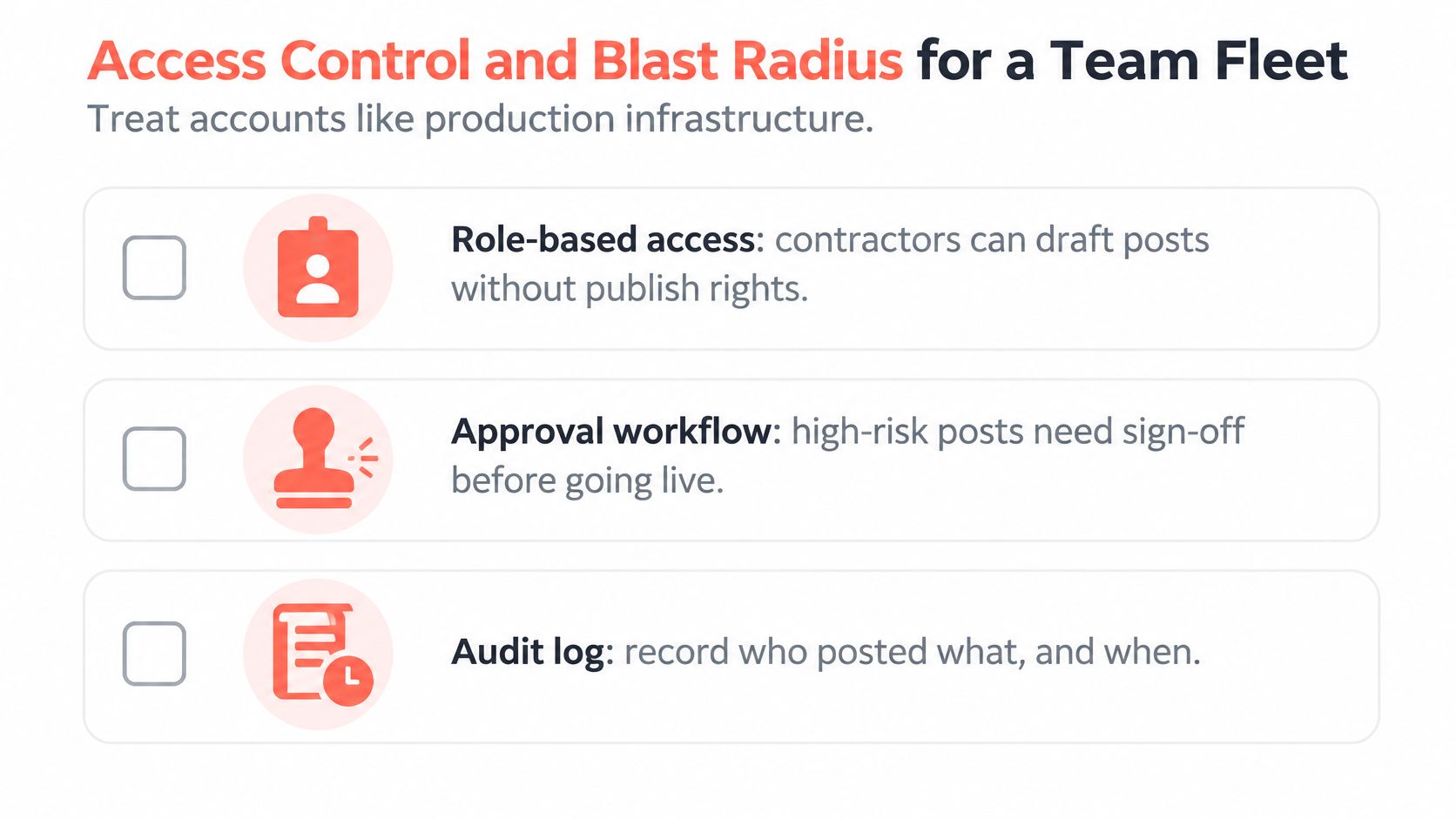
Start with role-based access so a contractor can draft without publish rights. Add an approval step for high-risk posts: anything announcing a policy change, a pricing move or a response to a complaint. Keep an audit log of who posted what, from which session, at what time. X's own guidance puts the responsibility on account owners to use unique strong passwords and two-factor authentication through an authenticator app or security key, and to act quickly on unauthorized changes. Take that to heart: a separate authenticator entry per account, a separate recovery mailbox, a separate recovery phone number where possible. One shared inbox that can reset all ten accounts is a single point of failure wearing a costume.
For teams coordinating permissions across a wider tool stack, how Sift AI handles permissions is a useful reference for role design.
The incident path, written before you need it
Emergency revocation of tokens and app access. Forced re-authentication of the affected account only. A named person who decides whether to pause the whole fleet. Run it as a drill once a quarter so the steps are muscle memory rather than a scramble. Profile and device records belong in the same register, which is why profile device management is worth getting right early.
One boundary to hold: this is privacy isolation, not policy evasion. Separation exists to stop accidental cross-posting and credential exposure, never to conceal coordinated manipulation. If an account is locked or suspended, stop automation on it immediately, recover it through its own channel, and don't open a replacement to cover the gap.
Choose Your Setup and Run the Check
Twenty accounts that post, reply, and idle the same way are weaker than three accounts with separate purposes, separate devices, and separate habits. The count is the easy variable. Identity isolation and a real reason for each login decide whether the fleet is sound.
Match the method to the number of logins you run, not to the largest fleet the tooling will allow.
- Two or three personal or brand logins on one laptop: the native switcher is enough. No automation, no proxy, no ceremony.
- Five to twenty accounts, human-operated: separate browser profiles, one dedicated proxy each, following the procedure above.
- Accounts driven by Playwright or Puppeteer: the browser must hold a coherent identity at the engine level, not through injected scripts, or your fleet will present mismatched signals across the main thread, workers and iframes. Dedicated anti-detect tooling can supply that, but run the coherence check before you trust it. Our Profile Manager is a free desktop app for creating and launching profiles as ordinary browser windows, and the capacity tiers are one browser at a time on the free key, up to 15 on Personal at $15 per month, and up to 250 on Pro, with more available in blocks of 100.
- Beyond that: apply the per-account credential and throttling design, and treat publishing as a queue with budgets rather than a loop with sleeps.
Those bands only size the tooling. Two logins that share a cookie store, an exit IP, and a posting rhythm fail the same way a much larger set does.
If scheduling is part of the workflow, a tool built to schedule posts on X per account is easier to audit than a script that loops through credentials.
One check to run today: confirm every account has a register entry with its profile, proxy, owner and recovery channel, and that no two accounts share a cookie store or an exit IP. Then apply the test that settles most doubts. If a reviewer asked why each account exists, could you answer with a distinct purpose and audience? If not, consolidate before you scale. Matching phrasing, hours, and engagement across accounts is the failure that a higher seat count never fixes.
Clearcote Labs builds Clearcote, an open-source, de-Googled Chromium fork that sets fingerprint and identity signals in the browser engine, so each of your Twitter accounts can hold a separate, reproducible device across sessions. It drops into Playwright and Puppeteer with a binary swap, and the free Profile Manager lets you create, assign a proxy to, and launch each identity without writing code. If you're running more than a couple of logins, start with one seed per account and visit Clearcote Labs to see how the builds and plans line up.