Your checkout passes in Chrome. The payment button responds, the confirmation page loads, and CI reports a clean run. Then a Safari user gets stuck after returning from the payment provider. Your tests weren't wrong. They answered a narrower question than you thought.
Cross browser testing tools verify different layers of compatibility. An automation framework checks application behavior in a browser engine. A visual-testing service compares rendered interfaces. A device cloud lets you investigate an actual phone. A grid distributes execution across machines. Buying one doesn't automatically give you the others.
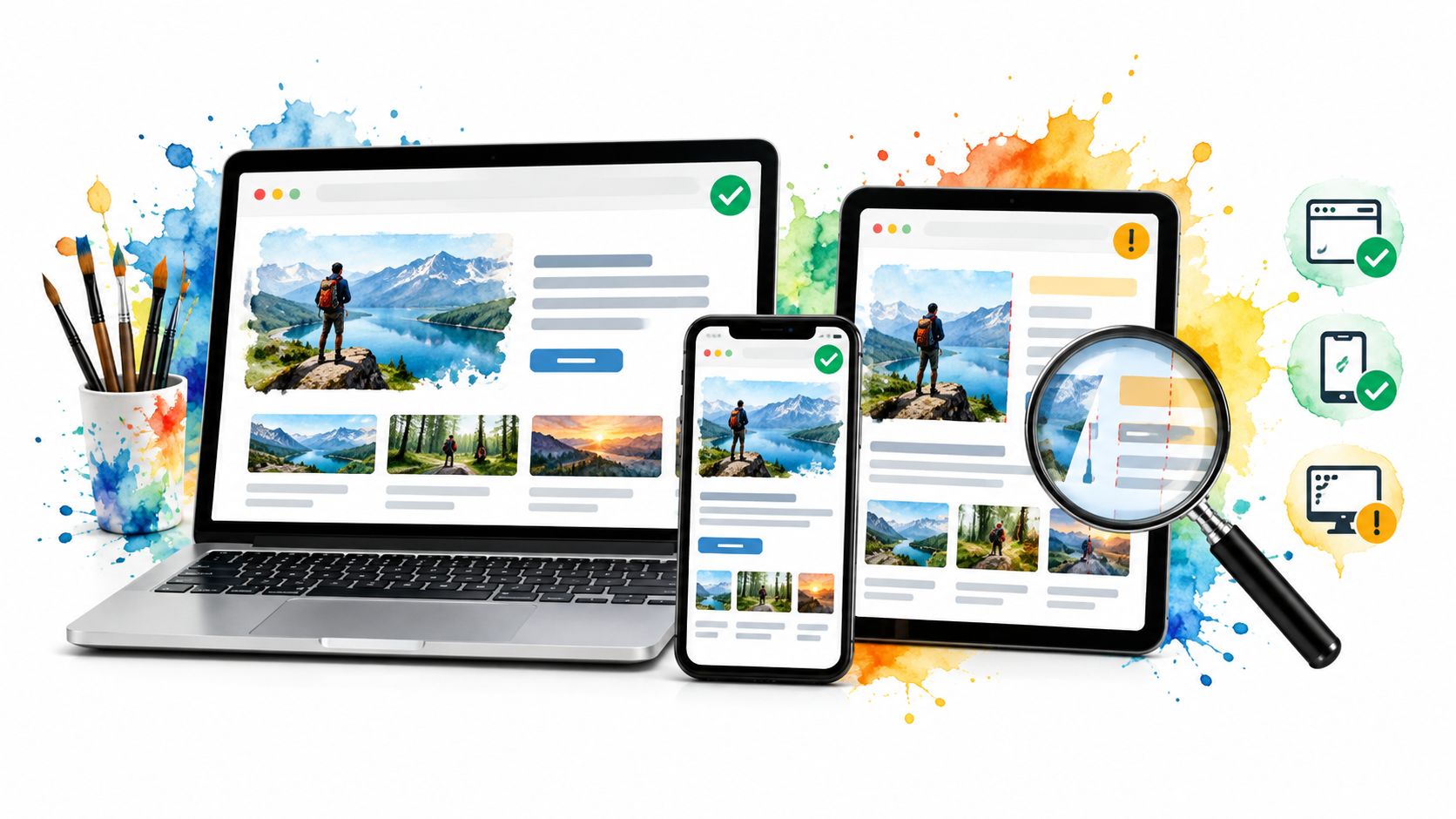
For checkout, those distinctions matter. A screenshot can show the payment button without proving it works. A WebKit run can catch an engine-specific failure without reproducing the keyboard, browser chrome, or authentication handoff on an iPhone. Keep automated engine coverage, but also run smoke tests on physical phones for critical mobile journeys.
Practical rule: Choose a tool by the question you need answered, not by how many browser combinations appear on its homepage.
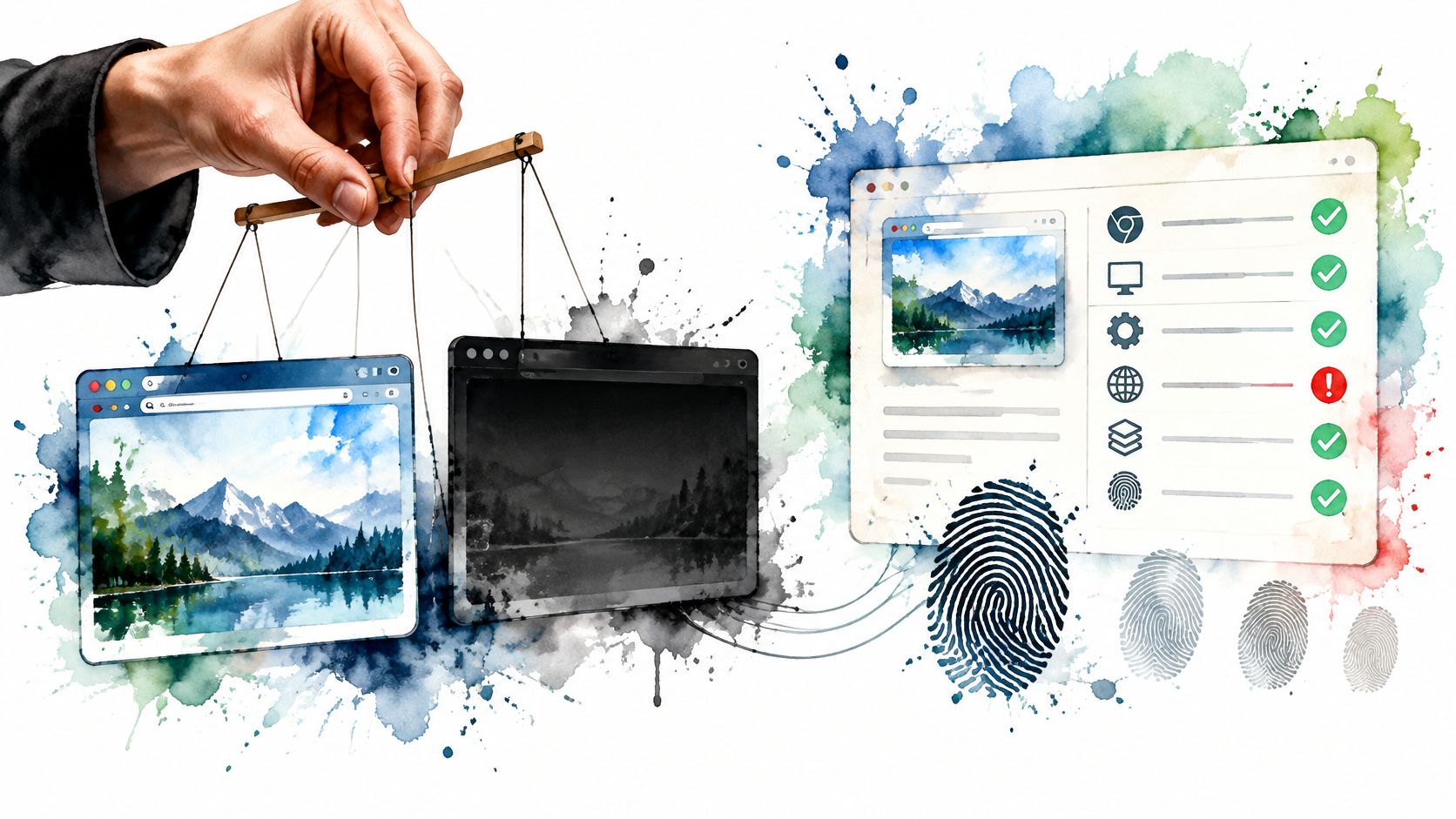
The options below cover behavior, rendering, real devices, and execution infrastructure. None automatically proves that a browser's identity signals agree across workers, iframes, and network traffic. That needs a separate assertion layer, especially when your tests use custom browser builds, device profiles, proxies, or persistent identities.
Table of Contents
- 1. BrowserStack
- 2. LambdaTest (TestMu AI)
- 3. Sauce Labs
- 4. TestingBot
- 5. Playwright
- 6. Cypress
- 7. Selenium Grid
- 8. Applitools
- 9. Percy by BrowserStack
- 10. Chromatic
- How the 10 cross browser testing tools differ by deployment, device coverage and best use
- Build a Test Stack Around the Risk You Actually Have
1. BrowserStack
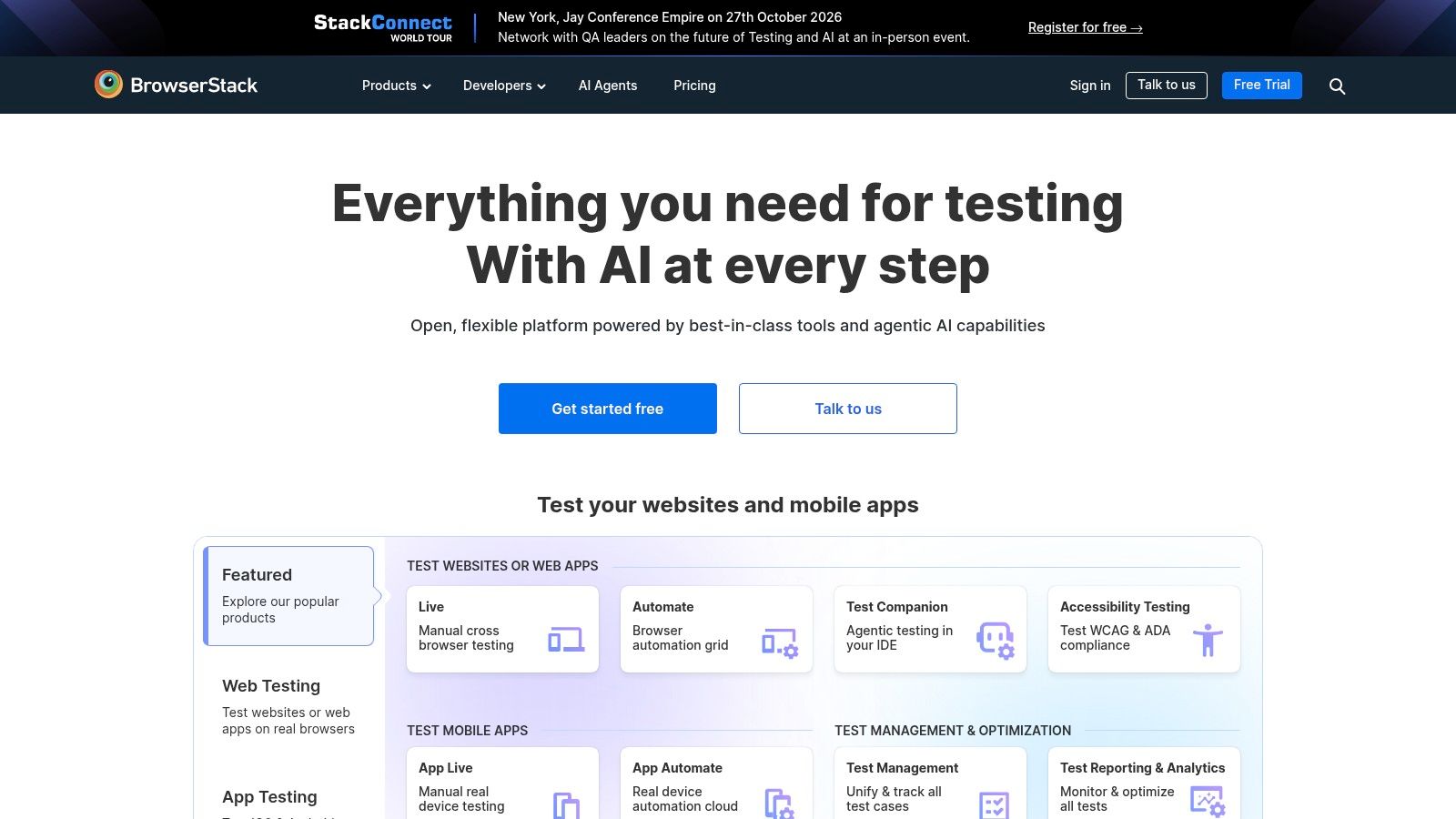
Question answered: Does the application work on the browser and device combinations your team doesn't own?
BrowserStack combines interactive remote sessions with automated execution and real mobile devices. It's a practical choice when a Safari checkout failure needs investigation now, rather than after someone provisions a Mac or finds a suitable iPhone.
Its local-testing connection lets remote browsers reach development and private staging environments. Playwright and Selenium support lets you preserve existing test logic, while screenshots, recordings, and logs provide evidence for failures.
Where it earns its place
Use interactive sessions to reproduce an unfamiliar failure, then automate the smallest reliable regression test. Keep test data and application builds consistent between local CI and the hosted environment, or you'll struggle to distinguish browser defects from environment differences.
- Strong fit: Teams needing manual investigation and automated browser or device coverage from the same service.
- Main trade-off: More parallel sessions and broader coverage increase the commercial commitment.
- Specific limit: A managed browser image won't necessarily reproduce your developer machine's extensions, certificates, fonts, or persistent state.
Treat the tunnel as infrastructure, not an invisible convenience. Record whether it started successfully and whether the browser could reach the intended application build.
The broader browser-as-a-service model explains the operational bargain: you outsource browser provisioning, but you still own test isolation, assertions, and diagnosis.
2. LambdaTest (TestMu AI)
A Selenium suite that already works locally doesn't need a rewrite just because the team needs more execution capacity. LambdaTest, also presented as TestMu AI, offers hosted browser sessions and automated execution that can fit into an existing CI pipeline.
Its primary question is whether managed infrastructure can expand your coverage without becoming another system your team operates. Interactive sessions support investigation, while parallel execution and private-site connectivity support repeatable runs against staging.
Evaluate it with your actual suite, not a demonstration login test. Include a file upload, an authentication redirect, a failed API response, and whatever workflow currently makes your tests unreliable.
Measure the complete CI job, including queueing, browser startup, tunnel setup, artifact collection, and retries. Test execution time alone isn't the delivery time.
What to verify before committing
Product naming and commercial packaging have been in transition, so confirm the current browser catalog, framework support, and concurrency entitlement. Don't assume that a feature shown elsewhere in the product belongs to the plan you're evaluating.
Cloud execution also adds network and service dependencies. Classify session-start failures separately from failed application assertions, and retain enough logs to tell them apart.
Best fit: A team comparing hosted alternatives to a self-managed grid. Main limitation: Purchasing capacity won't fix shared test accounts, order-dependent tests, or unstable selectors. Those problems usually become more visible when you run the suite concurrently.
3. Sauce Labs
A mobile simulator and a physical phone answer different questions. Sauce Labs provides desktop browsers, virtual mobile environments, and a separate real-device offering, making that distinction important when choosing coverage.
Virtual environments are useful for repeatable functional checks. Physical devices belong in the workflow when you're investigating touch behavior, the on-screen keyboard, device-specific rendering, or browser-to-application transitions.
Sauce Labs supports manual sessions and automated execution across multiple automation stacks. Screenshots, video playback, and debugging artifacts help teams investigate failures without having watched the original run.
Separate device fidelity from execution capacity
Don't describe every mobile job as device testing in your reports. Label whether it ran on an emulator, simulator, or physical device, together with the operating system and browser configuration.
- Use virtual environments for: Broad functional regression checks where hardware isn't the suspected variable.
- Use real devices for: Release-critical mobile journeys and failures tied to actual device behavior.
- Check plan boundaries: Automated desktop execution and physical-device access may involve different allowances and costs.
The recurring expense can be substantial when several teams need simultaneous browser and device sessions. Compare that expense with the hardware, maintenance, and scheduling work you'd otherwise own.
Specific limit: Access to a physical phone doesn't automatically reproduce a customer's carrier connection, account state, installed applications, or authentication setup. Make those dependencies explicit in the test procedure rather than treating real hardware as complete production equivalence.
4. TestingBot
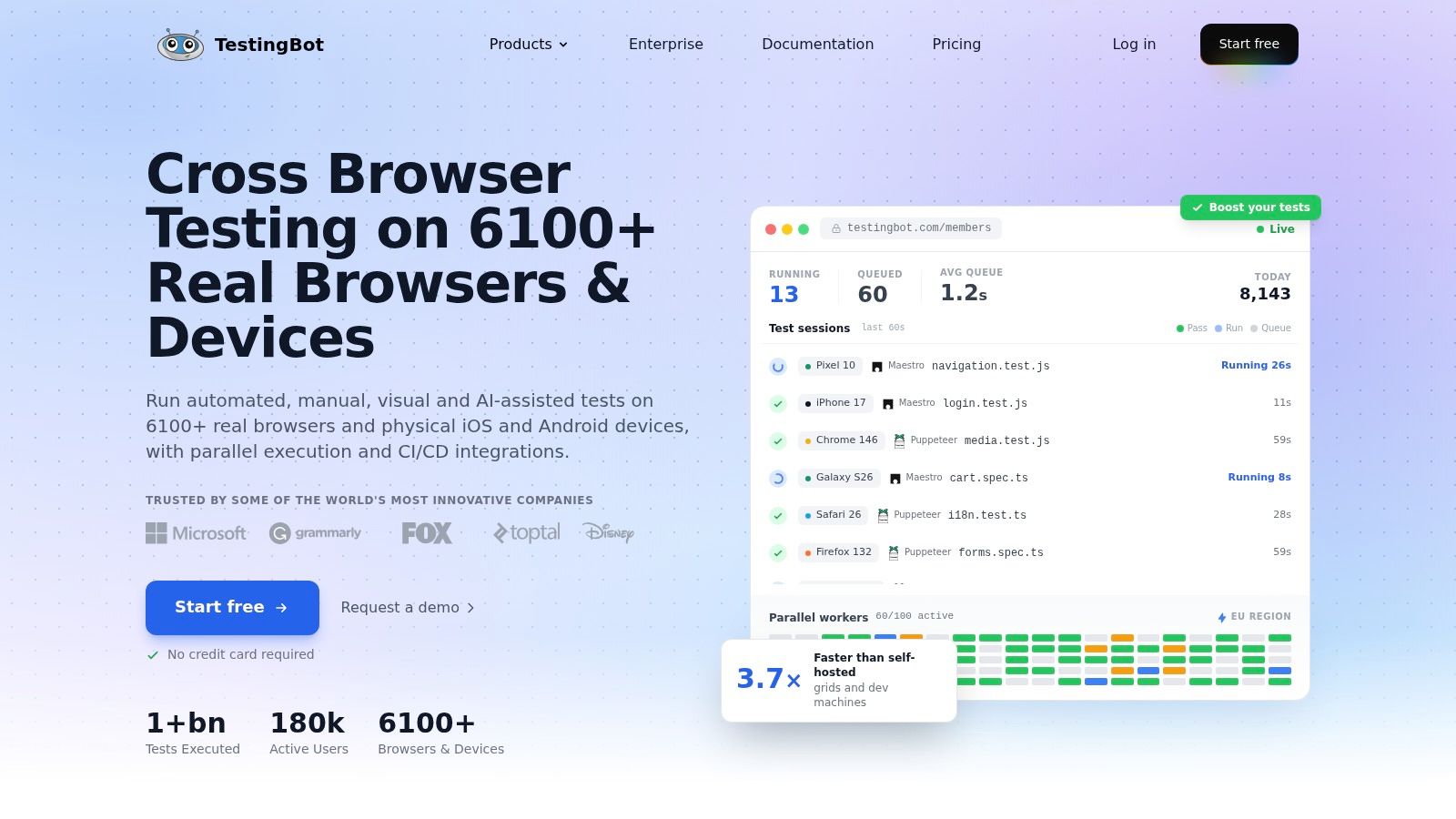
Question answered: Can different automation stacks share a managed browser and device service?
TestingBot supports Playwright, Puppeteer, Cypress, Selenium, and Appium alongside manual testing. That makes it worth evaluating when a team has inherited several frameworks and can't justify consolidating them immediately.
Its hosted environments include desktop browsers, virtual mobile environments, and real iOS and Android devices. Local testing, screenshots, video recordings, and parallel execution cover the basic operational needs of browser regression testing.
Run a compatibility trial, not just a connection test
Framework support doesn't mean every framework exposes identical browser capabilities through the service. Exercise the features your suite actually uses, including browser contexts, downloads, network interception, and device interactions where applicable.
TestingBot offers subscriptions and pay-as-you-go access, and open-source projects can apply for a free plan. The useful comparison is whether the relevant plan covers your expected automated usage and parallel sessions, not whether its entry point looks inexpensive.
The main trade-off is allocation. Automated minutes, concurrency, and available browser-operating-system combinations need to match your suite's shape. A broad catalog won't help if the specific configuration that reproduces your failure isn't available.
Keep configuration in version control and attach the requested capabilities to failure reports. Otherwise, a rerun can target a different environment without any warning, leaving you with a passing test and no explanation for the original failure.
5. Playwright
For a code-first team starting engine-level coverage, I'd start with Playwright. Its Chromium, Firefox, and WebKit projects let you reuse test intent across distinct engines while keeping execution in your own development and CI environments.
Auto-waiting, browser-context isolation, network interception, and traces address practical problems in dynamic applications. A trace is especially useful when a failure depends on the sequence of navigation, requests, and element state rather than the final screenshot.
A survey analysis discussed by TestGuild reported 45.1% Playwright adoption among surveyed QA practitioners, directional evidence of adoption rather than audited global market share.
Engine coverage isn't device coverage
Playwright's mobile profiles emulate selected characteristics such as viewport and input settings. They don't turn a Linux worker into an iPhone, and a WebKit project isn't equivalent to every shipping Safari version on Apple hardware.
- Works well for: Repeatable application behavior across major browser engines.
- Requires your infrastructure: CI workers, browser dependencies, artifact retention, and capacity management.
- Needs another layer: Physical-device validation and broader branded-browser or historical-version coverage.
The open-source framework has no license fee, but running it isn't costless. Browser processes consume memory and CPU, and excessive worker counts can make timing failures harder to interpret.
Keep browser packages and CI images pinned together. When upgrading, compare failures against the previous environment before changing assertions, so a browser update doesn't become an unexplained baseline reset.
6. Cypress
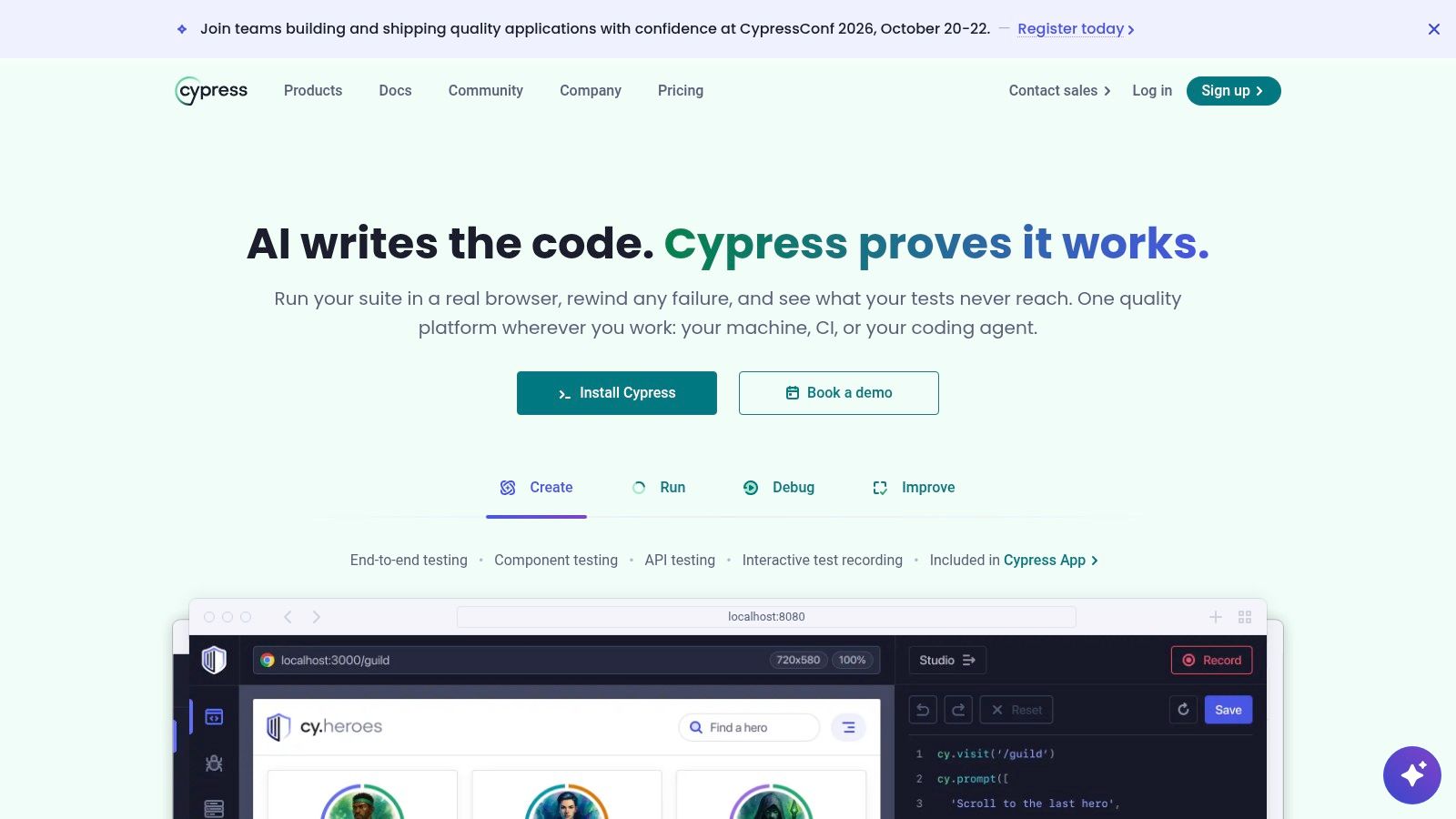
An existing Cypress suite is an asset, not automatically a migration problem. Cypress provides a developer-oriented runner for investigating application behavior, with an optional cloud service for recording, organizing, and analyzing runs.
Its strongest question is whether your existing end-to-end tests can provide useful additional browser coverage. Chrome-family browsers and Firefox are relevant targets; verify the current status and constraints of WebKit support before treating it as a release gate.
The core application is open source. Cypress Cloud adds orchestration and analysis capabilities, but it doesn't make Cypress a remote catalog of arbitrary browsers and physical phones.
Where the architecture matters
Browsers must be available in the execution environment. Workflows involving multiple tabs, origins, or browser-level interactions deserve an explicit proof of concept because Cypress's execution model differs from Playwright's.
Don't judge the fit using only ordinary form submissions. Test your actual payment redirect, identity-provider login, embedded content, and download workflow before committing to a coverage expansion.
Keep a framework that reliably tests your application. Change it when a concrete architectural constraint blocks coverage, not because another runner has a longer feature list.
The Playwright alternatives comparison is useful when deciding whether to extend Cypress or choose another execution model.
Main limitation: A productive local debugging experience doesn't establish physical-device fidelity or full browser-version coverage. Add those layers separately instead of stretching the runner into a browser farm.
7. Selenium Grid
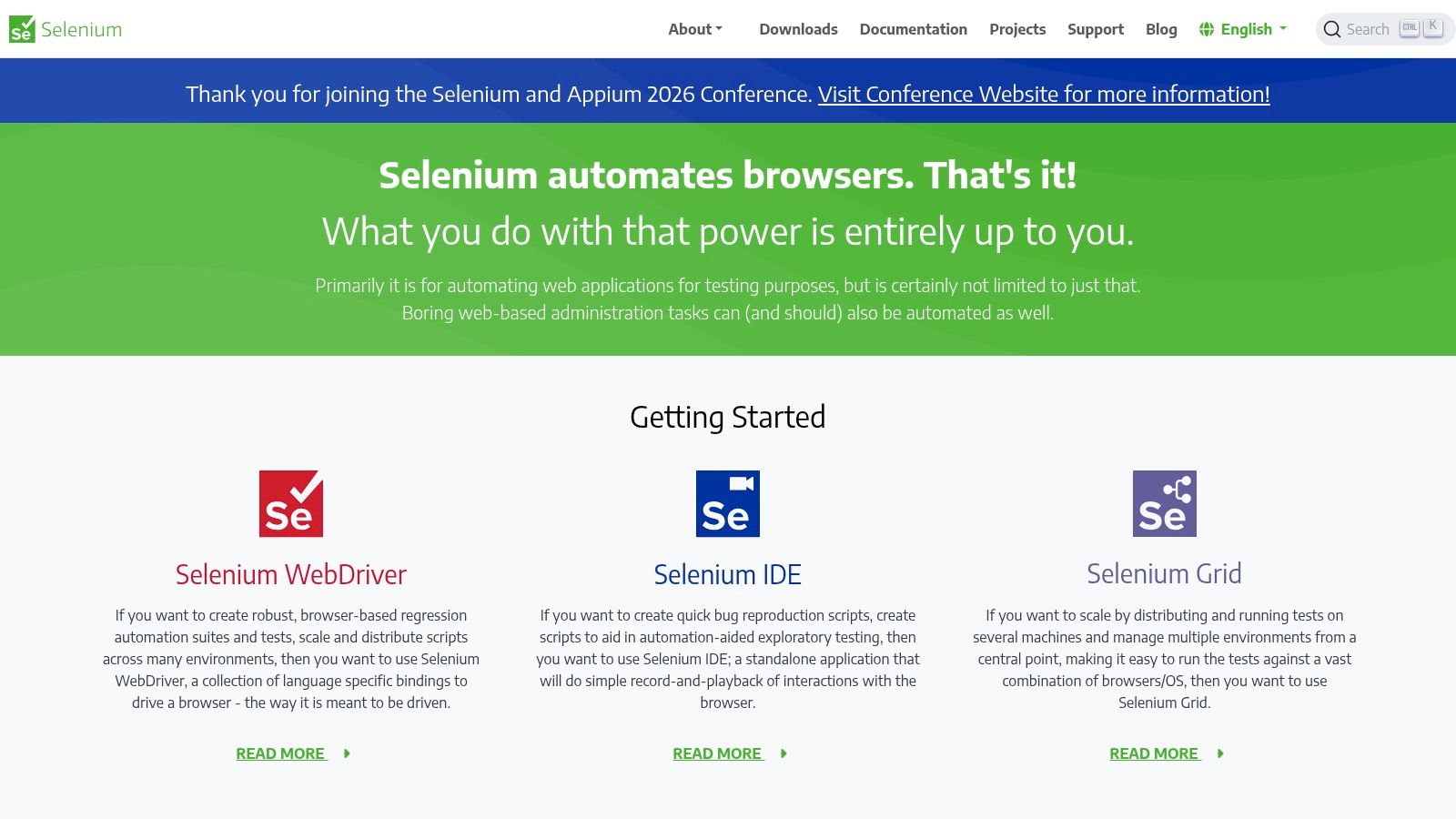
Selenium Grid answers an infrastructure question: Where should this WebDriver session run? It routes tests to remote browser instances and supports parallel execution across machines with different browser and operating-system configurations.
That control matters when tests must stay inside your network or require customized machine images. Standalone, hub-and-node, and distributed deployments let teams choose an operational model that matches their needs.
The software has no subscription fee. Your team still pays for machines, storage, maintenance, security, and the engineering time required to keep sessions reliable.
What you inherit when you self-host
- Provisioning ownership: Install browsers, drivers, operating-system dependencies, fonts, and certificates.
- Reliability ownership: Detect unhealthy nodes, terminate orphaned processes, manage resource pressure, and collect artifacts.
- Security ownership: Restrict access, isolate sessions appropriately, and patch exposed infrastructure.
Grid doesn't author tests or make weak assertions stronger. It also doesn't automatically give you screenshots, videos, or a complete debugging workflow unless you configure the surrounding infrastructure.
Use explicit capabilities and keep the resolved environment details. A test meant for a particular browser version shouldn't run somewhere else without anyone noticing just because that node happened to be available.
For existing WebDriver suites, Grid can be a sensible scaling path. The Selenium versus Playwright comparison addresses the separate framework decision. Don't combine an infrastructure migration and a test-framework rewrite unless you need both, because isolating new failures becomes much harder.
8. Applitools
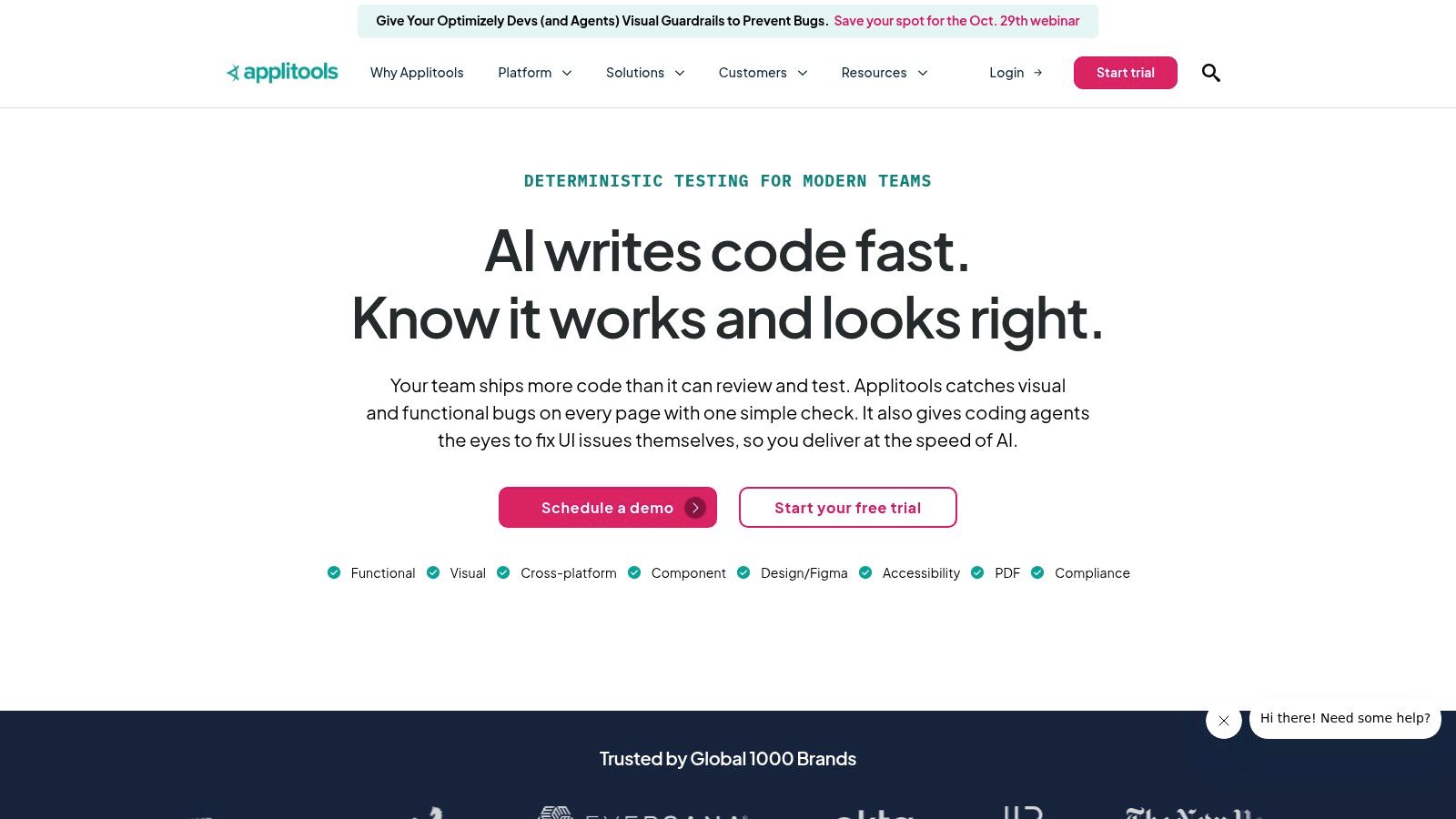
A functional assertion can confirm that a purchase button exists while missing that another element covers it. Applitools addresses rendered appearance, adding visual checks to workflows built with Playwright, Cypress, Selenium, and other frameworks.
Its Ultrafast Grid renders captured interfaces across browser and device configurations. Visual baselines and review workflows help teams inspect differences that ordinary DOM assertions don't describe.
That makes it a complement to functional automation, not a replacement. Rendering a captured state elsewhere doesn't establish that the entire user journey executes correctly in every target environment.
Make the baseline worth trusting
Start with states where appearance affects usability: checkout summaries, navigation menus, validation errors, dialogs, and dense tables. Stabilize content and wait for fonts and images before capturing checkpoints.
- Useful strength: Detecting layout changes that leave text and element-presence assertions passing.
- Operational cost: Someone must review differences and decide whether the baseline should change.
- Specific limit: Visual approval doesn't prove correct backend state, keyboard interaction, or accessibility semantics.
Applitools' visual comparison is intended to reduce noisy differences, but your team still needs a review policy. Ignoring a region can suppress harmless variation and hide a genuine defect in the same area.
Evaluate the commercial commitment against the screens and configurations you actually need. The right output is an actionable visual change, not a large collection of screenshots that reviewers approve without inspection.
9. Percy by BrowserStack
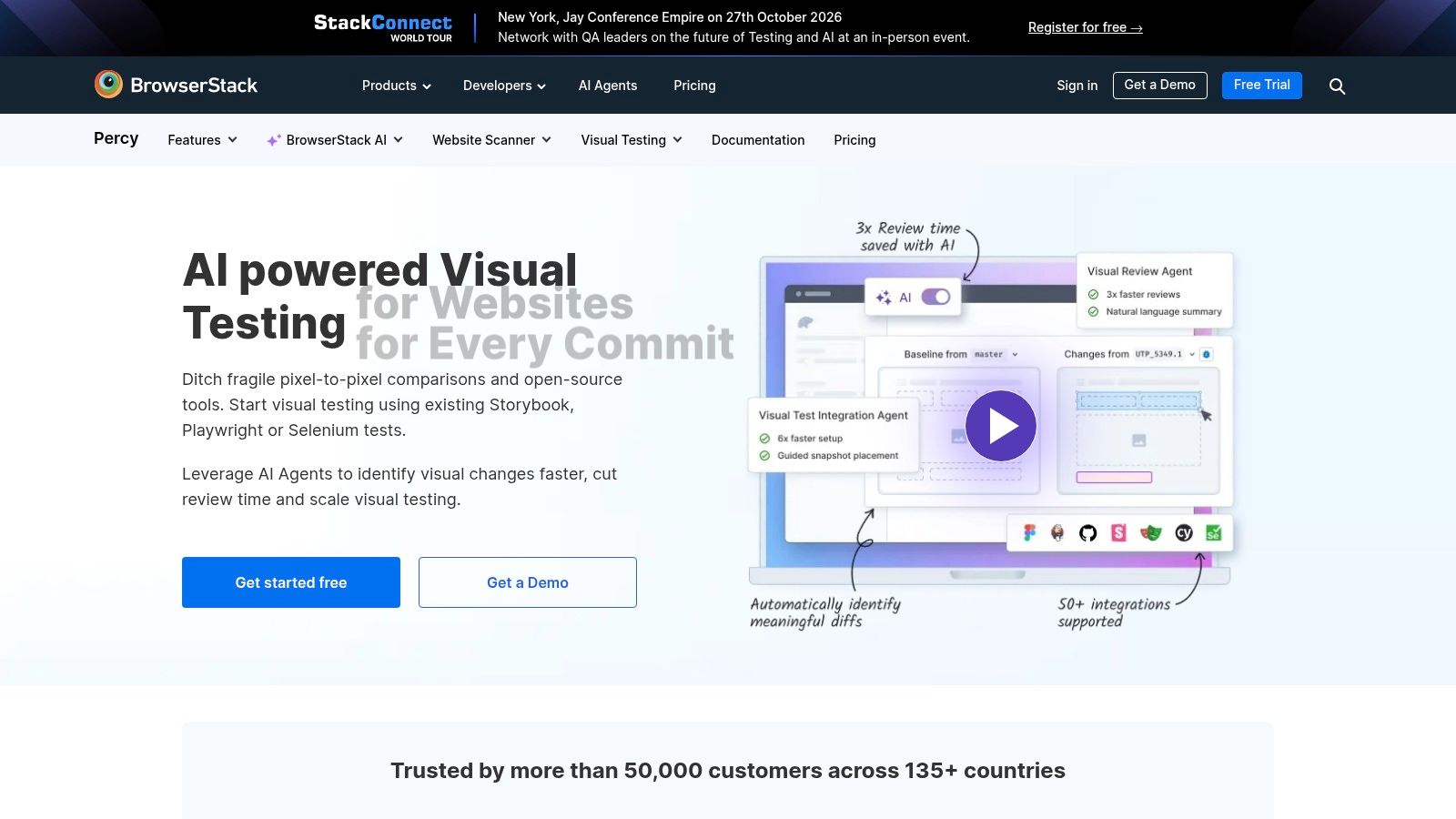
Question answered: Did this pull request change the interface unexpectedly?
Percy by BrowserStack adds visual snapshots and review workflows to existing automated tests. It's useful when developers need page-level or component-level comparisons alongside code review rather than another place to explore browsers manually.
Responsive snapshots help expose layout changes at selected widths. The important word is selected: capturing a narrow and wide layout doesn't prove that everything between them behaves correctly.
Capture meaningful states
A checkout page with an empty cart says little about a checkout page with long product names, validation messages, and an expanded address form. Set those states deliberately before taking snapshots.
Keep data deterministic and handle animations, timestamps, and personalized content carefully. Broadly masking dynamic regions can conceal exactly the layout problems you're trying to catch.
Percy's free plan provides a way to trial visual testing, but expected snapshot usage and paid-plan limits need evaluation before making it a required CI gate.
The trade-off is review volume. More pages, widths, and states create more baseline work, especially during intentional redesigns. Assign ownership so visual changes don't become a queue nobody wants to approve.
Percy doesn't replace functional assertions or hands-on device testing. A snapshot may show a correctly styled payment dialog without proving that focus enters it, the keyboard doesn't obscure its controls, or the payment transaction completes.
10. Chromatic
If your team develops components in Storybook, Chromatic keeps visual review close to where those components are defined. It captures stories, supports visual and interaction checks, and makes changes available for approval before merge.
Its browser coverage includes Chrome, Firefox, Safari, and Edge. Responsive viewports, themes, and localization states make it useful for components whose appearance changes with content or presentation settings.
The question it answers is narrower than full application compatibility: does this component render and behave as intended in the states you've modeled?
Stories define the coverage boundary
A button's default story won't reveal how it behaves inside a crowded checkout footer. Add realistic states for long labels, loading, errors, disabled controls, and translated content rather than relying on an attractive default example.
- Best fit: Teams already maintaining Storybook as part of component development.
- Useful advantage: Reviewers can inspect a focused component change without navigating an entire application.
- Main limitation: Isolated stories don't reproduce all application routing, authentication, global styling, or backend dependencies.
Chromatic offers a free plan with unlimited collaborators and projects, but intentional visual changes still require baseline review. A free entry point doesn't remove the need to maintain useful stories.
Pair it with application-level tests for assembled screens and critical workflows. A component library can pass while the application fails, particularly when components interact with overlays, routing, shared state, or unexpected production content.
How the 10 cross browser testing tools differ by deployment, device coverage and best use
| Item | Deployment | Real Mobile Devices | Best For | Main Limitation |
|---|---|---|---|---|
| BrowserStack | Hosted cloud platform | Yes | Broad browser and device testing without an in-house lab | Costs can rise with concurrency and coverage |
| LambdaTest (TestMu AI) | Hosted cloud platform | Not specified | Scalable browser testing integrated with CI | Availability, limits, and naming or pricing may change |
| Sauce Labs | Hosted cloud platform | Yes, separate offering | Managed browser and device testing with debugging tools | Real-device access and automation can be costly |
| TestingBot | Hosted cloud platform | Yes, iOS and Android | Teams needing multiple testing modes and frameworks | Device and concurrency availability varies by plan |
| Playwright | Local or CI; can connect to cloud services | No built-in real-device catalog | Code-first cross-browser automation | Device emulation does not replace real-device testing |
| Cypress | Local or CI; optional paid cloud service | No | Teams already using Cypress for end-to-end tests | Not a remote browser farm |
| Selenium Grid | Self-hosted infrastructure | Not specified | Teams needing a customizable WebDriver grid | Requires infrastructure setup and ongoing maintenance |
| Applitools | Hosted visual-testing platform | Device rendering available; physical devices not specified | Visual regression testing across browser and device combinations | Specialized visual testing, not general automation |
| Percy by BrowserStack | Hosted visual-testing service | No hands-on real-device testing | Visual review in pull requests and responsive checks | Snapshots do not replace functional or real-device testing |
| Chromatic | Hosted service built around Storybook | No | Component visual reviews for Storybook teams | Limited fit for general full-page browser testing |
Build a Test Stack Around the Risk You Actually Have
Choose an engine-level tool for behavior, then add a visual or physical-device layer where your application needs it. Playwright, Cypress, and Selenium-based tests can establish functional behavior; Applitools, Percy, and Chromatic inspect appearance; hosted browser and device services supply environments you don't want to maintain.
Keep the same critical workflow intent across those layers. Complete checkout with consistent test data, inspect its important visual states, and exercise it on relevant physical devices. Don't mistake running the same script everywhere for checking every relevant failure mode.
Add identity consistency as a separate contract
None of these tools automatically verifies that the browser's claimed identity agrees across main-frame JavaScript, workers, iframes, request headers, and transport behavior. You can build those assertions with automation, but a passing functional suite doesn't include them by default.
This matters when you're testing custom browser builds, persistent profiles, geographic configurations, or privacy-sensitive APIs. A page can load correctly while reporting incompatible platform, locale, graphics, or browser-version signals in different contexts.
Build an authorized diagnostic page and a controlled server endpoint, then collect evidence from both sides:
- Compare contexts: Read available platform, language, hardware, and graphics signals in the main page, workers, and frames. Distinguish unsupported APIs from contradictory values.
- Inspect requests: Record user-agent and client-hint headers alongside the JavaScript-visible identity. Use server-side observation for TLS and HTTP behavior rather than inferring it from page scripts.
- Test persistence: Restart the intended profile and compare its identity contract. Treat expected browser updates separately from unexplained drift.
- Label maturity: Separate standardized behavior from experimental or browser-specific features, and test graceful degradation when an API isn't available.
Developer needs documented by Microsoft Edge reinforce why selected interoperability work shouldn't be mistaken for complete coverage of emerging platform behavior.
Verify the setup before trusting the result
At Clearcote Labs, we maintain a Chromium fork with engine-level identity controls and Playwright and Puppeteer integration. It can support reproducible Chromium identity testing, but it doesn't replace Firefox, WebKit, or physical-device coverage.
Our free fingerprint test checks the browser that opens it for contradictory signals and explains the findings in plain English. Run it in the same browser configuration used by your automation, then investigate differences alongside your own cross-context and server-side evidence.
No tool is undetectable, and no fingerprint score proves application compatibility. Finish by verifying your browser setup with a fingerprint test, because a passing functional suite doesn't show that the browser's signals agree with each other.
We offer an open-source Chromium fork with engine-level identity controls, drop-in Playwright and Puppeteer integration, and a free fingerprint coherence test. Visit Clearcote Labs to check your current browser setup and add repeatable identity checks alongside your cross-browser regression suite.