
The most popular advice about choosing test automation tools is to compare features, pick the framework with the cleanest API, and start writing tests. That's backwards. In production CI, the framework is often the easiest part to replace. What breaks your budget is execution infrastructure, browser version drift, flaky identities, and the maintenance work nobody puts in the comparison table.
A suite that passes locally and fails in CI because Canvas, fonts, timezone, and TLS signals don't agree isn't a selector problem. It's an infrastructure and identity consistency problem. The same logic applies outside testing. Teams weigh control against operating cost in decisions like Font Checker Pro's font hosting guide, and browser automation deserves the same treatment.
This list covers what each tool is good at, what it'll cost you to run, and where it stops helping. That includes where an engine-level browser like Clearcote fits when anti-bot systems start rejecting scripts that are functionally correct. You'll find honest limitations for every entry, including the featured one, because a tool you can't operate reliably isn't cheaper just because it's free or fashionable.
Table of Contents
- 1. Clearcote Labs
- 2. Playwright
- 3. Selenium
- 4. Cypress
- 5. Puppeteer
- 6. WebdriverIO
- 7. Robot Framework
- 8. BrowserStack
- 9. Sauce Labs
- 10. TestMu AI (formerly LambdaTest)
- Test automation tools at a glance
- Picking a Stack and Making It Hold Up
1. Clearcote Labs
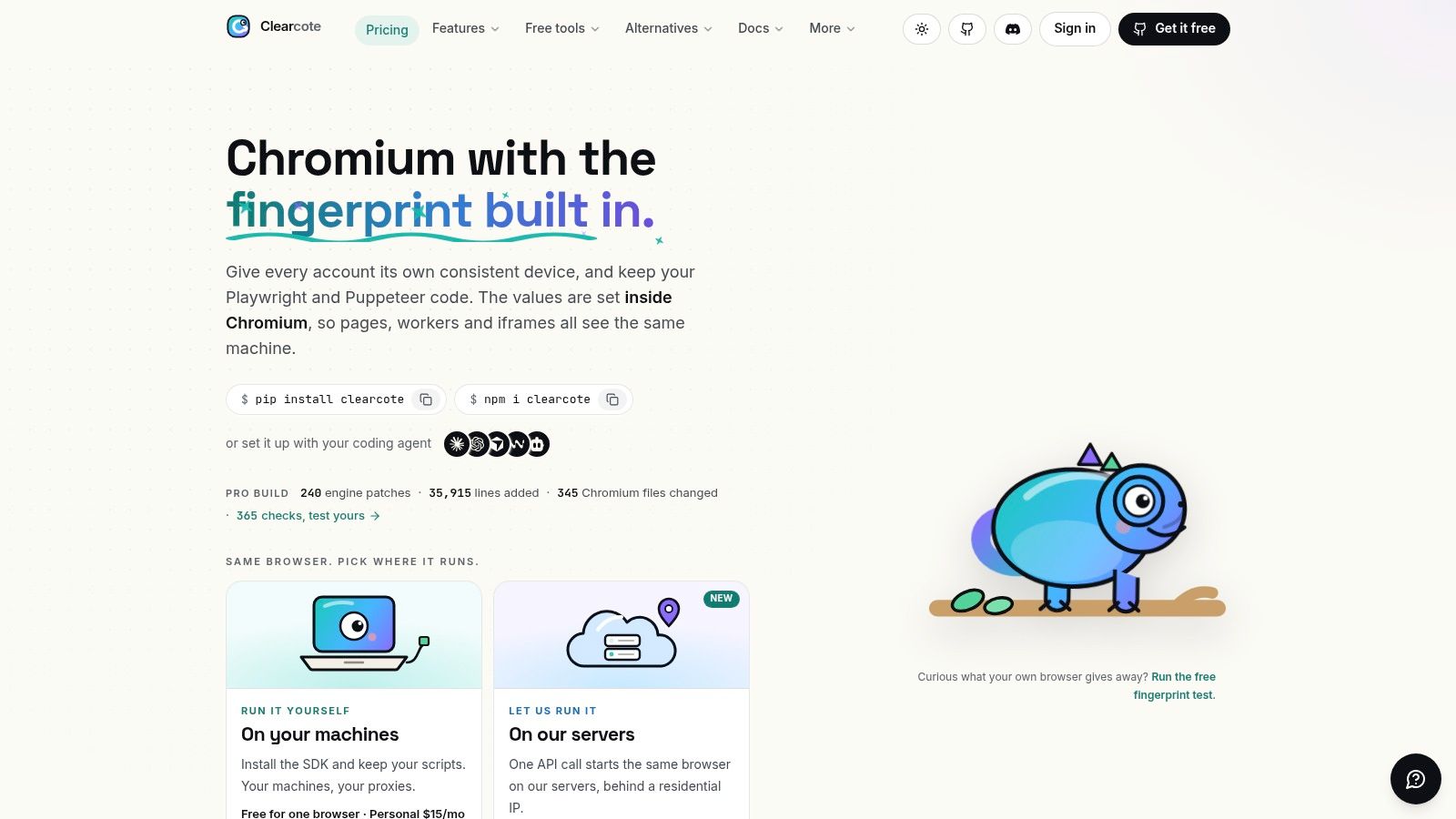
Clearcote Labs offers Clearcote, an open-source, de-Googled Chromium browser with fingerprint controls built into the engine. It is the browser layer beneath Playwright and Puppeteer, with SDKs for Python, Node.js, and .NET. Teams can run it locally, in Docker, on Clearcote's servers, or under an AI agent.
The practical distinction is identity consistency. Clearcote sets signals such as Canvas, WebGL, audio, and fonts in the browser engine, so workers and iframes use values from the same patched engine rather than separate page-level overrides. A seed produces the same device across sessions, while a different seed produces an unrelated identity. Use one seed per account when repeatability matters.
What It Costs to Run
The deployment choice affects how much infrastructure your team owns. Local and Docker setups leave runtime operations to you; hosted browsers include residential IPs and are billed by data usage. Clearcote also offers a Docker image, a CDP endpoint, and an MCP server through which Claude Desktop, Cursor, or Cline can drive one shared browser.
TLS and HTTP/2 fingerprints come from Chromium's network stack, while proxy geo-matching adjusts timezone, language, and WebRTC settings to the exit IP. For repeatable QA, the Profile Manager and captured device profiles provide ways to create and reuse browser identities without relying only on generated seeds.
The licensed build is free for one concurrent browser. A one-time $49 pass provides 30 days of Pro access and does not renew. If you need more than 250 browsers, Pro allows 100 additional browsers for $25 per month. Hosted browsers are billed per GB; the section does not specify a per-GB rate.
- Strengths: Engine-level identity controls, drop-in Playwright and Puppeteer support, seeded identities, captured profiles, and a reproducible open-source build.
- Limitations: Clearcote is a browser layer, not a test runner. Local and Docker deployments still require you to manage execution infrastructure, and browser support is focused on Windows and Linux.
No browser tool is undetectable. Validate configurations with tools such as CreepJS, BrowserScan, and Pixelscan, and treat fingerprint coherence as one part of a lawful testing setup, not a guarantee of acceptance.
2. Playwright
If you're starting a new end-to-end suite today, Playwright is the default I'd evaluate first. It's an open-source framework and test runner that automates Chromium, Firefox, and WebKit through one consistent API. Bindings cover JavaScript and TypeScript, Python, Java, and .NET, so you don't need to change languages to adopt it.
The operational value is in what's bundled. You get parallel execution, test isolation, retries, and reporting without assembling them yourself, plus trace-based debugging that shows you what happened step by step after a CI failure. Mobile-device emulation handles viewport and device checks without a physical lab for early coverage.
Where teams underestimate Playwright is infrastructure. It doesn't give you runners, capacity, or a browser fleet. You maintain browser binaries and versions alongside the framework, and you own scaling, caching, and artifact storage unless you buy a cloud provider separately.
- Strengths: Free, broad browser coverage, and a complete runner with strong debugging.
- Limitations: Self-managed execution by default, and its WebKit build isn't branded Safari, so don't report it to stakeholders as Safari coverage.
For most web teams, those trade-offs are acceptable. Playwright gives you the most complete open-source starting point, provided someone on the team owns the CI plumbing.
3. Selenium
Selenium's durability comes from standardization, not novelty. Selenium centers on WebDriver, and the TestingBot history of Selenium at 20 years notes the W3C WebDriver specification became a Recommendation on June 5, 2018. By then Chrome, Firefox, Edge, and Safari implemented it, which is why old suites still run today.
That history matters if you inherit tests. Selenium offers WebDriver bindings for multiple programming languages, works with browser implementations from different vendors, and supports distributed execution through Selenium Grid. It also documents WebDriver BiDi for bidirectional browser communication, which narrows some older gaps with DevTools-based tools.
The cost is assembly. Grid, drivers, browser versions, and result reporting are separate concerns you configure and maintain, a setup covered in this guide to running Selenium in Docker. Results depend heavily on the exact browser, driver, and grid versions you operate.
- Strengths: Mature ecosystem, broad language support, free and open source, and a choice between your own grid or a hosted provider.
- Limitations: More infrastructure work than an all-in-one framework, and no turnkey cloud browser fleet included.
I wouldn't start most greenfield projects here, but I also wouldn't rewrite a stable Selenium suite for fashion. Migrate when maintenance data says so, not when a newer API looks cleaner.
4. Cypress
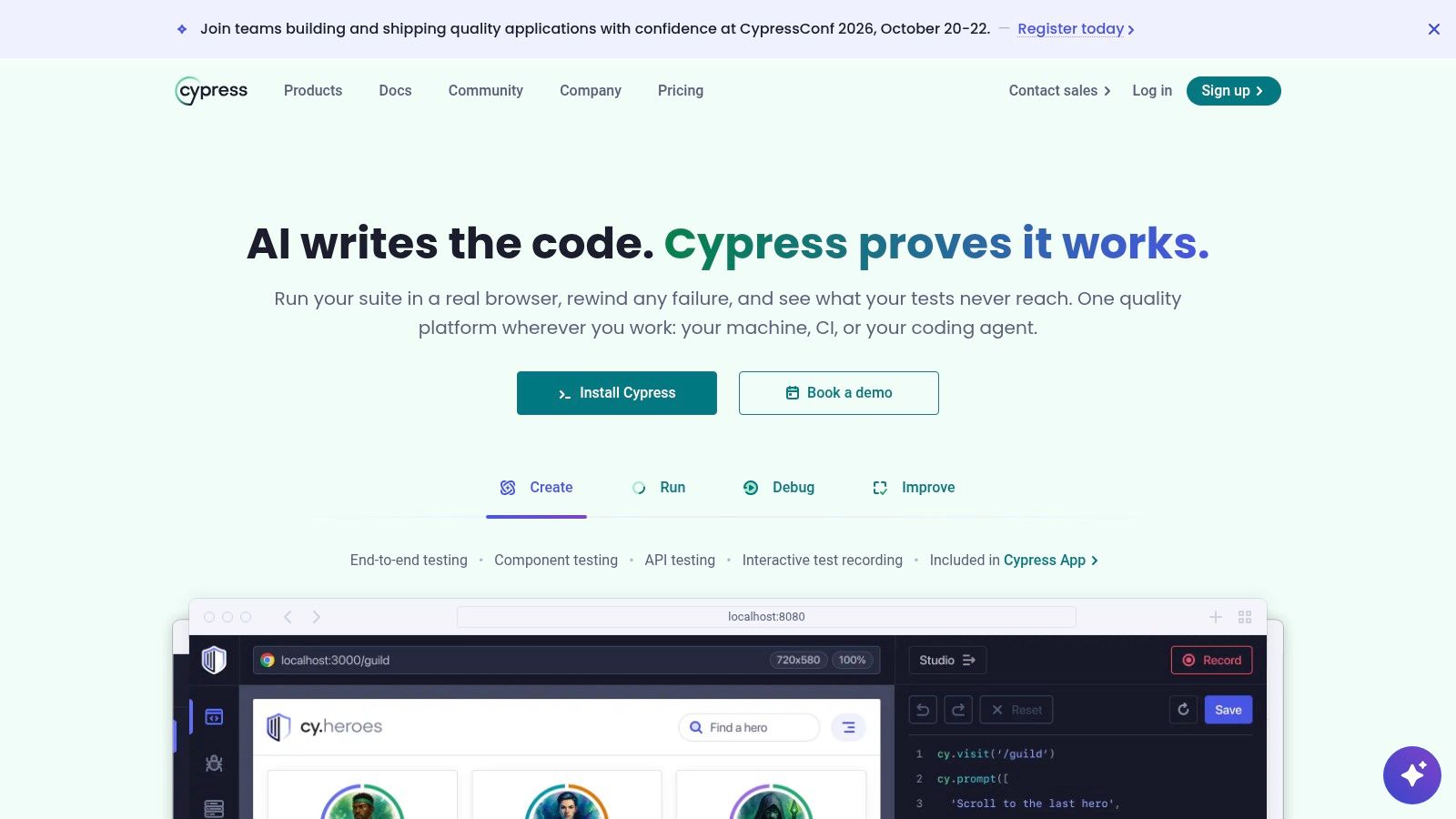
Cypress wins developers over at the writing stage, and that isn't trivial. Tests nobody enjoys debugging get deleted. Its interactive local test runner makes front-end failures visible quickly, and it covers both end-to-end and component testing in one tool aimed squarely at web developers.
The business model splits cleanly. The open-source local app works without a paid subscription. Cypress Cloud adds hosted run recording, test history, analytics, test replay, parallelization, and flake analytics for teams that need to investigate instability across many runs.
Adoption data shows it has real traction, though not dominance. The 2025 State of Testing report found Cypress used by 28% of respondents. It documents support for Chrome-family browsers, Firefox, and WebKit, subject to browser requirements you should check against your actual target matrix.
- Strengths: Developer-oriented debugging, free local use, and Cloud tooling for failure and flake investigation.
- Limitations: Cloud plans carry test-result and feature limits, so cost scales with usage and tier. It also won't replace every browser automation workflow or non-JavaScript stack.
Pick Cypress when front-end developers own the tests and work mostly in one app. Pick something broader when your matrix or language needs outgrow that center of gravity.
5. Puppeteer
Puppeteer does less than the frameworks around it, deliberately. It's an open-source JavaScript library for controlling Chrome and Chromium through the DevTools Protocol, not a full test platform. For browser interaction, screenshots, and PDF generation, that narrow scope is exactly the appeal.
Because there's no bundled runner, you pair it with your preferred test runner, assertions, and reporting. That fits naturally into Node.js projects and CI pipelines where those choices already exist. The ecosystem also includes a Puppeteer-based MCP server for agent-driven Chrome automation.
Where the Narrow Scope Hurts
Cross-browser coverage is the obvious gap. If you need uniform behavior across Chromium, Firefox, and WebKit, you'll end up adding a second tool or switching to Playwright. Browser version management and execution environment also stay on your plate, including the fingerprint coherence issues that plain Chromium doesn't address.
- Strengths: Focused, direct API for Chrome-oriented automation, and free local use inside existing JavaScript stacks.
- Limitations: You supply the test runner, reporting, and infrastructure, and broad cross-browser projects will outgrow it.
I reach for Puppeteer for scripted browser tasks and Chrome-specific checks. I don't build a large, multi-browser regression strategy on it and then act surprised by the missing pieces.
6. WebdriverIO
WebdriverIO is the flexible option for Node.js teams whose testing doesn't stop at the browser. It provides a shared runner and API across browser, mobile, desktop, component, and visual testing, using WebDriver and WebDriver BiDi, with mobile automation through Appium.
That breadth shows up in integrations. It connects to local drivers, Selenium Grid, or cloud services, and works with Mocha, Jasmine, Cucumber.js, and other test frameworks. A setup wizard, reporters, and built-in assertions reduce initial assembly, though they don't eliminate it.
Flexibility is also the operating cost. You choose and configure more parts of the stack than with Playwright or Cypress, and mobile or desktop workflows add their own driver and environment requirements. Each additional platform is another failure surface in CI.
- Strengths: Broad platform scope, flexible runner and service integrations, and free open-source licensing.
- Limitations: Best suited to teams comfortable maintaining JavaScript-based test infrastructure. If nobody wants to own configuration, breadth becomes drag.
Choose WebdriverIO when one Node.js team maintains tests across several platforms. If you only test a web app in browsers, its range buys you complexity you won't use.
7. Robot Framework
Readable tests are the whole pitch here, and for acceptance workflows that pitch works. Robot Framework is an open-source, Python-based, keyword-driven framework for acceptance testing, ATDD, and BDD, released under Apache 2.0. Non-developers can read a test case and tell you whether it describes the right behavior.
Its power comes from libraries rather than a built-in browser engine. The Browser library is powered by Playwright, and the wider ecosystem extends across varied technologies and interfaces, a pattern explored in this overview of open-source browser automation. Browser testing becomes one capability inside broader automation instead of a separate silo.
That dependency model needs active evaluation. Browser support depends on separately installed libraries and their requirements, so you're tracking compatibility across the framework, the library, and Playwright underneath. Keyword abstraction can also frustrate developers who'd rather write tests directly in code.
- Strengths: Readable cases for shared QA and acceptance work, an extensible library ecosystem, and a free Python foundation.
- Limitations: You must vet library maintenance and compatibility yourself, and debugging sometimes means crossing abstraction layers.
It's a strong fit when business-readable acceptance tests matter more than developer ergonomics. It's a poor fit when engineers will fight the keyword layer on every test.
8. BrowserStack
BrowserStack isn't a framework, and judging it as one leads to bad comparisons. It's a hosted testing platform that runs your existing automation against managed browser and device environments, including real-device options. It supports frameworks such as Playwright, Selenium, and Cypress, so many teams keep their suite and change where it executes.
That's the right trade when your matrix is the problem. Maintaining an in-house device lab means buying hardware, patching operating systems, and replacing devices on someone else's release schedule. BrowserStack also provides local testing connections for staging or private sites, plus parallel testing tied to your plan, themes compared further in this roundup of cross-browser testing tools.
Rent the matrix when you need breadth occasionally. Own it when utilization is high enough that rental stops making sense.
- Strengths: Broad browser and device coverage without purchasing a fleet, while keeping your current framework.
- Limitations: Cost and throughput depend on product, parallel sessions, and plan. Sending tests to a third party can raise privacy or compliance questions, and hosted execution adds an external dependency to every run.
Do the capacity math before you sign. Parallel limits, not headline device counts, determine whether CI gets faster or just more expensive.
9. Sauce Labs
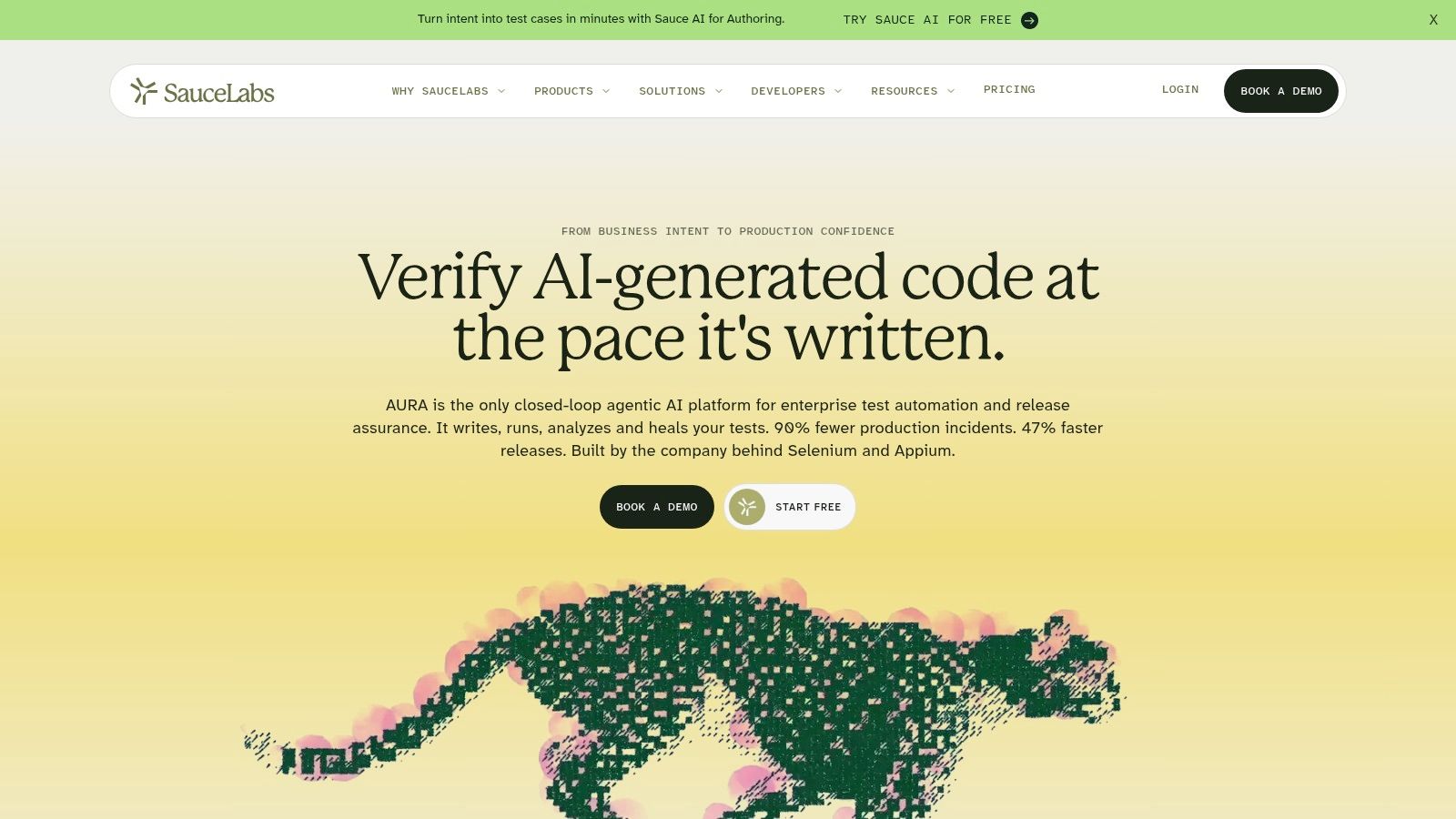
Sauce Labs sells the same basic relief as BrowserStack, coverage without a device lab, with its own packaging and tooling choices. It's a cloud testing service for browser and mobile app automation across a range of languages, frameworks, and CI systems, offering both virtual environments and real-device testing.
Debugging artifacts are where hosted platforms earn or lose their keep. Sauce Labs provides video, screenshots, and debugging tools for test runs, which matters when a failure exists only on a device you don't own. Secure local tunneling covers non-public environments, and integrations with common frameworks and CI systems reduce adoption friction.
Survey context explains why integration breadth matters so much. The 2025 Rainforest QA AI in software testing report found approximately 75% of teams already using traditional code-based test-automation frameworks had adopted AI testing tools. Tools increasingly need to fit existing stacks rather than replace them.
- Strengths: Expanded browser and mobile coverage, useful recordings and artifacts, and clear separation between virtual and real-device offerings.
- Limitations: Plans organized around concurrency and product type require capacity planning. Real-device and enterprise needs can push costs up quickly.
Evaluate it with your slowest suite at your real parallelism target. A short demo run tells you almost nothing about queueing at release time.
10. TestMu AI (formerly LambdaTest)
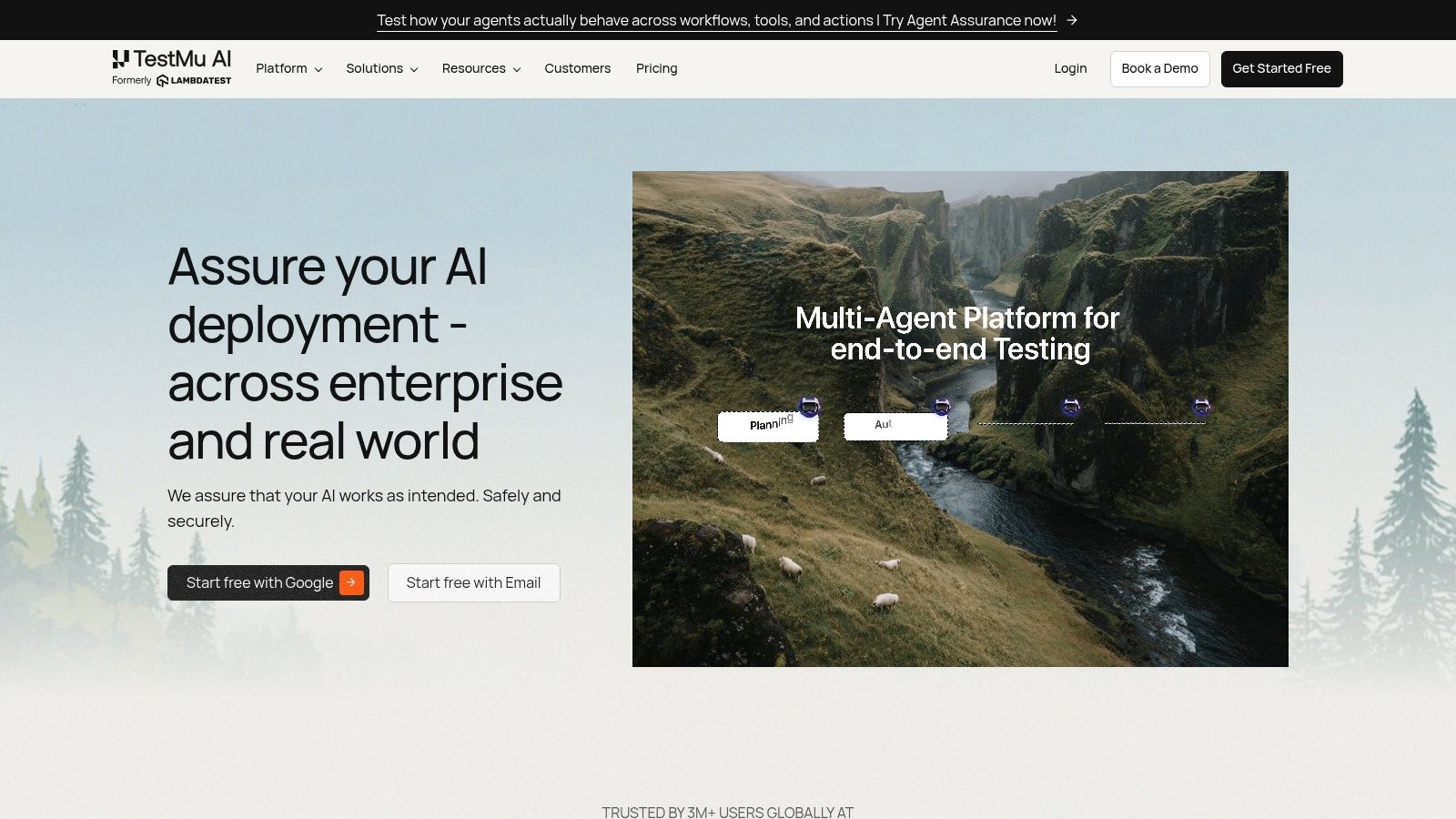
The name change is the first thing to get straight, because older reviews and documentation still say LambdaTest. TestMu AI is a hosted testing cloud for web and mobile automation supporting Selenium, Playwright, Puppeteer, Cypress, and WebdriverIO. That framework range makes it easy to trial against an existing suite.
Plans offer browser and operating-system combinations, mobile testing on applicable tiers, and artifacts such as logs, screenshots, and video, plus analytics. Listed plans also include geolocation testing and network throttling, which help when failures depend on region or connection quality rather than layout.
Its free tier supports limited evaluation, and I'd use it aggressively before paying. Run your actual matrix, check the operating systems you need, and confirm concurrency under load, because plan features and coverage differ in ways marketing pages compress.
- Strengths: Several common frameworks fit existing suites, a free entry point, and hosted infrastructure for browser environments.
- Limitations: The LambdaTest transition can confuse research, and external execution may not suit sensitive testing environments.
Among test automation tools, hosted clouds compete on capacity and diagnosability more than device lists. Verify both with your own suite during the trial window.
Test automation tools at a glance
A tool's feature list says little about its operating cost. Frameworks differ in browser maintenance and infrastructure needs, while identity consistency can matter when tests depend on stable browser signals.
| Tool | Type | Browser coverage | Best for | Cost model |
|---|---|---|---|---|
| Clearcote Labs | De-Googled Chromium browser | Chromium | Consistent browser identities and Playwright or Puppeteer automation | Free option for one concurrent browser; paid Pro access, including a one-time 30-day pass; hosted browsers billed per GB |
| Playwright | Open-source automation framework and test runner | Chromium, Firefox, WebKit | Cross-browser end-to-end testing and CI | Free and open source |
| Selenium | Open-source WebDriver automation project | Multiple browser vendors | Existing WebDriver suites and teams managing their own infrastructure | Free and open source |
| Cypress | Open-source end-to-end and component testing tool | Chrome-family browsers, Firefox, WebKit; check target requirements | Front-end testing and interactive debugging | Local app is free; Cloud is paid with usage- and tier-based costs |
| Puppeteer | Open-source JavaScript automation library | Chrome and Chromium | Chrome-focused automation, screenshots, and PDF generation | Free and open source |
| WebdriverIO | Open-source Node.js automation framework | Web browsers via WebDriver and WebDriver BiDi | Node.js teams testing across browser, mobile, and desktop | Free and open source |
| Robot Framework | Open-source, Python-based keyword-driven framework | Browser coverage depends on libraries; Browser library uses Playwright | Readable acceptance tests and broader automation | Free and open source |
| BrowserStack | Hosted browser and device testing platform | Broad browser and device environments, including real devices | Managed cross-browser and device testing with existing frameworks | Paid plans; cost and capacity depend on product and plan |
| Sauce Labs | Cloud browser and mobile testing service | Virtual browsers and real devices | Expanding browser and mobile coverage without an in-house lab | Paid plans based on product and concurrency |
| TestMu AI (formerly LambdaTest) | Hosted web and mobile testing cloud | Browser and operating-system combinations; mobile on applicable plans | Running existing automation frameworks in hosted environments | Free tier for limited evaluation; paid plans vary by features and capacity |
The framework rows generally leave browser provisioning and maintenance to your team. Hosted services shift that work to a provider, with plan limits and concurrency shaping the cost. Clearcote occupies a different niche: its Chromium build provides engine-level identity controls, while hosted browsers are billed by usage. Choose based on the ongoing work your suite requires, not just the initial setup.
Picking a Stack and Making It Hold Up
Start with the framework that matches your language and browser matrix, not the one with the loudest releases. Playwright fits most new cross-browser suites, Selenium protects existing WebDriver investment, Cypress suits developer-owned front-end tests, and Puppeteer stays sharp for Chrome-specific scripting. Then decide separately whether you self-host execution or rent it from BrowserStack, Sauce Labs, or TestMu AI.
That separation matters because automation breadth tracks infrastructure, not enthusiasm. In the mabl DevTestOps Landscape findings, 93% of respondents who automated all 10 test categories used cloud technology. Coverage follows your ability to provision environments and run tests in parallel, and integrating browser tests into CI/CD forces those decisions into the open early.
Measure Maintenance, Not Test Count
Tool lists rarely price the work after the first green run. The mabl Testing in DevOps 2025 report found that 45% of respondents considered maintaining stable, low-maintenance tests their largest automation challenge. Track maintenance minutes per successful release, false-failure rate, rerun volume, and debugging time per test layer, because unit, API, and end-to-end costs behave very differently.
That math also tells you when augmentation beats replacement. If selectors are stable but target sites reject your browser on fingerprint mismatches, rewriting the suite in another framework fixes nothing. You need coherent identity at the browser layer while keeping the tests you already trust.
Add Identity Coherence Only Where It Breaks
That's the slot Clearcote occupies, as a drop-in browser for Playwright and Puppeteer rather than another framework. We provide migration guides from puppeteer-extra-plugin-stealth, playwright-stealth, Patchright, undetected-chromedriver, and Camoufox, so moving off JavaScript patching doesn't mean starting over. Humanized input remains optional, and the underlying test logic stays yours.
Before any of it reaches CI, validate the browser you ship. Our free fingerprint test runs 346 coherence checks on whatever browser opens it, each with a plain-English explanation, and our builds are held to those same checks. Run it against your configured identity, fix contradictions, then promote that exact configuration into the pipeline.
Keep ambition realistic while you do this. IDC reported in 2024 that only 44% of software tests were automated, so chasing total automation usually produces brittle suites instead of confidence. Choose the fewest test automation tools that cover your matrix, validate them against real targets, and keep infrastructure decisions explicit rather than inherited.
If fingerprint mismatches are breaking scripts that should pass, Clearcote Labs offers an engine-level Chromium browser that drops into your existing Playwright and Puppeteer stack, runs locally, in Docker, over CDP, or hosted, and keeps seeded identities consistent across sessions. Start with the free one-browser licensed option, run the 346-check coherence test against your real configuration, and only scale to Personal or Pro when your CI results prove the fit.