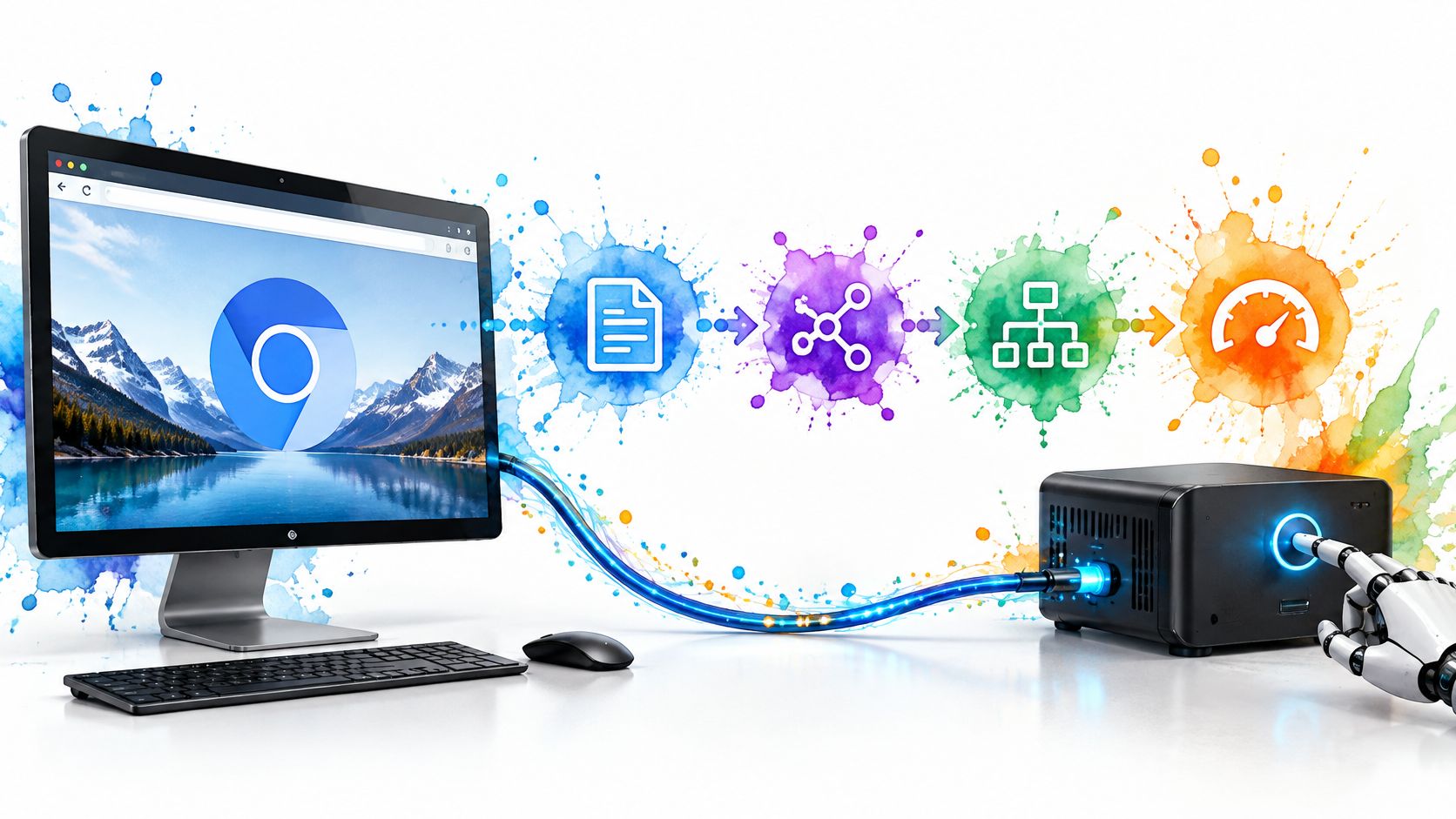
Your price monitor looked fine on Monday. By Thursday the same URLs come back as empty shells, challenge pages, or a price that never rendered. The script didn't change. The page did.
That is why web scraping API is a bad shopping label. It covers three jobs. Managed data extraction returns records for a known site. Page-fetching APIs hand you HTML or text after proxies and rendering, and you keep the parser. Hosted browser sessions keep a real browser open so clicks, logins, and later pages share one device story: the same browser, the same TLS stack, and a proxy location that still matches.
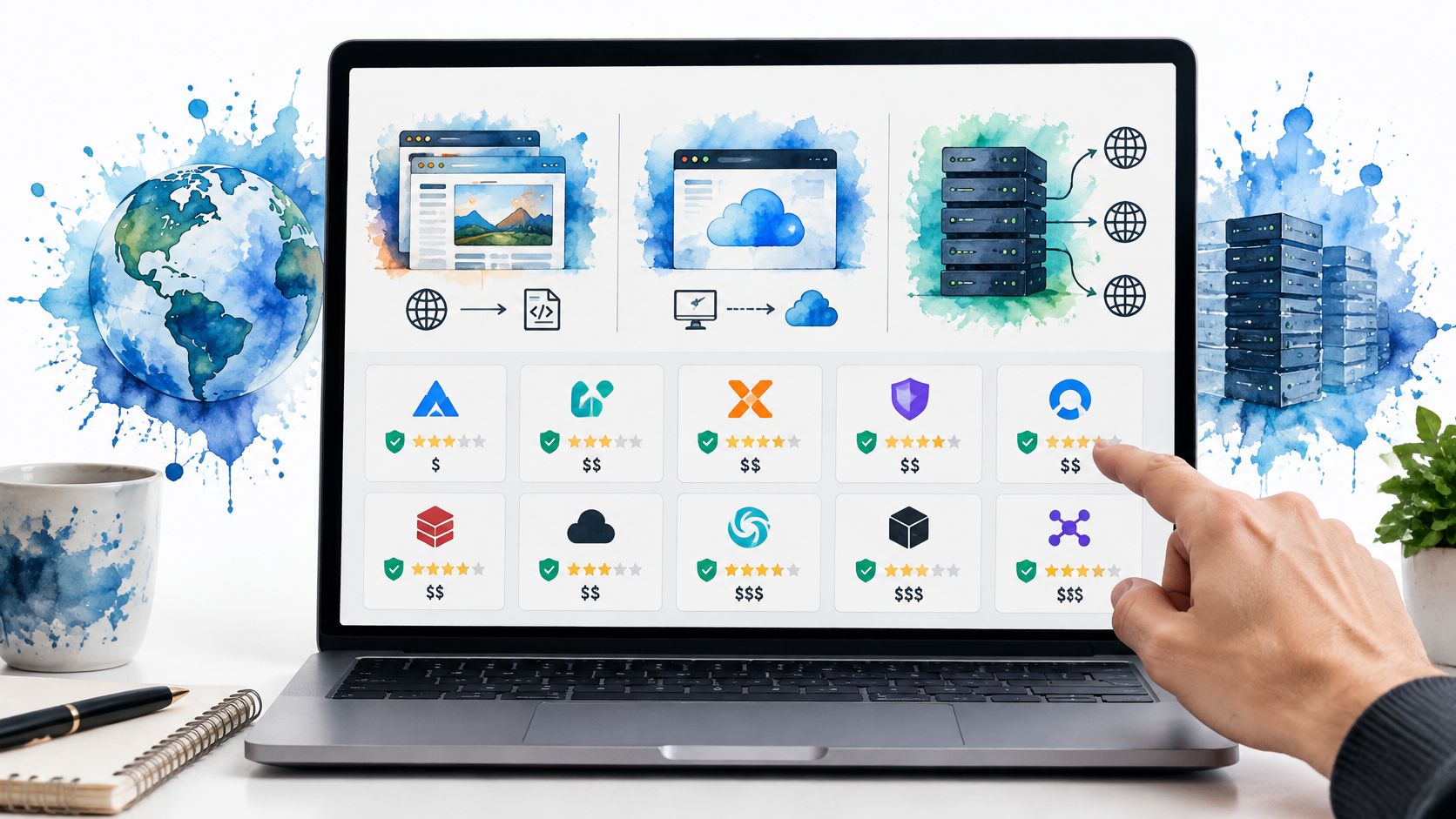
I sort the ten providers below by that job, not by the cheapest sticker. The comparison inserted after the list is about output shape, session control, and the unit you are billed for. List price is the trap. A free tier that treats a rendered page as several credits, or a "success" that is an HTTP 200 with no product data, blows the budget after the trial.
Official endpoints have not replaced the page. A 2022 study of 313 web-data marketing papers found that 59% relied on web scraping, while only 12% used APIs. If the Monday job is a Shopping grid, start from a Google Shopping scraper workflow, then pick the API class that can hold identity across the pages that follow. A 2025 market analysis put global web-scraping software at $703.56 million in 2024 and projected $3.52 billion by 2037, a 13.2% compound annual growth rate. More vendors does not make the three jobs the same.
Table of Contents
- 1. Bright Data Web Scraper API
- 2. Oxylabs Web Scraper API
- 3. Decodo Web Data API
- 4. ScrapingBee
- 5. ScraperAPI
- 6. Zyte API
- 7. ZenRows
- 8. Firecrawl
- 9. Apify
- 10. Scrape.do
- How the 10 web scraping API providers differ on access model, free testing, billing basis, and best use
- Choosing a Scraping API When Device Identity Has to Hold
1. Bright Data Web Scraper API
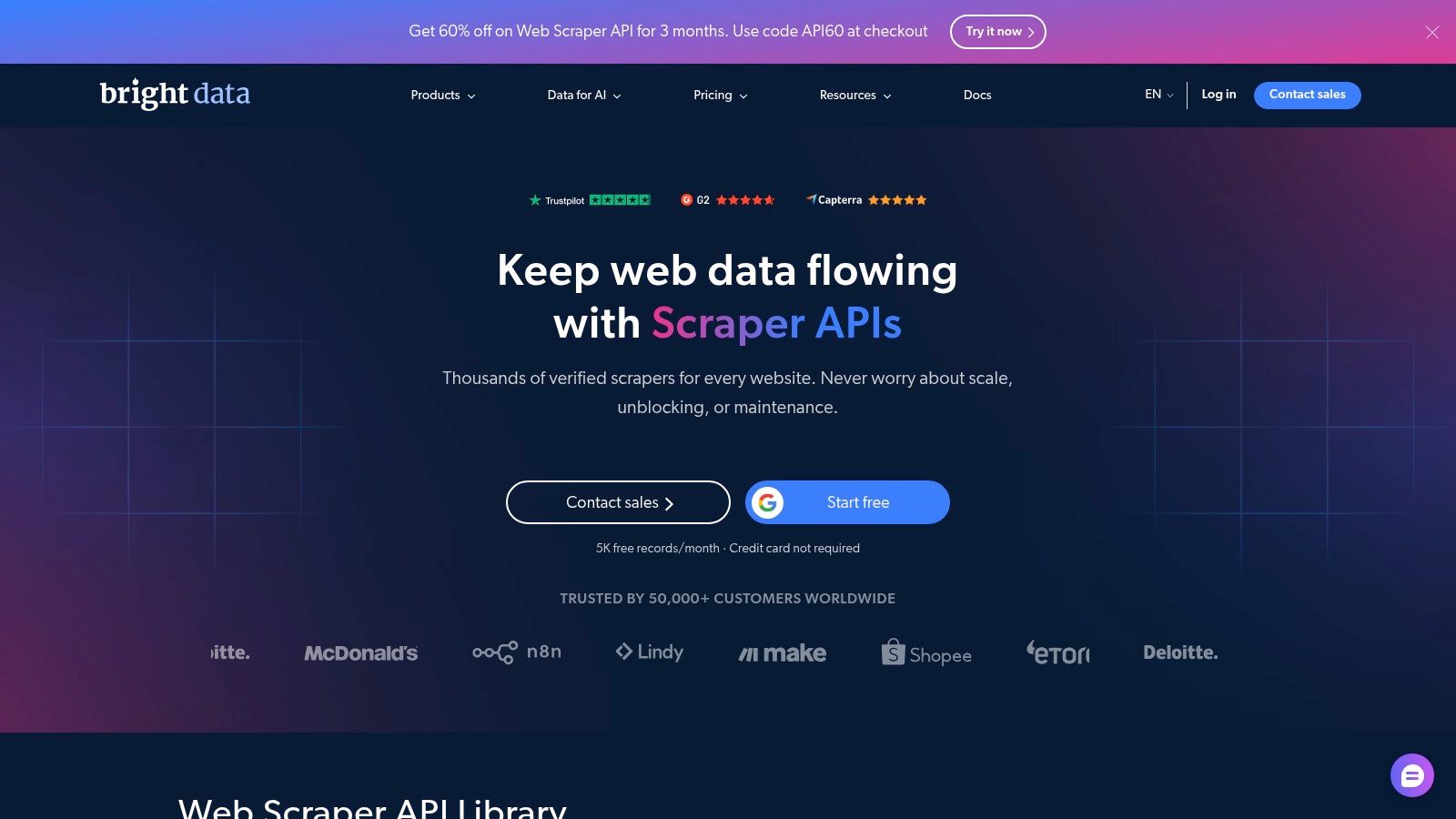
This is the managed-records job. Bright Data Web Scraper API ships ready-made scrapers for supported sites and returns structured records, which fits recurring price and stock pulls when you do not want a parser per template.
You are not holding a browser. Device identity lives inside their access layer. That is fine for a single lookup. It is the wrong fit when a flow must log in, paginate, and stay the same persona. A ready-made scraper that misses your field is not a discount. It is a rewrite.
What you are buying:
- Supported-site scrapers: less HTML maintenance, no coverage promise for your domain.
- Successful records as the meter: confirm what counts as a record before you forecast.
- A wider proxy and scraping catalog: useful if you already live in that stack, noisy if you only needed one endpoint.
A free allowance is enough to test a target. Pay-as-you-go and the Scale plan come after. The cost trap is a record definition that is wider than the row you store.
2. Oxylabs Web Scraper API
Oxylabs Web Scraper API bundles scraping and search under one product and one bill. Site-specific options, including Google and Amazon-style sources, return results instead of a raw page you parse yourself.
Usage is priced on results, and the rate moves with the product and the volume. Welcome credits and monthly plans exist so you can try it. Per-result billing is a poor fit for a tiny, occasional job where the minimum plan dwarfs the work.
Identity is still theirs. Geolocation on the request is not the same as a sticky browser whose TLS fingerprint, timezone, and exit IP agree for twenty minutes. If you outgrow the managed source and need your own exit story, read how a proxy for web scraping has to match the client, not just the country dropdown.
Validate three things on a sample: the target is supported, a "result" is the fields you keep, and rendering does not jump you into a pricier bucket.
3. Decodo Web Data API
One key, four motions. Decodo exposes scrape, search, map, and crawl, with JavaScript rendering and outputs that can include HTML, Markdown, XHR payloads, or a supported structured shape. That is handy when discovery and page pulls share an account.
Plans meter monthly volume and requests per second. A published rate limit is not end-to-end throughput. Challenge pages, render time, and retries eat the budget the dashboard does not show as "RPS."
Billing trap: a crawled URL and a scraped page are different units. Estimating the crawl as if it were cheap page fetches undercounts the invoice.
Structured output only exists where the source and the format line up. For a multi-step session, this API still fetches pages. It does not give you one browser whose fingerprint stays put while you click through a funnel. Use it for discovery plus extraction. Do not use it as a stand-in for Playwright.
A free option is enough to see whether templates hit your fields. Compare entry and higher tiers on your mix of scrapes versus crawls, not on the headline request count.
4. ScrapingBee
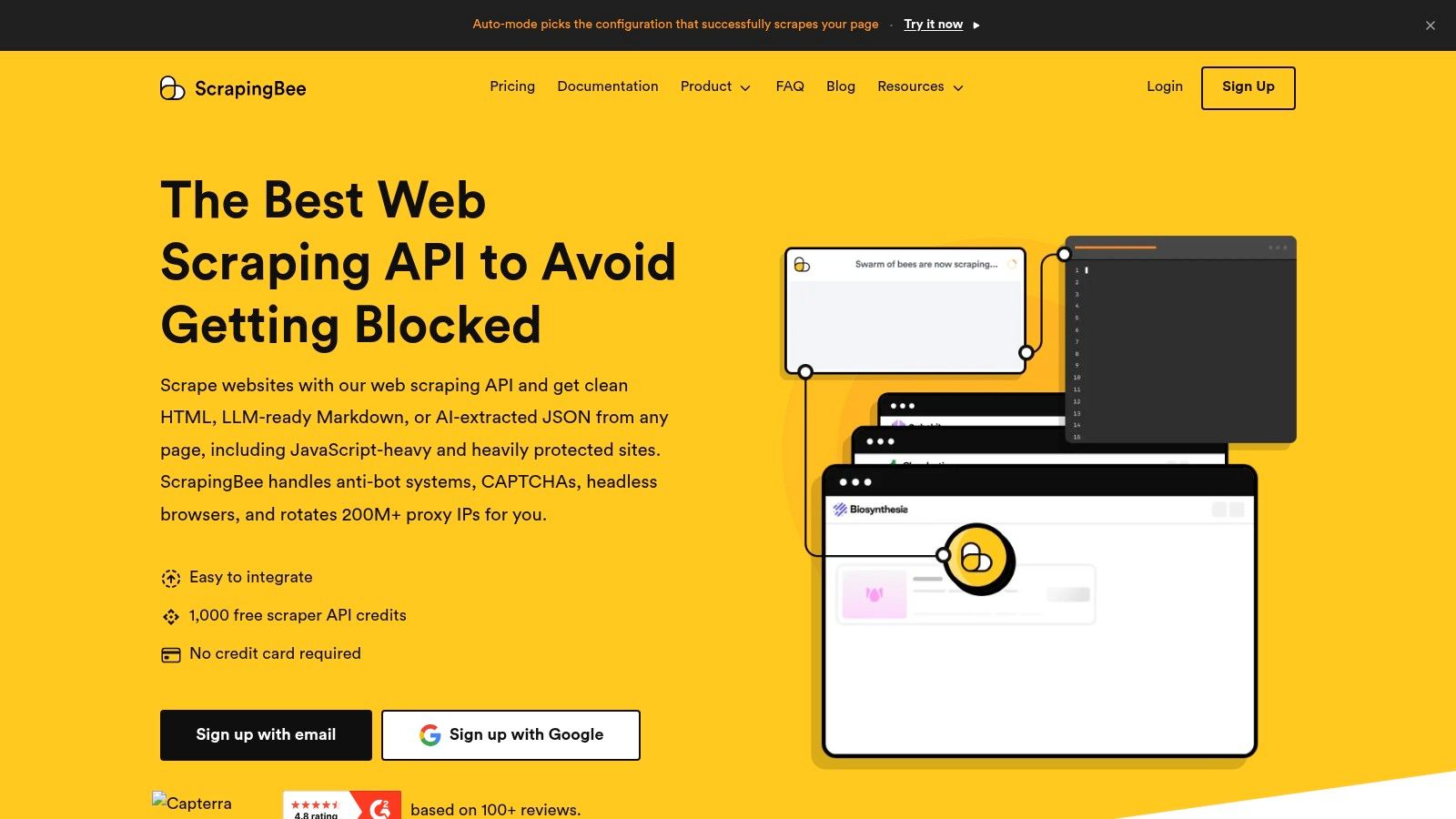
ScrapingBee is a REST fetch. You send a URL. They handle JavaScript rendering and proxy rotation. You keep the parser and the data model. Screenshots, extraction rules, and a few dedicated site APIs sit on the same call when you want them.
That split is the right fit for an existing pipeline that already knows its selectors. It is the wrong fit when you need a site-wide crawl or dozens of vendor-built schemas.
Credits are not one-to-one with pages. Target difficulty and the features you turn on change the spend. Lower plans also cap concurrency, so a "faster" loop just queues on your side or fails.
Each call can look like a fresh client. Sticky sessions, if you enable them, still are not a full browser you drive click by click. Free trial credits should be spent on your hardest URL with rendering on and off, or the quote you take to finance will be the cheap path you will not run.
5. ScraperAPI
ScraperAPI gives you more than one door: a REST API, a proxy port, an async API, and structured endpoints for supported sources. Rotating proxies, JavaScript rendering, geotargeting, and CAPTCHA handling sit behind those doors. HTML or structured data comes back depending on the endpoint.
Credit cost moves with the domain and the options. Their dashboard estimator is the honest way to price a URL. Do not infer a protected site from a plain HTML rate. Requests past the plan's concurrency are rejected, not queued, so a bursty worker needs its own backoff.
A green status is not a valid record. A 2025 study of online news exposure found that at least 33.8% of participants' news exposure could not be determined with static scraping. Rendered-versus-static drift is the same class of miss on a product page.
A billable 200 with a challenge interstitial is a failed extract. Log field completeness, not HTTP success.
If the client on the other side of that proxy must look like one browser for a whole visit, a web scraping bot you control still has to own TLS, headers, and the exit IP together. This API will not do that for you.
6. Zyte API
Zyte API mixes proxy management, browser rendering, and extraction. You can call it as an HTTP API or in proxy mode. Price depends on the site and the request type, and you pay for successful responses. A free trial credit and spending limits make the first test cheap to cap.
Browser rendering costs more than a plain HTTP body. Actions and extraction add usage on top. Site-based rates mean a basket of URLs will not price like the homepage you tried first.
Reliability also moves when you push harder. An independent benchmark of 12,500 requests across more than 3,000 URLs put Zyte API at a 93.14% success rate at 2 requests per second and 85.89% at 10 requests per second in a 15-site test, with average latency around 11.15 seconds. I would not buy a headline success rate. Log per-domain success, challenge frequency, timeouts, and cost per validated document, or more throughput just buys more retries.
Session features help a short flow. They are still not your Playwright process with a seed you can replay.
7. ZenRows
ZenRows tries to cover fetch, extract, crawl, batch, and browser sessions in one account. JavaScript rendering and premium proxies are there, and SDKs cover Python, Node.js, and Go, plus an MCP server if an agent needs to call it.
A credit is not a page. Rendering and premium proxies spend more of them. Browser sessions and residential bandwidth are separate usage, which is the post-trial surprise: the session you liked in the free tier is not priced like the simple GET.
The session product is the one that can hold a device story, because the browser stays up. The plain fetch product cannot. Mixing both in one job, then reading a single credit chart, hides which half of the bill is the browser.
Published credit tables are good for a scenario estimate. Run that scenario on three hard URLs before you annualize it. If you only needed Markdown from public docs, this stack is heavier than the job.
8. Firecrawl
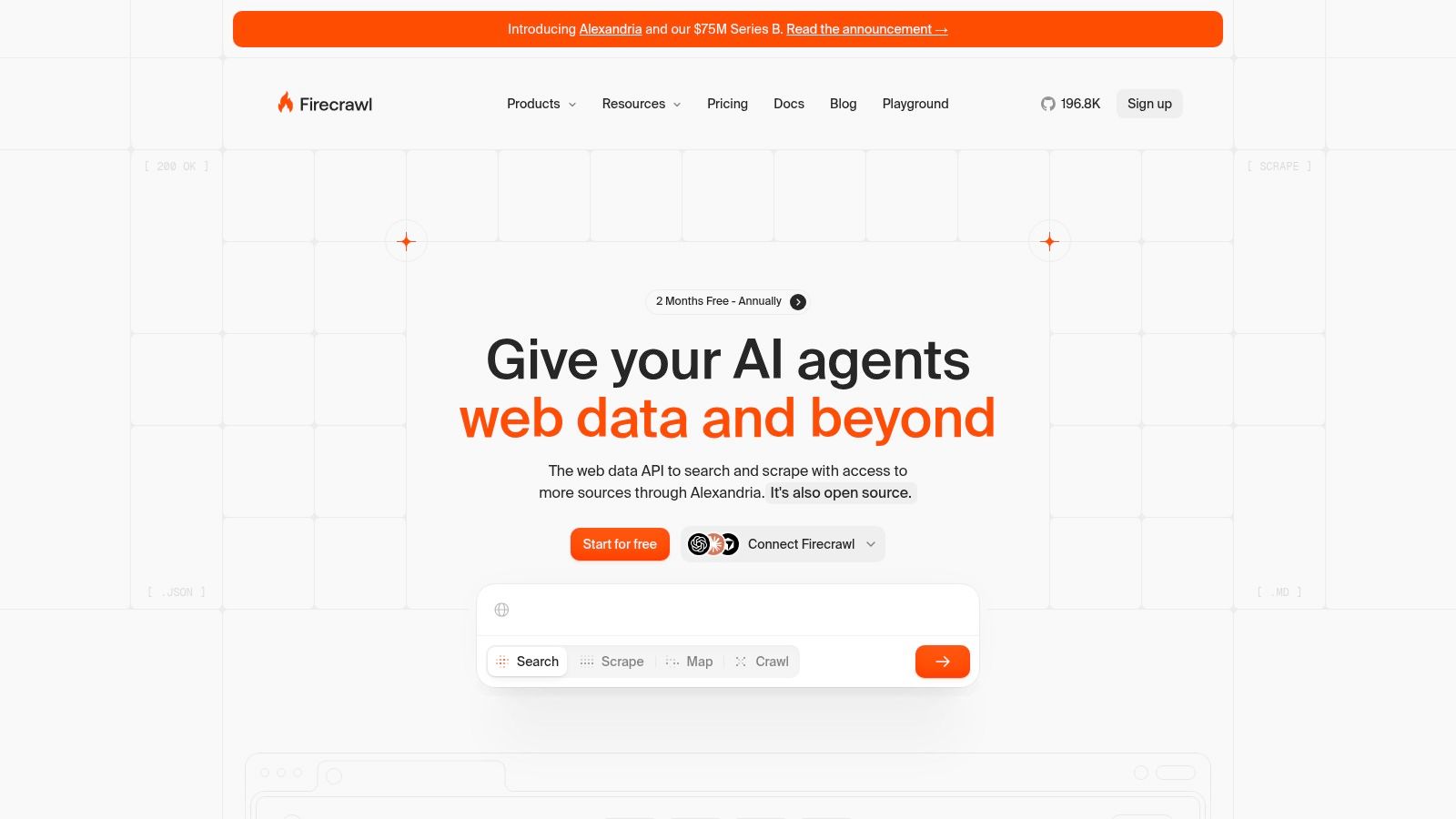
Firecrawl is aimed at the text you hand to a model. Scrape, crawl, map, search, and monitor endpoints can return Markdown or structured JSON. That skips a lot of selector work for retrieval pipelines. Some formats, including JSON extraction, cost extra credits, so the "one page" mental model fails as soon as you ask for a schema.
Self-hosting is available, with shared SDKs and a CLI. You then own the machines, the failures, and the updates. Hosted credits stay simpler until rendering and crawl depth multiply them.
This is a weak fit for custom browser behavior. Map and crawl discover URLs. They do not keep one fingerprint while an agent fills a form and waits. For that class of AI web scraping, a browser your agent actually drives matters more than cleaner Markdown.
Monthly free credits and a low entry plan are enough to see token-ready output on your docs. They are not enough to prove a crawl of a hostile catalog.
9. Apify
Apify runs scraping jobs called Actors. Use one from the Store or write your own, then schedule runs, store their results, and retrieve them through an API. Proxies can be configured for a run.
Costs can combine Actor fees, compute, proxy use, storage, and data transfer. Check how an Actor is billed and when it was last updated before making it part of a production pipeline. A Store Actor that met your needs earlier may no longer be maintained.
Free platform credit lets you try the platform without a card. Apify is a larger setup than you need for a simple request that fetches one URL and returns HTML. For multi-step jobs, check whether the browser and proxy settings stay consistent across Actors. Separate runs do not automatically share a browser session.
10. Scrape.do
Scrape.do is managed access with rendering controls: JavaScript rendering, geotargeting, residential and mobile proxy choices, sticky sessions, and browser interaction. Credit use changes with proxy type and rendering mode. The free tier is meant to expose that feature set so you see the multiplier before you pay.
Paid plans list included credits and concurrency. When credits run out, requests stop unless you upgrade or arrange more usage. There is no quiet overage that saves the nightly job.
A response their rules call successful can still be useless HTML. Price the run on fields you kept, not on responses they billed.
Sticky sessions and interaction settings are how you approximate one client. They are not a seeded browser you can replay in QA. Residential plus rendering is the combination that empties a small plan. Turn those flags on only for the targets that fail without them, and leave datacenter-style fetches on the cheap path.
How the 10 web scraping API providers differ on access model, free testing, billing basis, and best use
| Item | Access model | Free testing | Billing basis | Best for |
|---|---|---|---|---|
| Bright Data Web Scraper API | Managed API with ready-made site scrapers | 5,000 records per month | Successfully delivered records; pay-as-you-go or Scale plan | Recurring structured collection and teams needing proxy infrastructure |
| Oxylabs Web Scraper API | Managed scraping and search API with site-specific options | Welcome credits | Results, with rates varying by product and volume | Varied or high-volume collection from supported sources |
| Decodo Web Data API | API for scraping, search, mapping, and crawling | Free plan available | Monthly volume and request-rate limits | Teams combining page extraction with site discovery |
| ScrapingBee | REST API with rendering and proxy rotation | Free trial credits | Plan credits, with use varying by target and features | Developers integrating managed fetching into their own parsing pipelines |
| ScraperAPI | REST, proxy-port, and asynchronous API options | Free access available | Credits that vary by target and request settings | One-off and batch scraping with managed infrastructure |
| Zyte API | API or proxy mode with rendering and extraction | Free trial credit | Successful responses, priced by site and request type | Teams seeking managed site access, rendering, and extraction |
| ZenRows | Unified API for fetching, extraction, crawling, and browser sessions | Monthly free credits | Credits based on request complexity | Teams needing both basic retrieval and browser-driven workflows |
| Firecrawl | API for scraping, crawling, mapping, searching, and monitoring; self-hosting available | Monthly free credits | Credits, with some features costing extra | Markdown and structured content collection for search and AI workflows |
| Apify | Platform for running existing or custom Actors | Free usage credit; no card required | Actor, compute, proxy, storage, and data-transfer usage | Flexible web automation with scheduling and result storage |
| Scrape.do | Managed API with proxy, rendering, and browser controls | Free tier available | Credits based on proxy type and rendering; successful responses count | Managed scraping with geotargeting and rendering controls |
Choosing a Scraping API When Device Identity Has to Hold
Match the job first. Recurring records from a known site point at Bright Data, Oxylabs, or Decodo's structured paths. HTML you parse yourself points at ScrapingBee, ScraperAPI, Zyte's HTTP mode, or Scrape.do. A real multi-step browser points at ZenRows sessions, an Apify Actor that launches one, or your own Playwright process. Firecrawl sits with the text pipeline, not the click path.
Then price a real sample. Pull the fifty URLs that failed last Thursday, with the same rendering and proxy flags you will use in production. Compare cost per successful record. A record counts only when the fields you store are present and fresh.
A fetch API can rotate IPs and still tell two stories at once. The TLS fingerprint says one Chrome build, the proxy geo says another country, and the second request in the session has neither. I would not trust a vendor screenshot of a single 200.
Run the setup you picked against fingerprint tests such as CreepJS, BrowserScan, and Pixelscan. No tool is undetectable. Measure coherence. Do not assume it.
Keep the collection defensible. Legal guidance on scraping points teams at recording purpose, source URLs, query parameters, whether robots.txt was followed, acceptable-use rules, retention limits, and what happens downstream. Public personal data can still be personal data. Field filters and early redaction often beat a fatter scrape.
If you already drive Playwright or Puppeteer, we ship Clearcote as a self-hosted SDK: you install it, bring your own proxies, and run the browser on your machines or our Docker image. Hosted browsers are the other path, one API call for a CDP URL, residential IPs included, billed per GB, each session starting clean.
Takeaway: run a two-week test on your three hardest targets and track cost per successful record, not cost per request.
Clearcote Labs builds a Chromium you can drop into Playwright and Puppeteer when a web scraping API's rotated IP still does not match the browser and TLS story your session needs. Engine-level fingerprint controls, seeded identities, and hosted browsers with residential egress are meant for those multi-step collects. See how it fits your pipeline at Clearcote Labs.